Concept Map Generator for Linked, Labeled Ideas
Build a concept map online from a topic or list of ideas. Describe what you want and the AI links concepts into nodes with labeled connecting phrases and cross-links — then download it for study, teaching, or brainstorming.
AI Concept Map Generator
Free to try ·
Your concept map will appear here
Tip: list the central concept and the key concepts to link
Concept Map Examples
Linked, labeled maps for science, theory, research, and planning
Science Concept Map
Concepts like chlorophyll, light reactions, and the Calvin cycle joined by labeled linking phrases.
Educational Theory Map
A theory map where every relationship is named — ideal for course notes and revision.
Methodology Concept Map
Connect methods, roles, and artifacts with linking phrases that read as full propositions.
Cross-Linked Map
Cross-links between branches show how factors influence one another, not just a single hierarchy.
Research Methods Map
Map how methods relate with phrases like "uses", "produces", and "validates".
Model Concept Map
A publication-style map where labeled links turn the diagram into testable propositions.
What is a concept map?
A concept map is a diagram that organizes knowledge by placing concepts in nodes and connecting them with lines that carry labeled linking phrases. Each node holds a single concept — usually a noun or short phrase — and each connection is labeled with a verb or phrase such as "causes", "is part of", or "leads to". A concept plus a linking phrase plus another concept reads as a complete proposition, like "photosynthesis produces glucose". Good concept maps also include cross-links: connections that join concepts in different parts of the map, showing relationships that a simple hierarchy would miss. This generator builds that structure for you — nodes, labeled links, and cross-links — from a topic or a list of ideas.
Concept map vs mind map: what is the difference?
The two look similar but work differently. A mind map is radial: it starts from one central topic in the middle and branches outward into sub-topics, with connections that are usually unlabeled — the structure shows association but not the nature of it. A concept map is a network: it can have several top-level concepts, every connection is labeled with a linking phrase, and cross-links join branches so the relationships read as propositions. In short, use a mind map to brainstorm and capture ideas quickly around a single theme, and use a concept map when you need to show exactly how concepts relate and connect across a topic. If you specifically want the radial, single-topic format, the Mind Map Generator is the better fit.
How to make a concept map
- Pick a focus question or topic — what you want the map to explain or answer.
- List the key concepts involved, then describe them to the generator (or paste your list).
- Let the tool place each concept in a node and connect related ones with labeled linking phrases.
- Arrange concepts from general at the top to specific below, and add cross-links between branches where ideas relate.
- Refine the labels so each concept–link–concept reads as a clear proposition, then download your map.
The parts of a concept map
- Concepts: the labeled nodes — usually a single word or short phrase representing one idea.
- Linking phrases: the words on each connection ("produces", "requires", "is a type of") that name the relationship.
- Propositions: a concept, a linking phrase, and a second concept read together as a meaningful statement.
- Cross-links: connections between concepts in different regions of the map that reveal non-obvious relationships.
- Hierarchy: the general-to-specific arrangement, with broad concepts near the top and detailed ones below.
Using concept maps for studying and teaching
Concept maps are one of the most effective study tools because building one forces you to state how ideas connect, not just list them. Students use them to consolidate a chapter, prepare for exams, and surface gaps in understanding — a missing link usually means a missing idea. Teachers use them to introduce a unit, to give students a scaffold to fill in, or as a formative assessment that shows whether learners grasp the relationships, not only the facts. Because every link is labeled, a concept map is easy to review and discuss: you can read it back as a set of sentences and check each one.
Concept maps for brainstorming and planning
Beyond the classroom, concept maps are a strong tool for thinking through complex topics. Use one to plan an essay or report by mapping arguments and evidence and the links between them, to scope a project by connecting goals, tasks, and dependencies, or to brainstorm a problem by laying out the factors involved and how they influence each other. Cross-links are especially useful here — they expose connections between ideas you might otherwise treat as separate. Describe the topic to the generator and start from a structured draft instead of a blank canvas.
Frequently Asked Questions
Related Visualization Tools
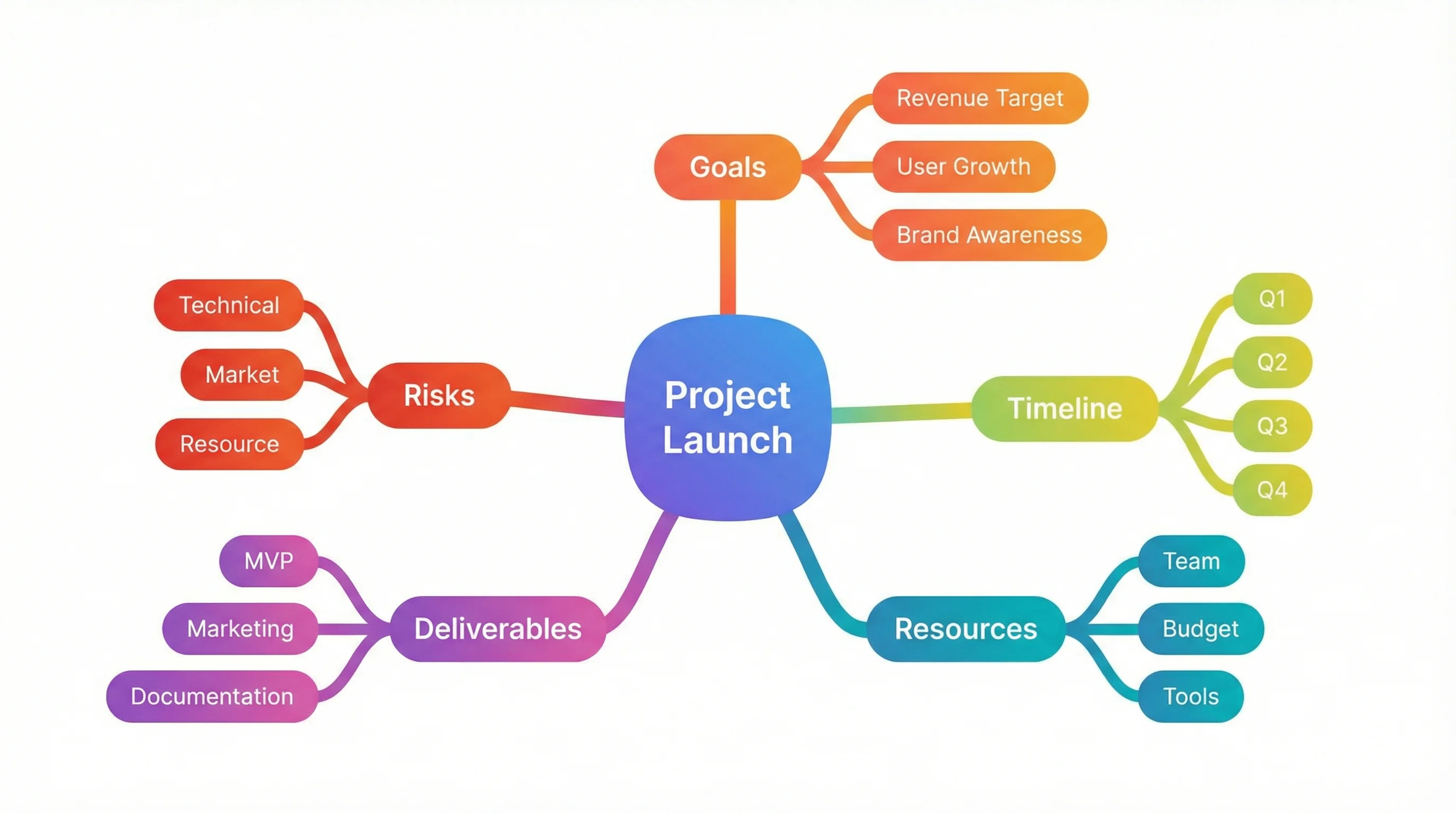 Visualization
Mind Map Generator
Branch a single central topic outward into an organized radial mind map.
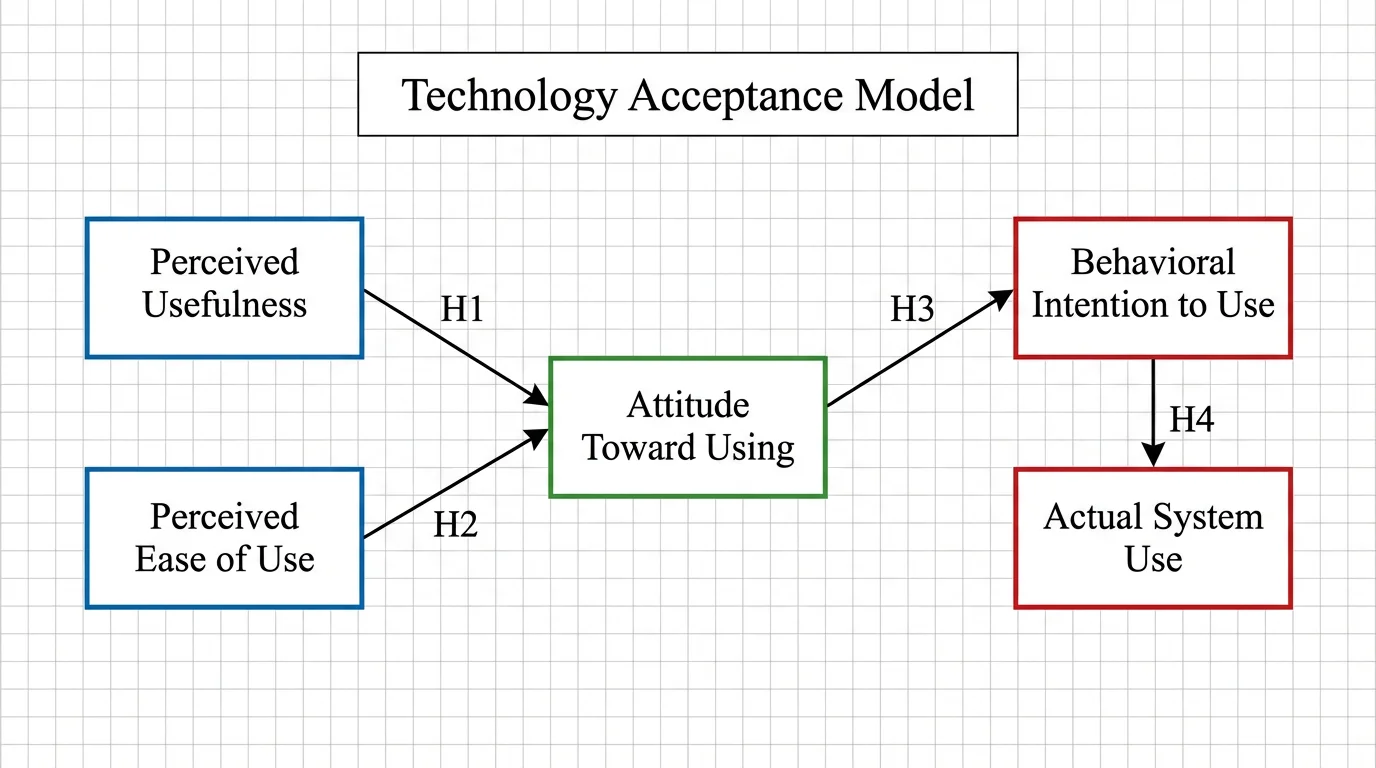 Research
Conceptual Framework Generator
Map variables and their relationships into a clear conceptual framework for research.
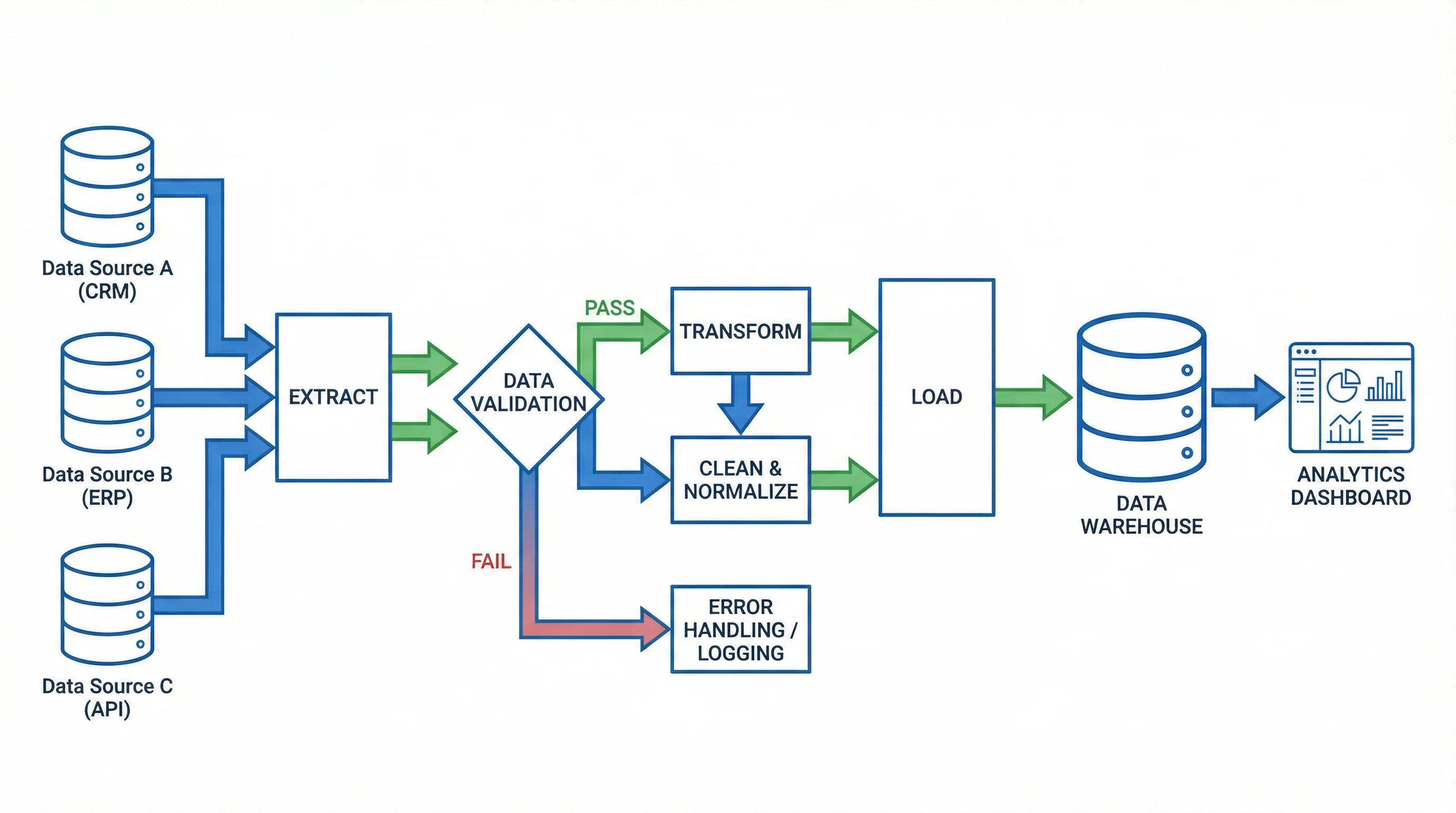 Visualization
Text to Diagram Generator
Turn a description or notes into a clean, structured diagram automatically.