Brain Diagram Generator for Labeled Brain Diagrams
Create a labeled brain diagram in seconds. Generate the cerebrum, cerebellum, brainstem, and the four lobes (frontal, parietal, temporal, occipital) — labeled for study notes or blank for worksheets — by describing what you need. Free AI brain diagram maker.
AI Brain Diagram Generator
Free to try ·
Your AI brain diagram will appear here
AI illustration — review the labels for accuracy before teaching or clinical use
Brain Diagram Examples
Labeled views of the brain, its lobes, internal structures, and cells
Labeled Brain Lobes
A lateral view with all four lobes color-coded and labeled — the most-used brain diagram for study and review.
Brain Cross-Section
A midsagittal slice revealing internal structures — corpus callosum, thalamus, brainstem, and more.
Neuron Structure
The nerve cell labeled part by part, with an inset showing synaptic transmission across the synaptic cleft.
Brain Function Map
Maps cortical regions to their jobs — movement, sensation, vision, hearing, speech, and language.
Limbic System
The brain’s emotion-and-memory circuit — amygdala, hippocampus, and the structures that connect them.
Neural Pathways
Major tracts traced through the brain — motor, sensory, visual, and the dopamine reward pathway.
What is a brain diagram?
A brain diagram is a labeled illustration of the human brain that shows its major parts and where they sit. The most common version is a lateral (side) view that divides the cerebrum into its four lobes and adds the cerebellum and brainstem, but a brain diagram can also be a cross-section that reveals internal structures, a functional map, or a close-up of a single cell. This generator draws any of these from a plain-English description — labeled for study, or blank for a worksheet.
Major parts of the brain, labeled
- Cerebrum: the large, wrinkled outer brain split into left and right hemispheres; it handles thinking, voluntary movement, the senses, and language.
- Cerebral lobes: the cerebrum is divided into four lobes — frontal (planning, decision-making, voluntary movement), parietal (touch and spatial awareness), temporal (hearing, memory, language), and occipital (vision).
- Cerebellum: sits at the back beneath the cerebrum and fine-tunes balance, coordination, and smooth movement.
- Brainstem: connects the brain to the spinal cord and includes the midbrain, pons, and medulla oblongata, which control breathing, heart rate, and other automatic functions.
- Inner structures: a cross-section also shows the corpus callosum (the band linking the hemispheres), the thalamus and hypothalamus, and the pituitary gland.
The four lobes of the cerebrum
The cerebral cortex is mapped into four lobes, each with its own roles. The frontal lobe, at the front, governs reasoning, planning, personality, and voluntary movement through the motor cortex. The parietal lobe, behind it, processes touch, temperature, and where your body is in space. The temporal lobe, on the side near the temples, handles hearing, language comprehension, and memory, and contains the hippocampus. The occipital lobe, at the very back, is devoted to vision. Two landmarks make the lobes easy to find: the central sulcus separates the frontal and parietal lobes, and the lateral sulcus marks the top of the temporal lobe.
Labeled vs blank diagrams for worksheets
- Labeled diagrams are ready-to-study references — every part is named with a leader line, ideal for class handouts, slides, and revision notes.
- Blank (unlabeled) diagrams keep the leader lines and boxes but leave the names out, so students can fill them in — perfect for quizzes, homework, and lab worksheets.
- Ask for either by saying “labeled” or “blank, ready for students to fill in” in your prompt; you can generate a matching pair (one to teach from, one to test with) of the same view.
How to generate a brain diagram
- Describe the diagram you want — for example, “a labeled lateral view of the brain showing the four lobes, cerebellum, and brainstem.”
- Say which view you need: lateral (side) for the lobes, a midsagittal cross-section for internal structures, a functional map, or a single neuron.
- Add “labeled” for study notes or “blank for students to fill in” for a worksheet, and name any specific parts you want called out.
- Generate, review the result for accuracy, then download the image to drop into a doc, slide, handout, or study guide.
Using brain diagrams for study and teaching
Labeled brain diagrams are a staple of biology, psychology, anatomy, and neuroscience courses, and they work well for flashcards, slide decks, and printable worksheets. Because the images here are AI-generated, treat them as illustrations for learning and review rather than verified clinical references: always check the labels and proportions against a trusted textbook or atlas before using a diagram in graded, published, or clinical material. For accurate teaching, generate, then verify.
Frequently Asked Questions
Related Biology Tools
 Biology
Nervous System Diagram Generator
Draw the central and peripheral nervous system with labeled nerves, the spinal cord, and a reflex arc.
 Biology
Anatomical Drawing Generator
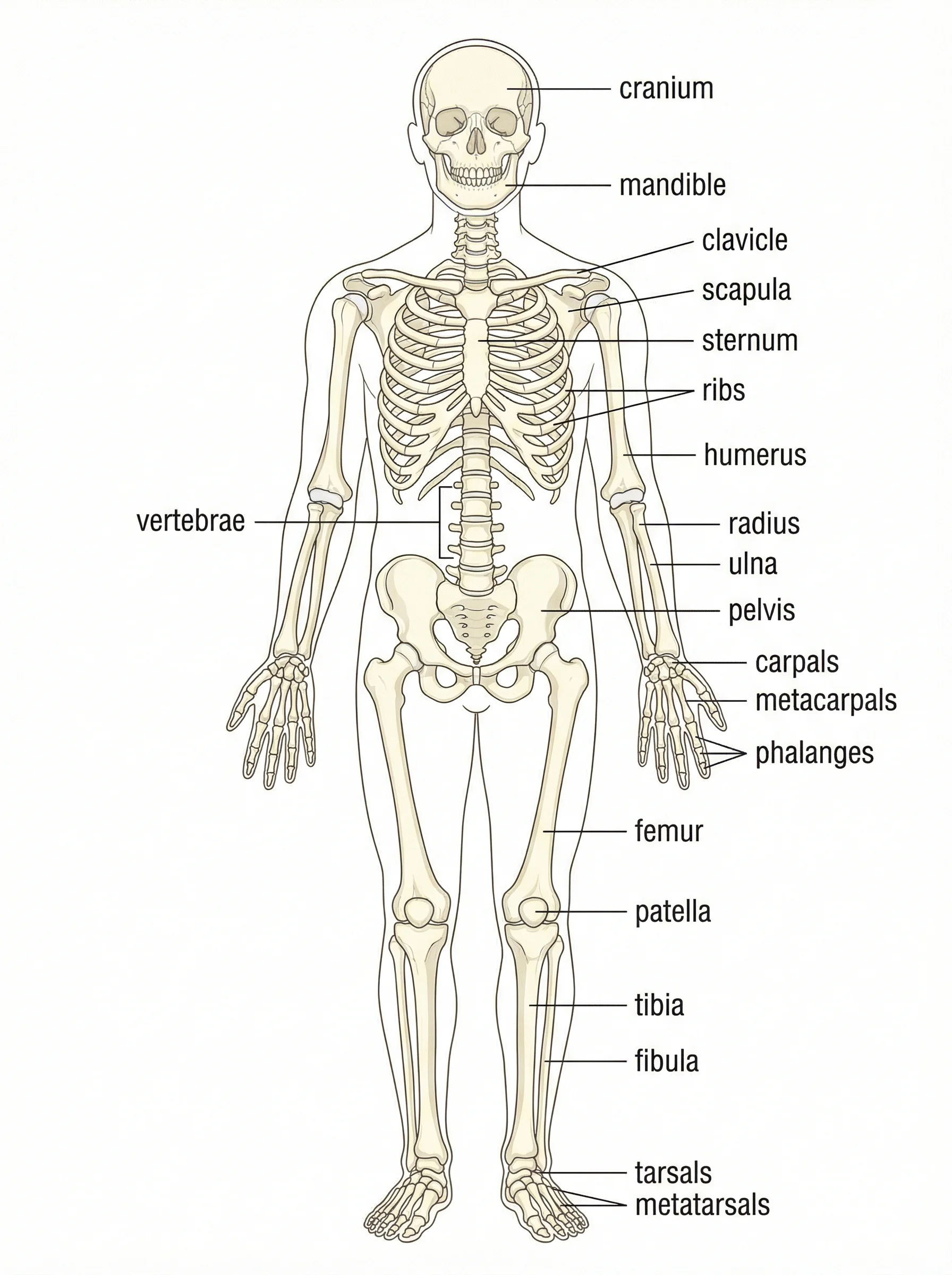
Create labeled anatomy illustrations of the skeletal, muscular, and other body systems.
 Research
Medical Illustration Generator
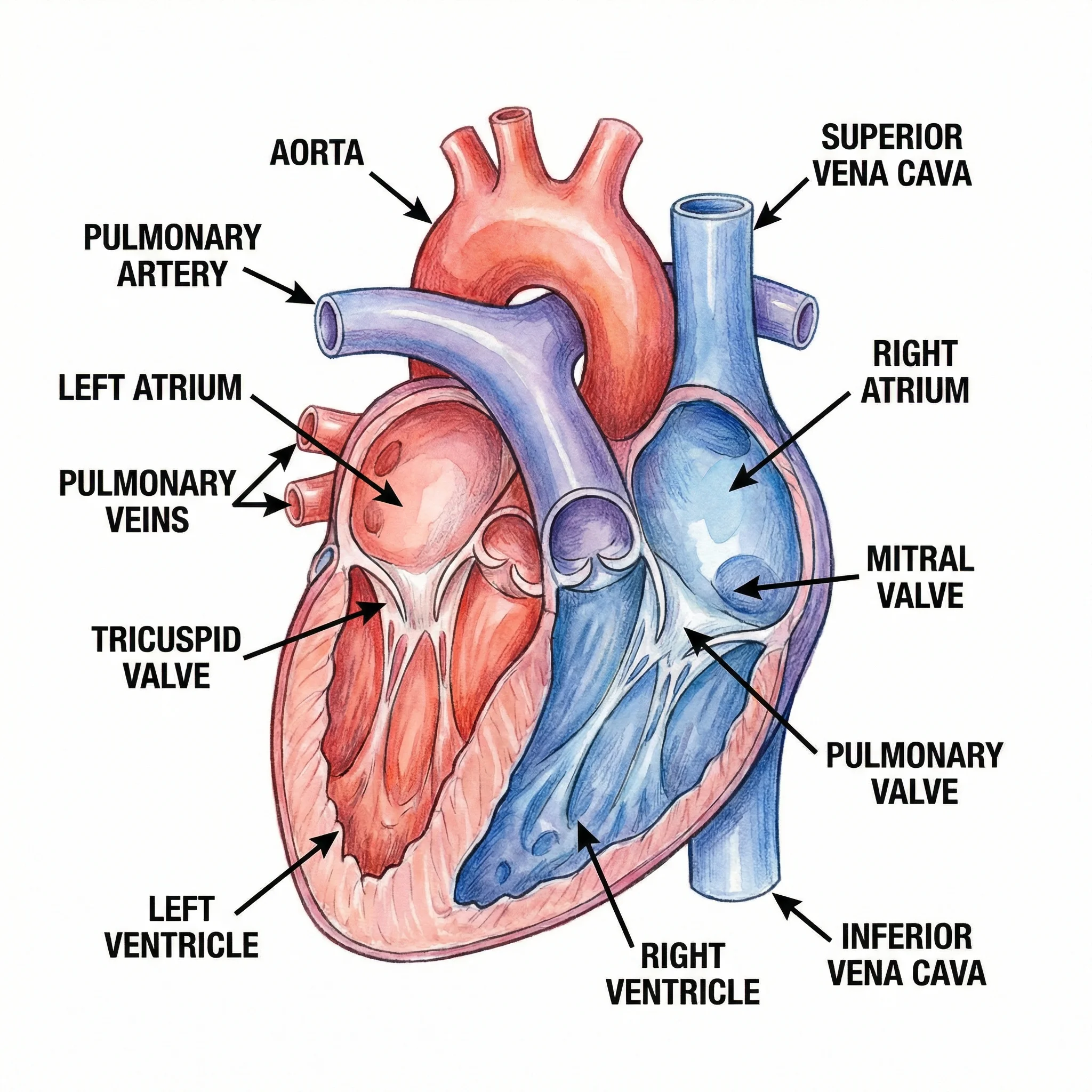
Generate clean medical illustrations of organs, anatomy, and clinical concepts.