Area Model Multiplication Generator Box Method
Draw the area model (box method) for any multiplication — split factors by place value, see every partial product, and export SVG or PNG.
Area Model Examples
Common ways to build a box-method multiplication diagram
Area Model for 23 × 14
The box method for 23 × 14: a 2×2 grid with row headers 20 and 3, column headers 10 and 4, and each cell showing its partial product.
Area Model for 234 × 12
A three-digit by two-digit area model: 234 split into 200, 30, 4 and 12 split into 10, 2, giving a 3×2 grid of six partial products.
Box Method Classroom Poster
A bright reference poster showing the box method step by step — split, multiply, and add the partial products.
Area Model vs. Standard Algorithm
The same multiplication problem solved two ways — the area model grid next to the standard column algorithm — showing how the partial products match up.
Three-Digit Area Model Worksheet
A printable worksheet layout showing a larger three-digit by two-digit area model with space to write in each partial product.
Simple Two-Box Area Model
A beginner-friendly area model with just two boxes — an easy first look at splitting a factor and adding partial products.
What is the area model for multiplication?
The area model — also called the box method — turns multiplication into a picture. Each factor is split apart by place value (23 becomes 20 and 3; 147 becomes 100, 40, and 7), and the parts become the sides of a rectangle. The rectangle is then cut into smaller boxes, one for every combination of a row-part and a column-part. Because the area of a rectangle is length times width, each small box is exactly one partial product, and the sum of every box equals the full answer. This generator builds that exact grid for any two whole numbers from 1 to 999, labels every row, column, and box, and prints the addition that ties it all together.
How the box method (partial products) works
- Start by breaking each factor into place-value parts: 23 splits into 20 and 3; 14 splits into 10 and 4. Those parts become the headers of a grid — 20 and 3 down the side, 10 and 4 across the top.
- Every cell in the grid is the product of its row header and column header: 20×10=200, 20×4=80, 3×10=30, 3×4=12. These four numbers are the "partial products" — each one is a smaller, easier multiplication than the original problem.
- Add every partial product together and the total matches the original multiplication exactly: 200+80+30+12=322, which is 23×14. The area model makes that check visible instead of hidden inside a column algorithm.
From two digits to three digits
- The same idea scales up cleanly. A two-digit by two-digit problem like 47×36 makes a 2×2 grid of four boxes. A three-digit by two-digit problem like 234×12 makes a 3×2 grid of six boxes, because 234 splits into three place-value parts (200, 30, 4) while 12 splits into two (10, 2).
- More boxes just means more partial products to add — the method itself never changes. That consistency is exactly why the area model works well as a bridge between concrete place-value thinking and the compact standard algorithm.
- This generator supports one-, two-, and three-digit factors (1–999 each), so it covers the full range most elementary and middle-school multiplication units need.
Connecting the area model to the standard algorithm
- The standard column algorithm for multiplication is really the area model in disguise: every digit-by-digit multiplication step in long multiplication is one of the partial products in the box method, just added up in a different order.
- Showing both side by side helps students see that "carrying" in the standard algorithm is just a shortcut for adding partial products that share a place value — nothing mysterious is happening, it is the same boxes, rearranged.
- Many curricula introduce the area model first specifically so students build that intuition before moving to the faster, more abstract standard algorithm.
Printable, exportable, and free
- Toggle whether each box shows just the partial product (like "80") or the full expression (like "20 × 4"), depending on whether students are still learning the method or already comfortable with it.
- Pick custom colors for the header row/column and the interior boxes to match a worksheet theme or color-code the grid for a lesson.
- Everything renders in your browser and exports as a crisp SVG or a high-resolution PNG, so the area model prints sharply at any size and drops cleanly into worksheets, slides, or homework help.
Frequently Asked Questions
Related Math Tools
 Education
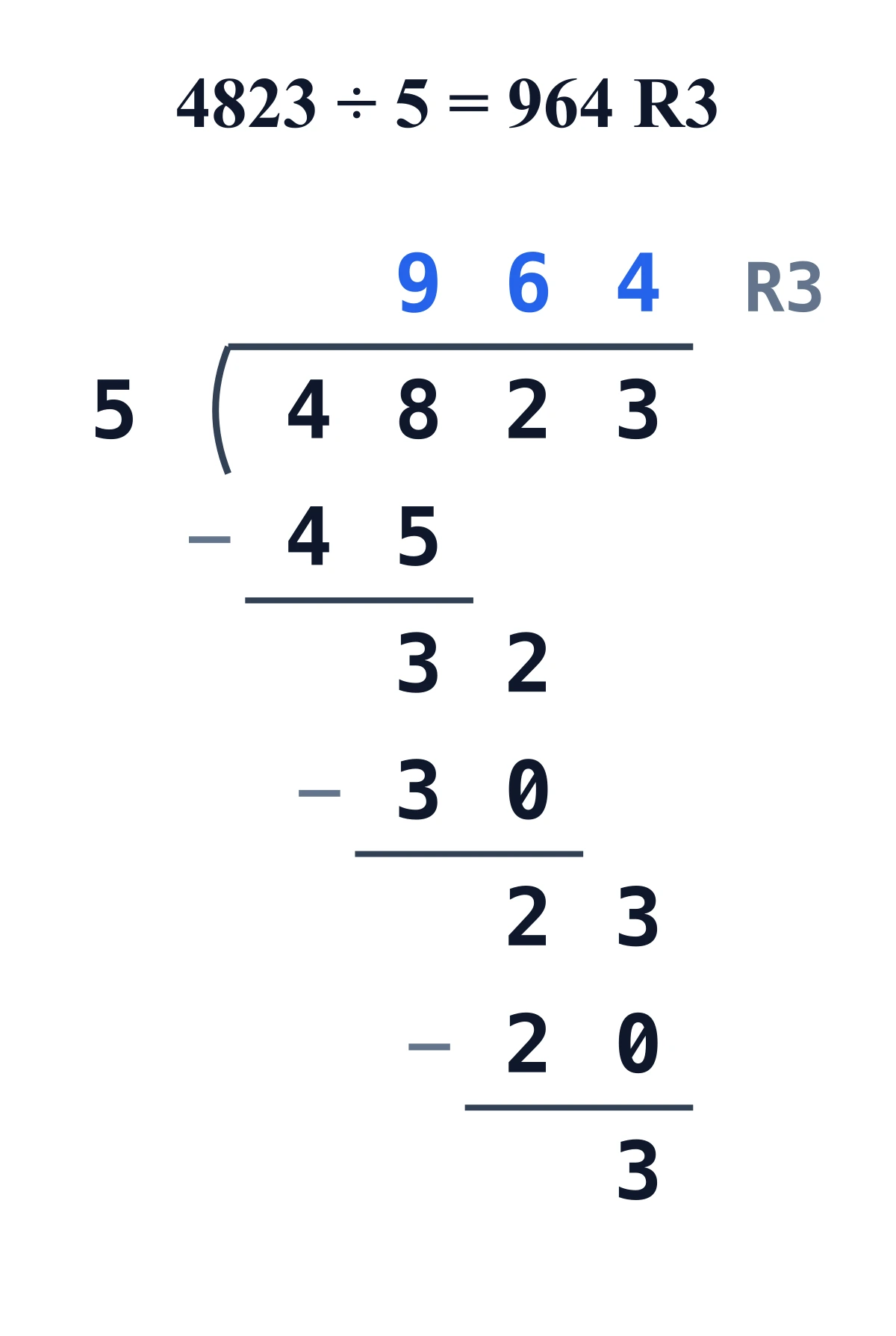
Long Division Generator
Show every step of long division for any dividend and divisor, with quotient, remainder, and the full worked layout.
 Education
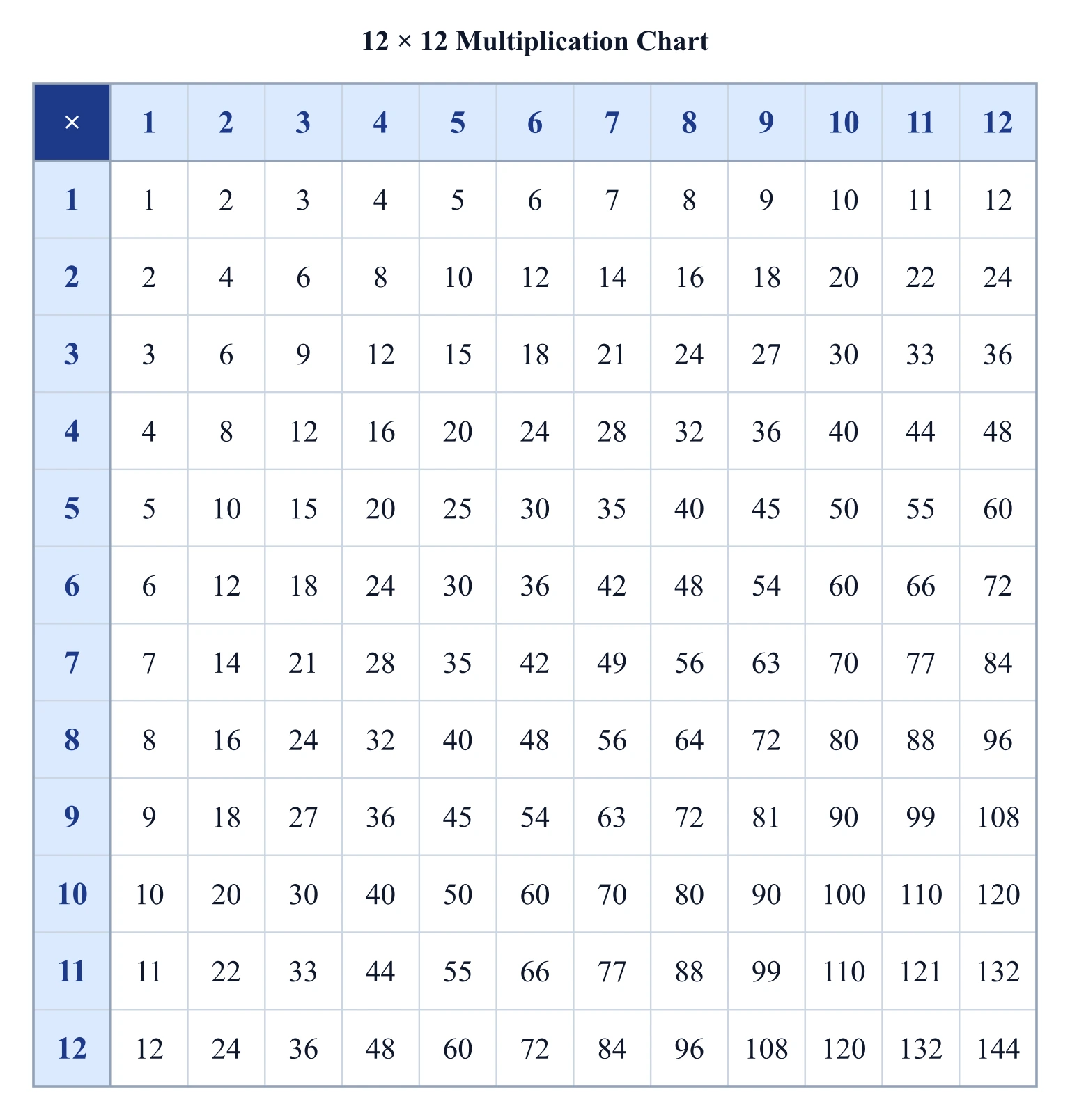
Multiplication Chart Generator
Build a printable multiplication chart or times table — pick the range, highlight a row or column, or print it blank.
 Education
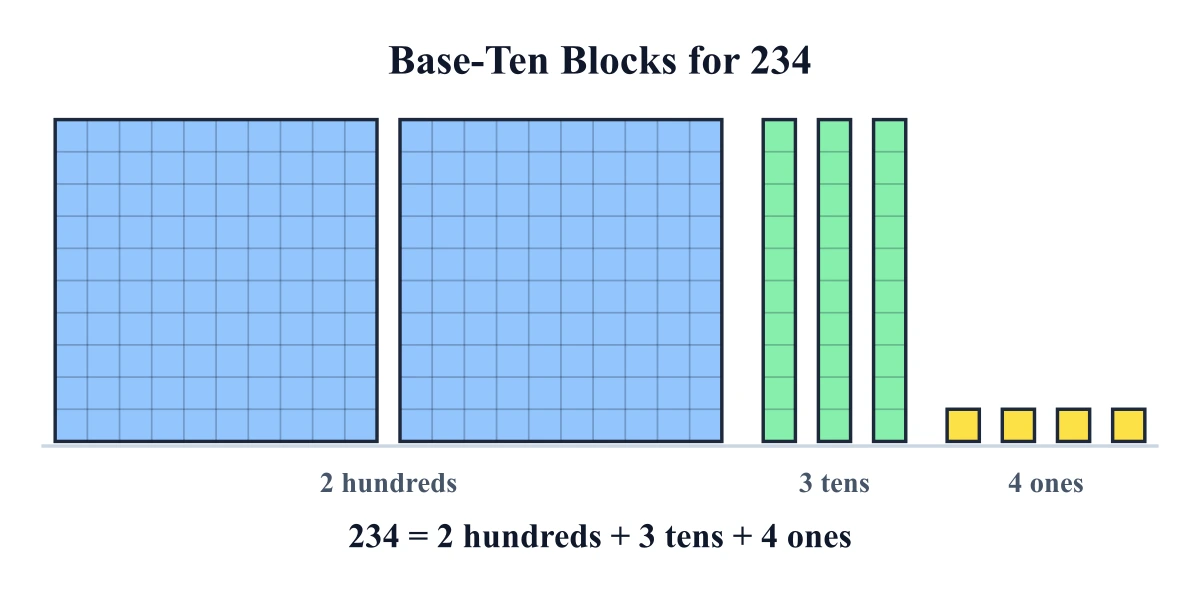
Base-Ten Blocks Generator
Draw base-ten (place-value) blocks for any number — cubes, flats, rods, and ones — with labels and an equation.