Activity Diagram Generator for UML Workflows
Make a UML activity diagram online — describe a workflow in plain English and get clean activity diagram notation with decision nodes, fork/join bars, and swimlanes. Free, with PNG export.
Activity Diagram Generator
Free to try ·
Your activity diagram will appear here
Describe your workflow and click Generate
Activity Diagram Examples
Workflows, business processes, and use-case flows in standard UML notation
User Login Flow
Decision diamonds drive the branching — valid credentials, retry limits, and a 2FA gate before a session is created.
Order Processing with Swimlanes
Swimlanes assign each action to an actor, while fork and join bars run payment and inventory checks in parallel.
CI/CD Pipeline
A developer workflow with parallel test stages, a quality gate decision, and a manual approval before the production deploy.
Patient Admission Process
A business process across three departments, with a decision node splitting inpatient admission from outpatient follow-up.
ATM Withdrawal
A classic use-case flow with a PIN retry loop, a balance check, and merge nodes where branches rejoin the main flow.
Code Review Process
Two swimlanes, parallel automated checks, and a feedback loop that sends comments back to the developer before merge.
What is a UML activity diagram?
A UML activity diagram is a behavioral diagram that models the flow of control from one activity to the next — essentially a flowchart with formal Unified Modeling Language notation. It shows the order in which actions happen, where the flow branches on a condition, and where independent activities run in parallel. Because it captures both the steps and their sequencing, an activity diagram is the go-to view for modeling a workflow, a business process, or the logic inside a single use case. This generator draws one from a plain-English description, placing the standard nodes and arrows for you.
Core elements of an activity diagram
- Initial node: a solid black dot that marks where the flow begins. Final node: a dot inside a circle that marks where it ends.
- Action/activity states: rounded rectangles, each one a step in the process such as "Verify Payment" or "Send OTP".
- Control flow arrows: solid arrows that connect actions and show the order in which they run.
- Decision and merge nodes: diamonds. A decision node splits the flow on a guard condition (such as [valid] / [invalid]); a merge node brings alternative branches back together.
- Fork and join bars: thick horizontal or vertical bars. A fork splits one flow into several parallel (concurrent) flows; a join waits for all of them to finish before continuing.
- Swimlanes (partitions): columns or rows that group actions by the actor or department responsible for them — Customer, System, Warehouse — so responsibility is clear at a glance.
Activity diagram vs flowchart vs sequence diagram
All three describe behavior, but at different levels. A flowchart is informal and great for simple step-by-step logic, but it has no standard way to show parallel work or who owns each step. A UML activity diagram adds that rigor: fork/join bars for concurrency and swimlanes for responsibility, which is why it scales to real business processes. A sequence diagram answers a different question — it shows the messages exchanged between objects or services over time, emphasizing interaction and ordering rather than the overall workflow. Use an activity diagram for "what happens and in what order"; reach for a sequence diagram when "who calls whom, and when" is the point.
Common uses for activity diagrams
- Modeling business processes: order fulfillment, claims handling, onboarding, or any procedure that spans several teams.
- Documenting use-case flows: turning the main and alternative paths of a use case into a clear visual.
- Designing software logic: mapping the control flow of a feature, an algorithm, or a CI/CD pipeline before writing code.
- Mapping parallel work: anywhere tasks run concurrently — parallel API calls, simultaneous reviews, or background jobs — where fork/join makes the concurrency explicit.
How to generate an activity diagram from text
Describe the workflow in plain English: list the steps in order, name the decision points and their conditions, call out anything that runs in parallel, and mention the actors if you want swimlanes. For example, "user submits a form, the system validates it, on success it saves and emails a confirmation, on failure it shows errors." The generator interprets your description and lays out the initial node, action states, decision diamonds, fork/join bars, and final node automatically. The more specific your conditions and parallel branches are, the more accurate the diagram — then generate a few variants and download the clearest as a PNG.
Tips for clear, professional diagrams
Keep each action a short verb phrase ("Verify Payment", not "The system then verifies the payment"). Label every branch out of a decision node with its guard condition so the logic reads unambiguously. Use a fork/join pair only for work that genuinely happens at the same time, and always pair a join with its fork. Add swimlanes when more than one actor is involved, but skip them for a single-actor flow to avoid clutter. If a diagram grows too dense, split a sub-process into its own activity diagram and reference it — the same way you would break a long function into smaller ones.
Frequently Asked Questions
Related Diagram Tools
 Software
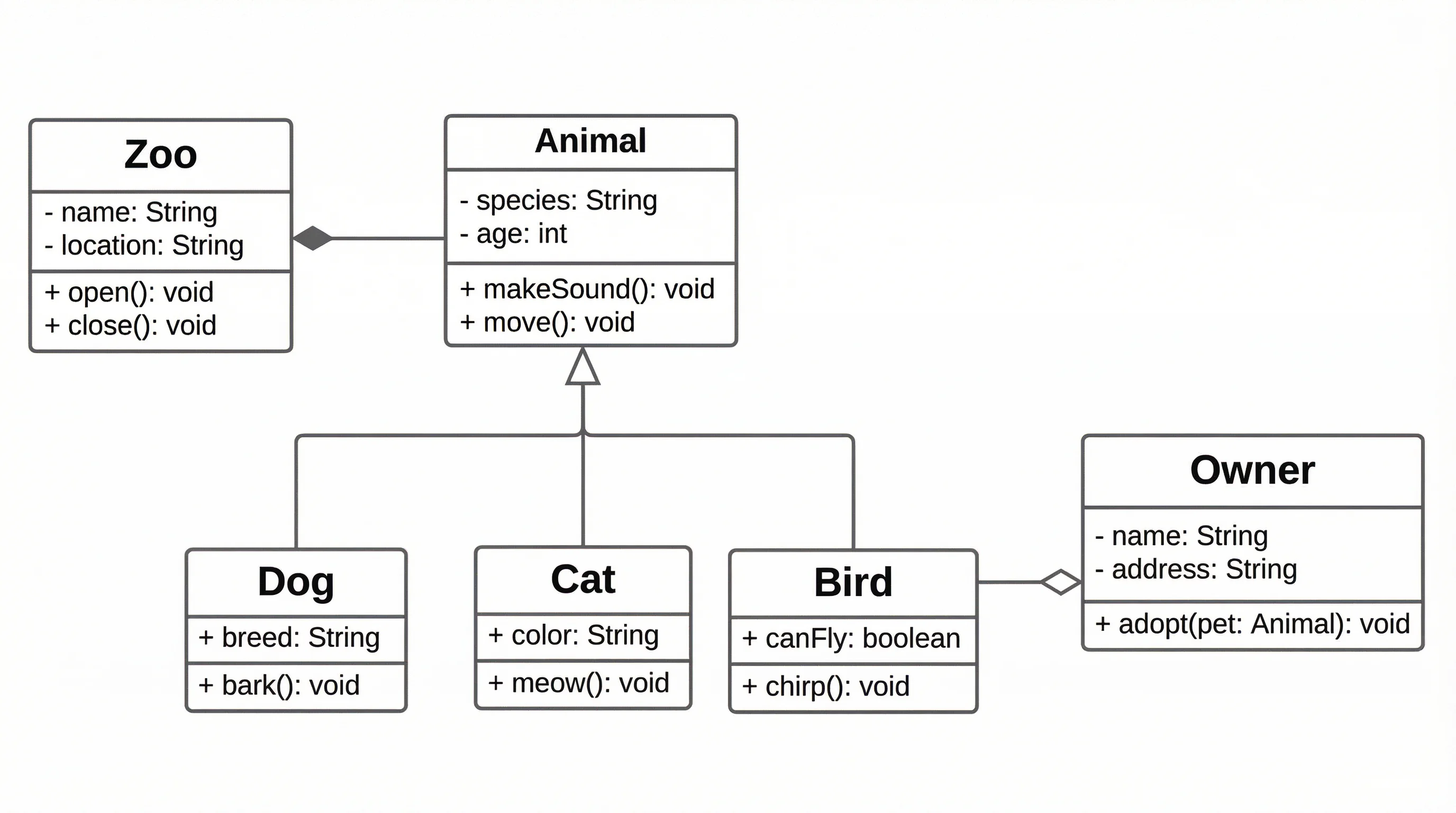
UML Diagram Generator
Create class, use case, and other UML diagrams from a plain-English description.
 Software
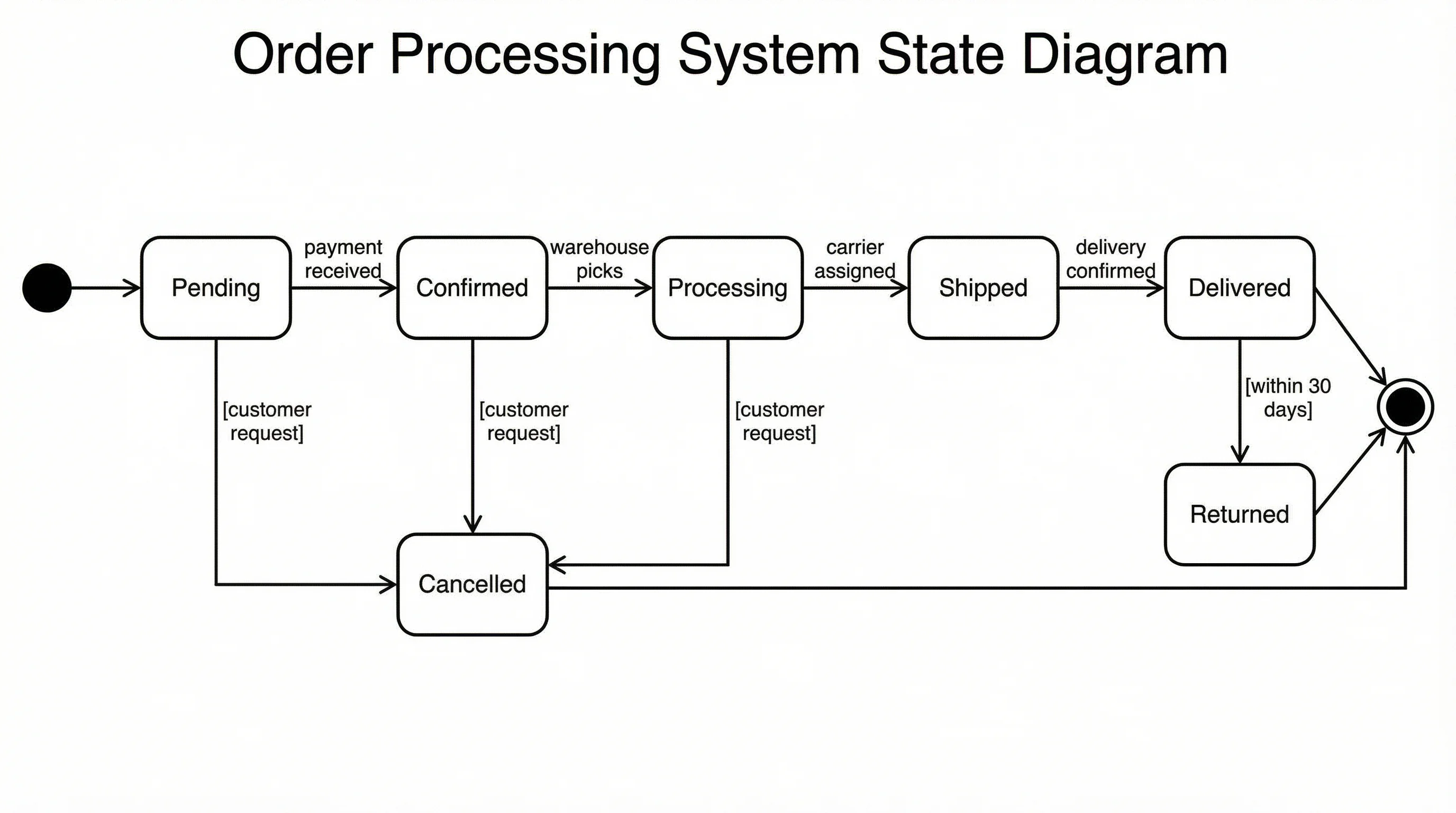
State Diagram Generator
Draw UML state machine diagrams with states, transitions, and events.
 Software
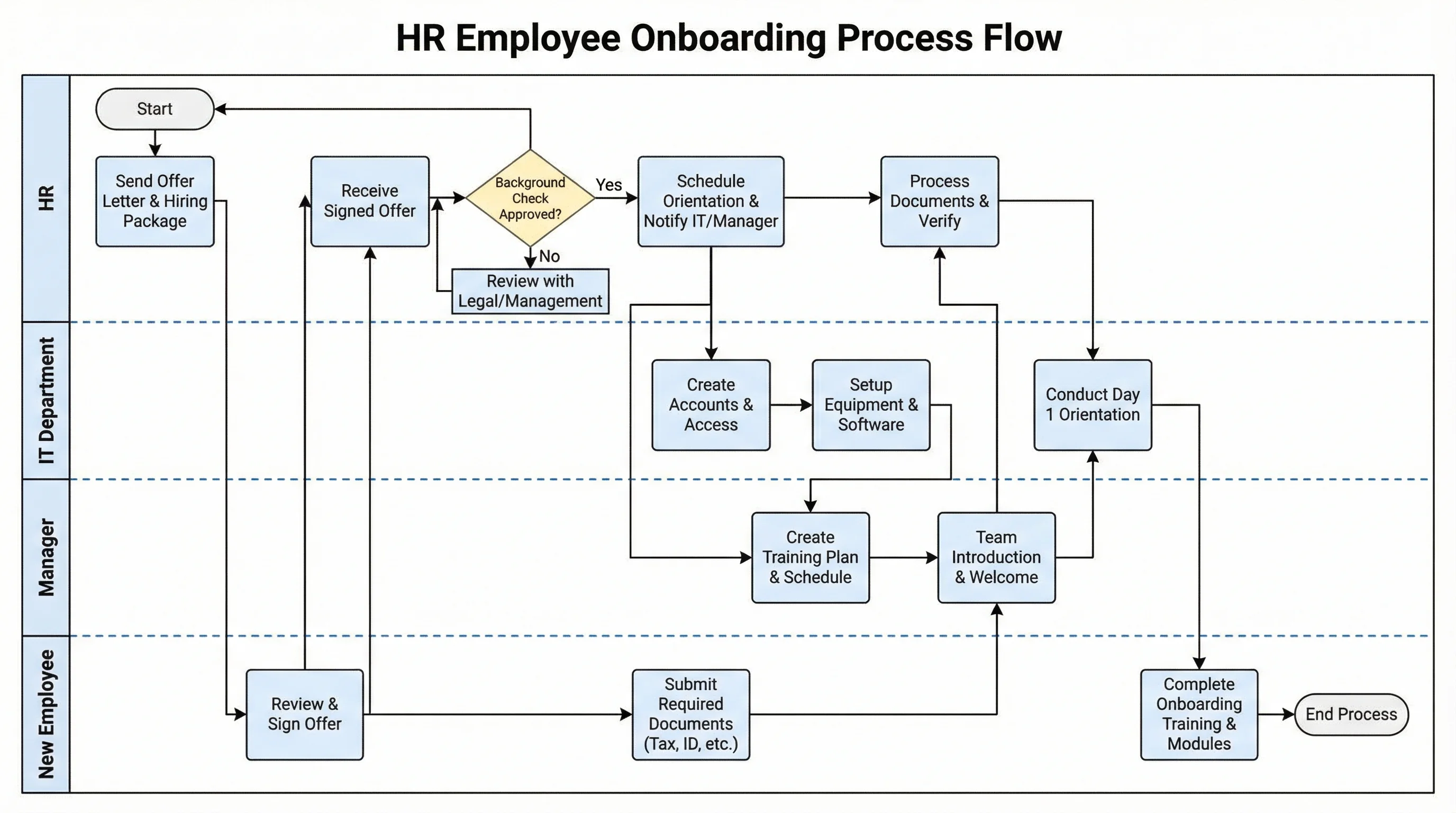
Swimlane Diagram Generator
Map a cross-functional process into swimlanes that show who owns each step.
 Software
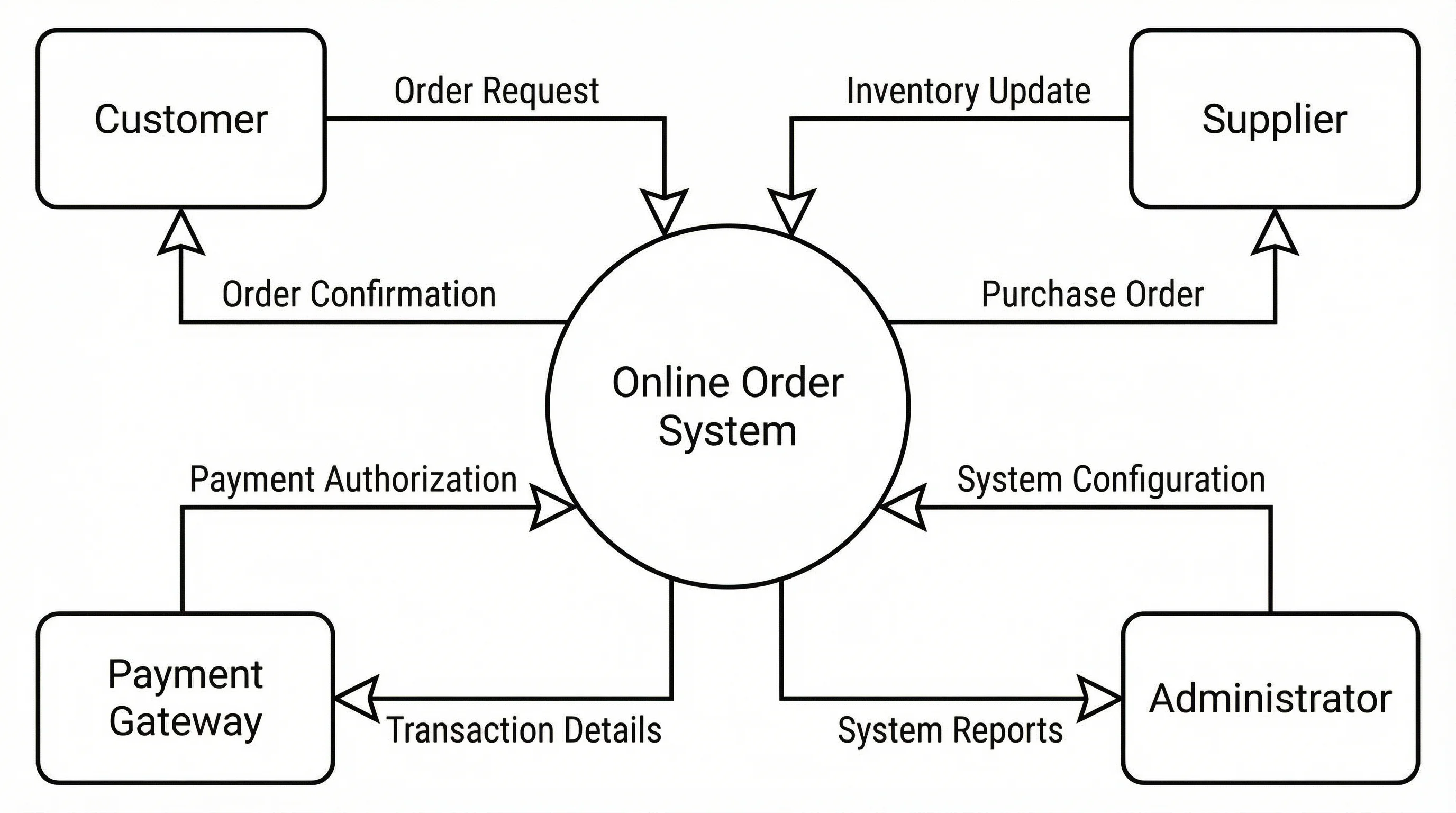
Data Flow Diagram Generator
Create data flow diagrams (DFDs) showing processes, data stores, and flows.