Free AI Graphical Abstract Makers for Research Papers (2026)
Compare the best free AI graphical abstract makers for researchers. Create journal-ready visual abstracts for Elsevier, Cell & Nature, no design skills needed.
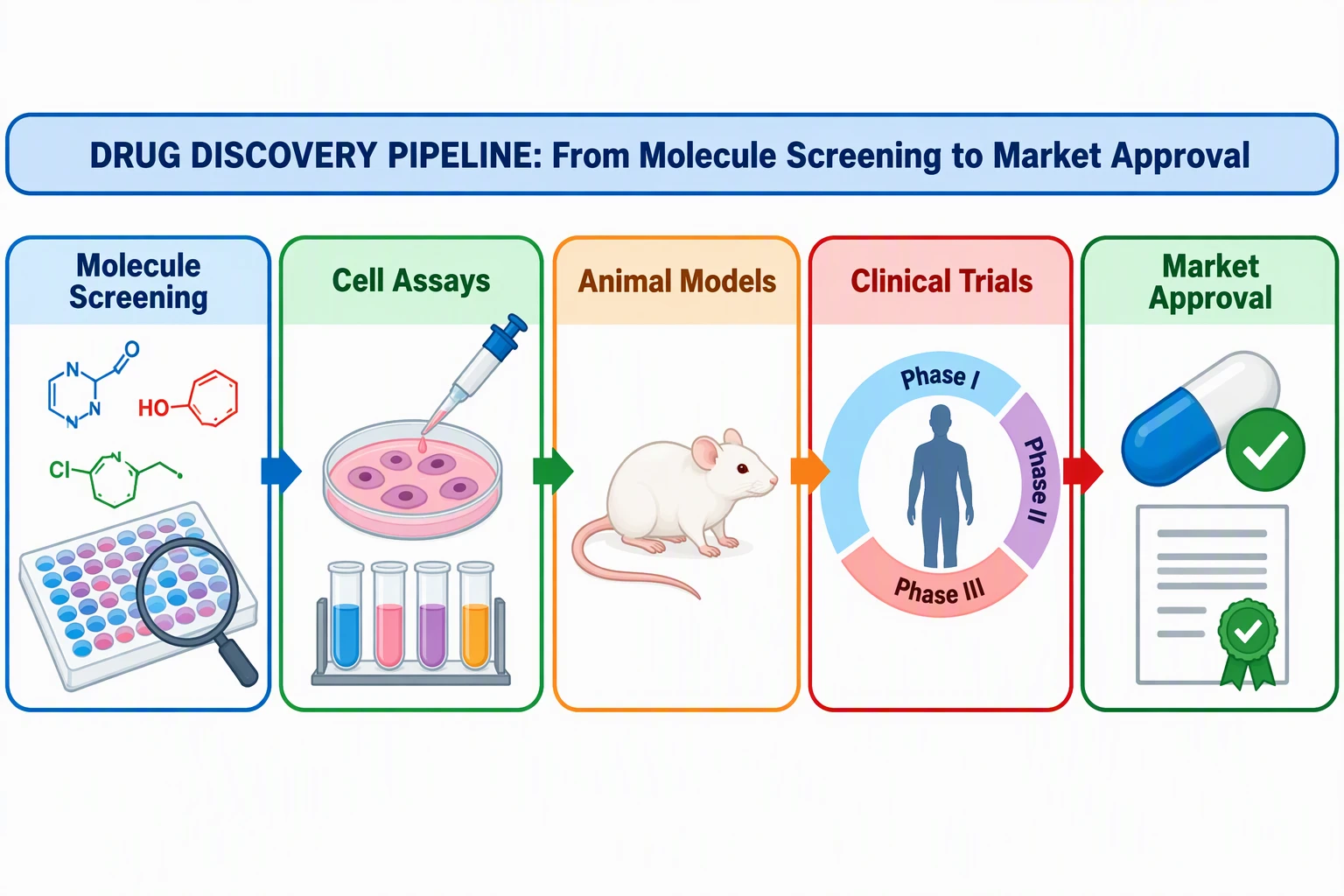
Create journal-ready graphical abstracts for Elsevier, Cell & Nature in minutes. AI-powered, no design skills needed.
Start with this diagram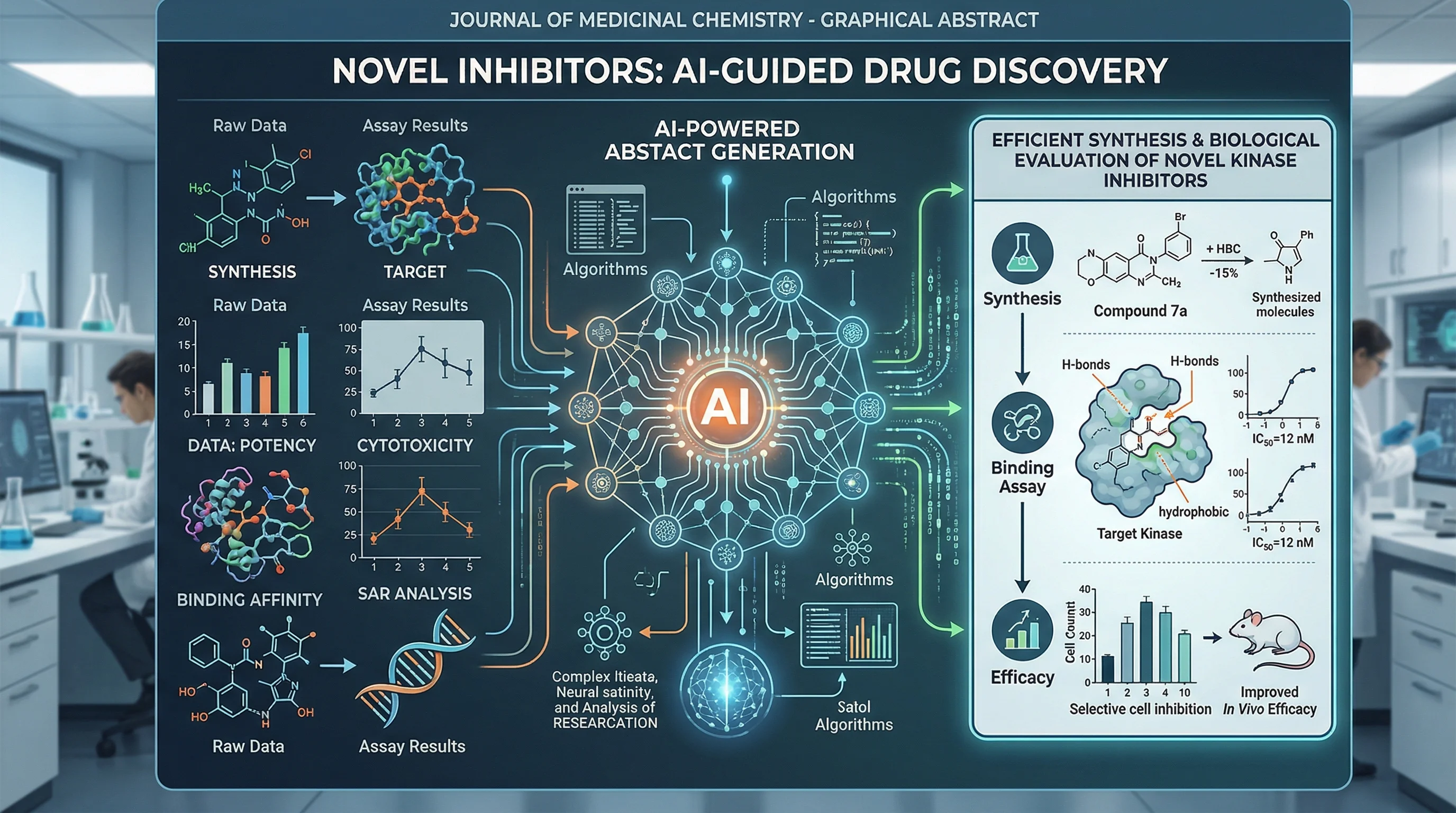
Free AI Graphical Abstract Makers for Research Papers (2026)
Need a free AI tool to make a graphical abstract? You are not alone. More journals now require visual summaries, yet most researchers have zero design training, and zero budget for expensive illustration software.
The good news: AI-powered graphical abstract makers have matured rapidly in 2025–2026, and several genuinely free options now produce journal-quality results. This guide compares the best free AI graphical abstract generators, shows you how to use them step-by-step, and covers journal-specific requirements so your submission is accepted the first time.
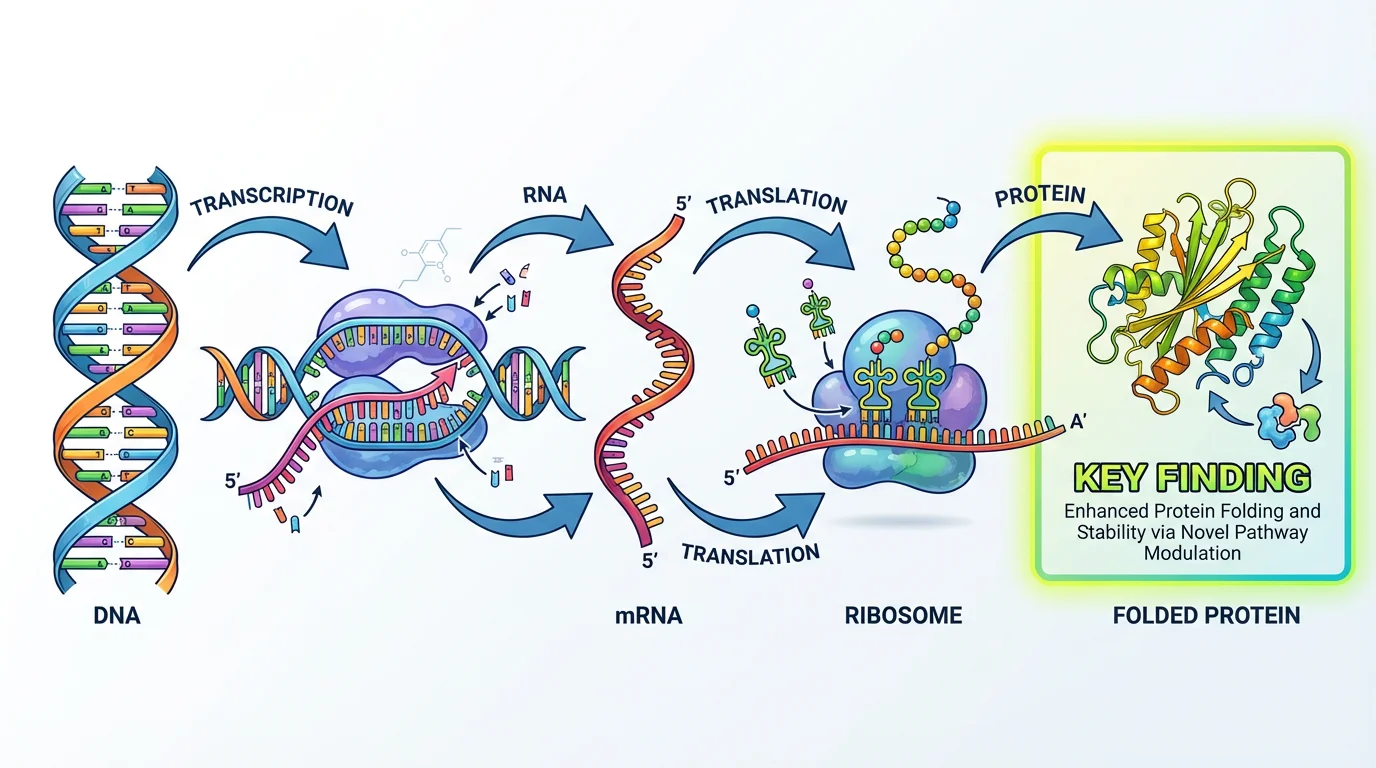
What Is a Graphical Abstract (and Why Do Journals Require Them)?
A graphical abstract is a single-panel visual summary of your research paper's key finding. It condenses your entire study, hypothesis, method, and result, into one image that a reader can understand in seconds.
Unlike a text abstract, a graphical abstract is designed to be shared on social media, displayed in journal tables of contents, and understood by researchers outside your immediate field.
Why journals require them:
| Reason | Evidence |
|---|---|
| Increased visibility | Articles with graphical abstracts receive ~2x more views (Elsevier) |
| Social media reach | Visual content is shared 3x more than text-only posts on academic Twitter/X |
| Interdisciplinary access | Helps non-specialists decide if a paper is relevant |
| Journal branding | Publishers use them in TOC listings and promotional materials |
Journals that require or strongly encourage graphical abstracts:
- Cell Press (Cell, Neuron, Immunity), Required for all research articles
- Elsevier (Lancet, Chemical Engineering Journal, etc.), Required/encouraged for 2,500+ journals
- Nature Reviews series, Encouraged
- FEBS Press, Encouraged, AI-generated abstracts explicitly permitted
- JCI (Journal of Clinical Investigation), Required
For a deeper dive into what makes an effective graphical abstract, see our companion guide: How to Make a Graphical Abstract: 7-Step Guide. Before you export from any of the tools below, check the exact size and format your publisher wants in our TOC graphic and graphical abstract requirements by journal.
Traditional Methods vs. AI-Powered Tools
Before AI tools emerged, researchers had two paths for creating graphical abstracts, both with significant drawbacks:
The Traditional Approach
| Method | Time Required | Cost | Skill Level |
|---|---|---|---|
| Adobe Illustrator | 4–8 hours | $23/month | High |
| PowerPoint / Keynote | 2–4 hours | Free (if owned) | Medium |
| Hire a designer | 1–2 weeks | $200–500+ | None (outsourced) |
| BioRender (manual) | 1–3 hours | $35/month | Low–Medium |
The problem is clear: professional results require either expensive software, significant time investment, or both. Most PhD students and postdocs cannot justify $420/year for BioRender or spend an entire day learning Adobe Illustrator for a single figure.
The AI-Powered Approach
AI graphical abstract makers flip this equation. You describe your research in plain text, and the tool generates a publication-quality visual in minutes:
| Advantage | How AI Helps |
|---|---|
| Speed | Generate a draft in 1–2 minutes instead of hours |
| No design skills | The AI handles layout, icons, and visual hierarchy |
| Iteration | Quickly try multiple visual approaches |
| Cost | Free tiers available on most platforms |
| Consistency | Produces clean, professional styling automatically |
The trade-off? AI-generated abstracts sometimes need manual refinement for highly specialized content. But for the vast majority of researchers, AI tools deliver results that are good enough to submit, or provide an excellent starting point that saves hours of work.
Top 6 Free AI Graphical Abstract Makers (2026)
We evaluated each tool on five criteria: free tier generosity, AI capabilities, journal-readiness of output, ease of use, and scientific accuracy of generated visuals.
Quick Comparison
| Tool | Free Tier | AI Features | Best For | Journal-Ready? |
|---|---|---|---|---|
| ConceptViz | Yes (credits) | Text-to-abstract, auto-layout | Researchers wanting fastest path | Yes |
| BioRender | 5 free images | Template-based + AI assist | Life sciences with icon library | Yes |
| Canva | Free plan | Magic Design AI | General visuals, posters | With adjustments |
| Mind the Graph | Free plan | AI suggestions | Multi-discipline research | Yes |
| SciSpace | Free plan | Paper analysis + visuals | Literature-heavy workflows | Partial |
| Inkscape + AI assist | 100% free | Manual + AI image gen | Full control, vector output | Yes (manual) |
1. ConceptViz, Best AI-First Graphical Abstract Maker
Price: Free tier with credits | Best for: Researchers who want a journal-ready abstract in minutes
Free Graphical Abstract Maker
Paste your paper's abstract or key findings. Get a journal-ready graphical abstract in under 2 minutes.
Make your graphical abstract →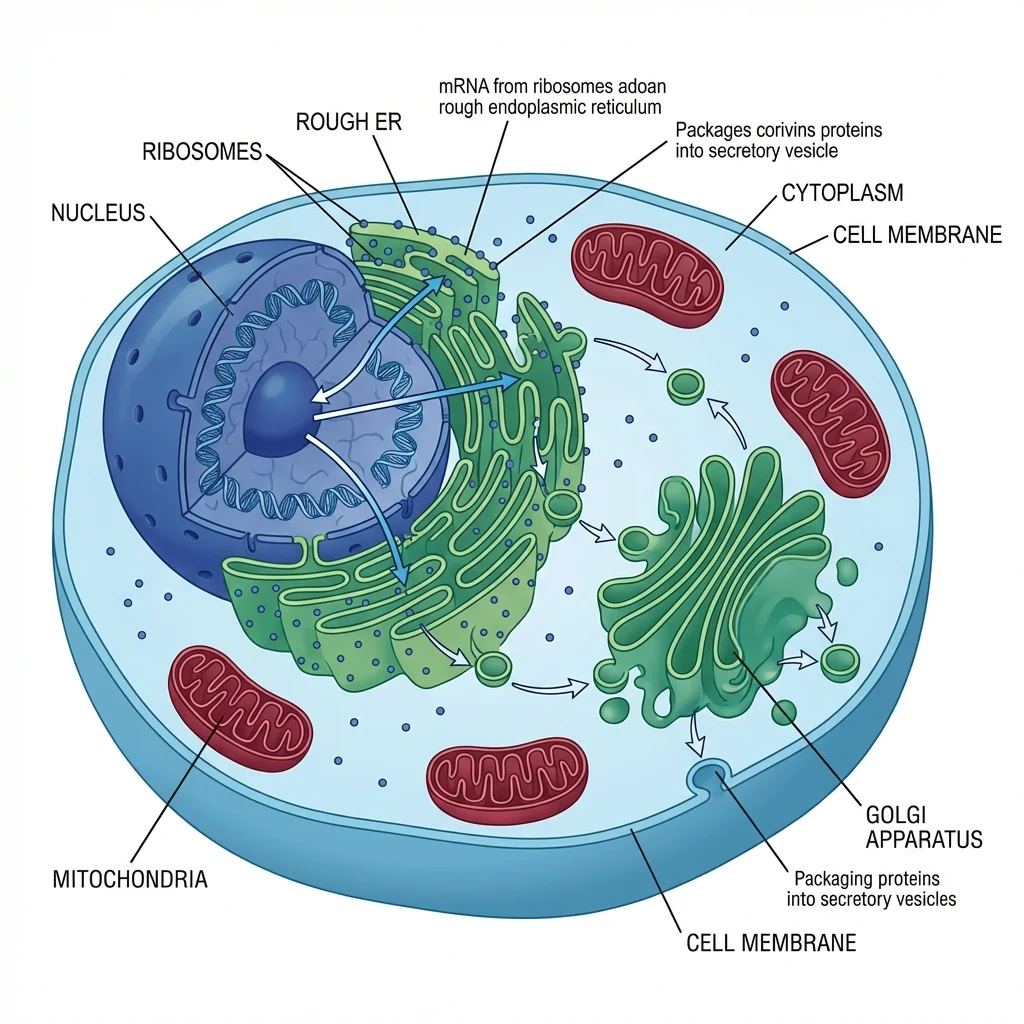
ConceptViz is built specifically for researchers. Unlike general-purpose design tools, it understands scientific content, molecular pathways, experimental workflows, clinical trial designs, and computational pipelines.
How it works:
- Paste your text abstract or describe your key finding
- The AI generates a complete graphical abstract with proper layout, icons, and visual flow
- Pick the aspect ratio closest to your journal's spec, then crop or resize the download to the exact journal dimensions (see the export section below)
What makes it stand out:
- Journal-shaped output: generate a square draft and downscale to Cell Press's exact 1200 x 1200 px square, or generate 16:9 with the content in a wide band and crop to Elsevier's 1328 x 531 px (5:2) spec
- Scientific review: Check every generated label, structure, and relationship against your research
- Iteration speed, Generate multiple versions and pick the best one
- No design skills needed, The AI handles layout, color, and visual hierarchy
Limitations:
- Free tier has limited credits (sufficient for most single-paper needs)
- Highly specialized diagrams (e.g., crystal structures) may need manual refinement
2. BioRender, Best Icon Library for Life Sciences
Price: Free (5 images, low-res, with watermark) | Paid from $35/month
BioRender remains the gold standard for life science illustrations, with 40,000+ scientifically accurate icons. In 2026, they added AI-assisted layout features that suggest compositions based on your research description.
Strengths:
- Massive library of biology, chemistry, and medical icons
- Drag-and-drop interface familiar to most researchers
- Templates specifically designed for journal graphical abstracts
- AI now suggests icon placement and flow
Limitations:
- Free plan allows three figures and excludes publication and commercial use
- $420/year academic pricing is steep for occasional use
- Icon style is distinctive, your abstract will look like every other BioRender abstract
- Best for life sciences; weaker for engineering, physics, or social sciences
Verdict: Excellent if you have budget or need only a few low-res drafts. For most researchers, the free tier is too limited for final submissions.
3. Canva, Best Free All-Around Design Tool
Price: Free (generous) | Pro from $13/month | Free for verified educators
Canva is not purpose-built for research, but its Magic Design AI and massive template library make it a viable free option for graphical abstracts.
Strengths:
- Generous free tier with no watermarks on exports
- Magic Design AI generates layouts from text descriptions
- 100,000+ templates (search "graphical abstract" or "research poster")
- Easy collaboration and sharing
- Free for verified educators through Canva for Education
Limitations:
- No scientifically specialized icons (cells, molecules, pathways)
- Custom canvas sizes require Pro plan (workaround: use "Custom Size" on free plan)
- AI suggestions are generic, not research-optimized
- You will need to source your own scientific icons from Bioicons or similar
Verdict: Best free option if you have some design comfort and can source your own scientific elements. The Magic Design AI gives you a strong starting layout.
4. Mind the Graph, Built for Researchers
Price: Free plan (limited) | Researcher $99/yr or $15/month (US, October 2026)
Mind the Graph is specifically designed for scientific illustrations. Their free plan includes access to a library of scientific icons and basic templates, with a watermark on exports. Our Mind the Graph review covers the free plan limits and publication license in detail.
Strengths:
- Scientific icon library across multiple disciplines
- Templates designed specifically for journal graphical abstracts
- Affordable paid plans compared to BioRender
- AI-powered suggestions for visual layout
Limitations:
- Free plan limits exports and icon access
- Smaller icon library than BioRender
- Interface can feel dated compared to newer tools
Verdict: A solid middle-ground between BioRender's specialization and Canva's generality. Worth trying if you need multi-discipline scientific icons on a budget.
5. SciSpace (formerly Typeset), Best for Paper-to-Visual Workflows
Price: Free plan available
SciSpace focuses on the full research workflow, reading papers, extracting insights, and creating visuals. Its AI can analyze your manuscript and suggest visual summary elements.
Strengths:
- Analyzes your uploaded paper to extract key findings
- Suggests visual elements based on paper content
- Integrates with literature review workflow
- Free plan available for basic features
Limitations:
- Graphical abstract creation is secondary to its main function
- Output may need significant refinement for journal submission
- Less control over visual design details
Verdict: Best if you want AI to help you decide what to visualize, not just how to visualize it. Use it for concept extraction, then create the final visual in another tool.
6. Inkscape + AI Image Generation, Best Free Open-Source Workflow
Price: 100% free
Inkscape is a professional-grade vector editor that is completely free and open-source. Combined with AI image generation tools, it offers full control over your graphical abstract.
Strengths:
- 100% free, no limits, no watermarks
- Full vector editing, export at any resolution
- Complete design control for pixel-perfect results
- Use AI tools (like ConceptViz) to generate initial concepts, then refine in Inkscape
Limitations:
- Steepest learning curve of all options
- No built-in scientific icon library (use Bioicons or Servier Medical Art)
- Requires combining multiple tools
Verdict: Best choice for researchers who want maximum control and are willing to invest time learning. The AI + Inkscape combo gives you professional results at zero cost.
Step-by-Step: How to Make a Graphical Abstract with AI
Here is a practical workflow using AI tools. This process takes 15–30 minutes instead of the traditional 2–8 hours.
Step 1: Extract Your Key Message (5 minutes)
Before touching any tool, answer one question: What is the single most important finding of your paper?
Write it in 1–2 sentences. For example:
- "We discovered that compound X inhibits pathway Y, reducing tumor growth by 60% in mouse models."
- "Our machine learning model predicts protein folding accuracy 15% better than existing methods."
This sentence becomes your AI prompt.
Step 2: Generate Your First Draft (2 minutes)
Open ConceptViz's Graphical Abstract Maker and:
- Paste your text abstract or type your key message from Step 1
- Select the aspect ratio closest to your journal's format (1:1 for the Cell Press square, 16:9 as a starting point for Elsevier's wide banner)
- Click generate, the AI creates a complete graphical abstract
The AI will produce a visual with appropriate layout, flow direction, and scientific styling.
Step 3: Evaluate and Iterate (5–10 minutes)
Review the generated abstract against these criteria:
| Criterion | Check |
|---|---|
| Main message | Is the key finding immediately obvious? |
| Reading flow | Can you follow the visual from start to finish? |
| Accuracy | Are all scientific elements correctly represented? |
| Simplicity | Could someone outside your field understand it? |
| Text | Are there fewer than 60–80 words? |
If needed, regenerate with a refined prompt. Try different phrasings to get different visual approaches.
Step 4: Customize and Refine (5–10 minutes)
Make final adjustments:
- Ensure color palette is accessible (avoid red-green only distinctions)
- Verify font sizes are readable at reduced dimensions
- Check that arrows and flow indicators are clear
- Remove any unnecessary elements
Step 5: Export at Journal Specifications (2 minutes)
Export your final graphical abstract at the correct specifications:
For Cell Press:
- 1200 x 1200 pixels (exact square)
- 300 DPI
- TIFF, PDF, or JPG format
For Elsevier:
- Minimum 1328 x 531 pixels (500:200 ratio)
- 300 DPI
- TIFF, EPS, PDF, or MS Office format
For Nature Reviews:
- Check specific journal guidelines (varies)
- 300 DPI minimum
For a complete breakdown of journal requirements, see our graphical abstract size and specification guide.
Journal-Specific Requirements at a Glance
Getting the technical specifications wrong is one of the top reasons graphical abstracts are rejected. Here is a quick reference:
| Publisher | Dimensions | Aspect Ratio | Resolution | Accepted Formats | AI Policy |
|---|---|---|---|---|---|
| Cell Press | 1200 x 1200 px | 1:1 (square) | 300 DPI | TIFF, PDF, JPG | Check per journal |
| Elsevier | 1328 x 531 px min | 5:2 | 300 DPI | TIFF, EPS, PDF, MS Office | Check the journal's AI policy before using generated artwork |
| Nature Reviews | Varies | Varies | 300 DPI | Per journal | Check per journal |
| FEBS Press | Per journal | Per journal | 300 DPI | Standard formats | Explicitly permitted |
| JCI | Per guidelines | Per guidelines | 300 DPI | Per guidelines | Check per journal |
Important note on AI policies: The academic publishing landscape is rapidly evolving regarding AI-generated content. As of early 2026, FEBS Press explicitly allows AI-generated graphical abstracts with proper disclosure. Most other publishers permit AI as an assistive tool. Always check your target journal's latest author guidelines and disclose AI usage in your figure caption.
Tips for Getting Better Results from AI Graphical Abstract Makers
Write Better Prompts
The quality of your AI-generated graphical abstract depends heavily on your input. Compare:
Weak prompt: "Make a graphical abstract about cancer research."
Strong prompt: "Create a graphical abstract showing how nanoparticle drug delivery targets tumor cells through EPR effect, with three stages: nanoparticle injection, tumor accumulation via leaky vasculature, and targeted cell death. Use a left-to-right flow. Include a bar chart element showing 60% tumor reduction."
Use the Right Visual Structure
Most effective graphical abstracts follow one of these patterns:
- Linear flow (left to right): Best for processes, pipelines, and sequential experiments
- Central focus: Best for single discoveries or comparative studies
- Before/after: Best for treatment effects or method improvements
- Cycle: Best for feedback loops, ecological processes, or iterative methods
Tell the AI which structure to use for better results.
Iterate, Don't Settle
Generate 3–5 versions and compare. AI tools are fast enough that exploring multiple visual approaches costs minutes, not hours. Often the third or fourth attempt captures your research more effectively than the first.
Who Should Use AI Graphical Abstract Makers?
| Researcher Profile | Recommended Tool | Why |
|---|---|---|
| PhD student, first paper | ConceptViz | Fastest path to a journal-ready result |
| Postdoc, multiple papers/year | ConceptViz + quick refinement | Speed matters when publishing frequently |
| Life sciences, icon-heavy | BioRender (paid) or ConceptViz (free) | Need specialized biological icons |
| Engineering / physics | ConceptViz or Canva + custom elements | Less reliance on biological icon libraries |
| Budget: $0 | ConceptViz free tier or Inkscape + AI | Full results at zero cost |
| Wants full control | Inkscape + AI concept generation | Maximum customization |
Related Resources
- How to Make a Graphical Abstract: 7-Step Guide
- 50+ Graphical Abstract Examples by Discipline
- Scientific Color Palette Guide
- How to Make Figures for Nature, Science & Cell
- Best Free BioRender Alternatives
- Graphical Abstract Maker Tool
FAQ
Q: What is a free AI tool to make a graphical abstract? A: ConceptViz offers a free AI-powered graphical abstract maker that generates journal-ready visual abstracts from your text description. Other free options include Canva (with Magic Design AI), Mind the Graph (free plan), and the open-source Inkscape combined with AI image generation. Each tool has different strengths, ConceptViz is purpose-built for researchers, while Canva is more general-purpose.
Q: Are AI-generated graphical abstracts accepted by journals? A: Increasingly, yes. FEBS Press explicitly permits AI-generated graphical abstracts with proper disclosure. Publisher rules vary, and some prohibit generated artwork; a license or correct file size does not override that policy. Always check your target journal's current author guidelines and disclose AI usage in your figure caption.
Q: What is the best free graphical abstract maker for Elsevier journals? A: If your journal permits generated artwork and your account has the required usage rights, ConceptViz can help draft a figure: generate in 16:9 with the content arranged in a wide horizontal band, then crop and resize the download to Elsevier's minimum of 1328 x 531 px (5:2 ratio) at 300 DPI. You can also use Canva with a custom canvas size, though you will need to manually set the dimensions.
Q: How long does it take to make a graphical abstract with AI? A: With an AI tool like ConceptViz, you can generate a first draft in under 2 minutes. Including refinement and export, the full process typically takes 15–30 minutes, compared to 2–8 hours using traditional manual methods.
Q: Can I use a free AI graphical abstract maker for Cell Press journals? A: Only if your specific journal permits this use of generated artwork. Generate your abstract in ConceptViz at 1:1, check its downloaded pixel dimensions, then downscale it to Cell Press's exact 1200 x 1200 px square at 300 DPI and save as TIFF, PDF, or JPG. Be sure to follow Cell Press guidelines on font sizes (12–16 pt minimum, Arial or Avenir) and avoid heavily saturated primary colors.
Q: Do I need design skills to use an AI graphical abstract maker? A: No. AI graphical abstract makers handle the design decisions, layout, color palette, visual hierarchy, and icon placement, automatically. You provide the scientific content (your key findings), and the AI produces a professionally designed visual. Basic refinement skills are helpful but not required.
Q: What is the difference between a graphical abstract maker and a general AI image generator like DALL-E? A: General AI image generators (DALL-E, Midjourney) create artistic images but do not understand scientific conventions, journal specifications, or proper visual flow for research communication. ConceptViz offers a scientific drafting workflow, but generated details and export specifications must still be checked by the author.
Q: Is BioRender free for graphical abstracts? A: BioRender’s current free plan permits three figures but excludes publication rights. Its academic Individual plan is $35/month billed annually or $39 monthly. Other free plans also have licensing limits; check account rights and journal AI rules before submission.
Categorías
Más Publicaciones
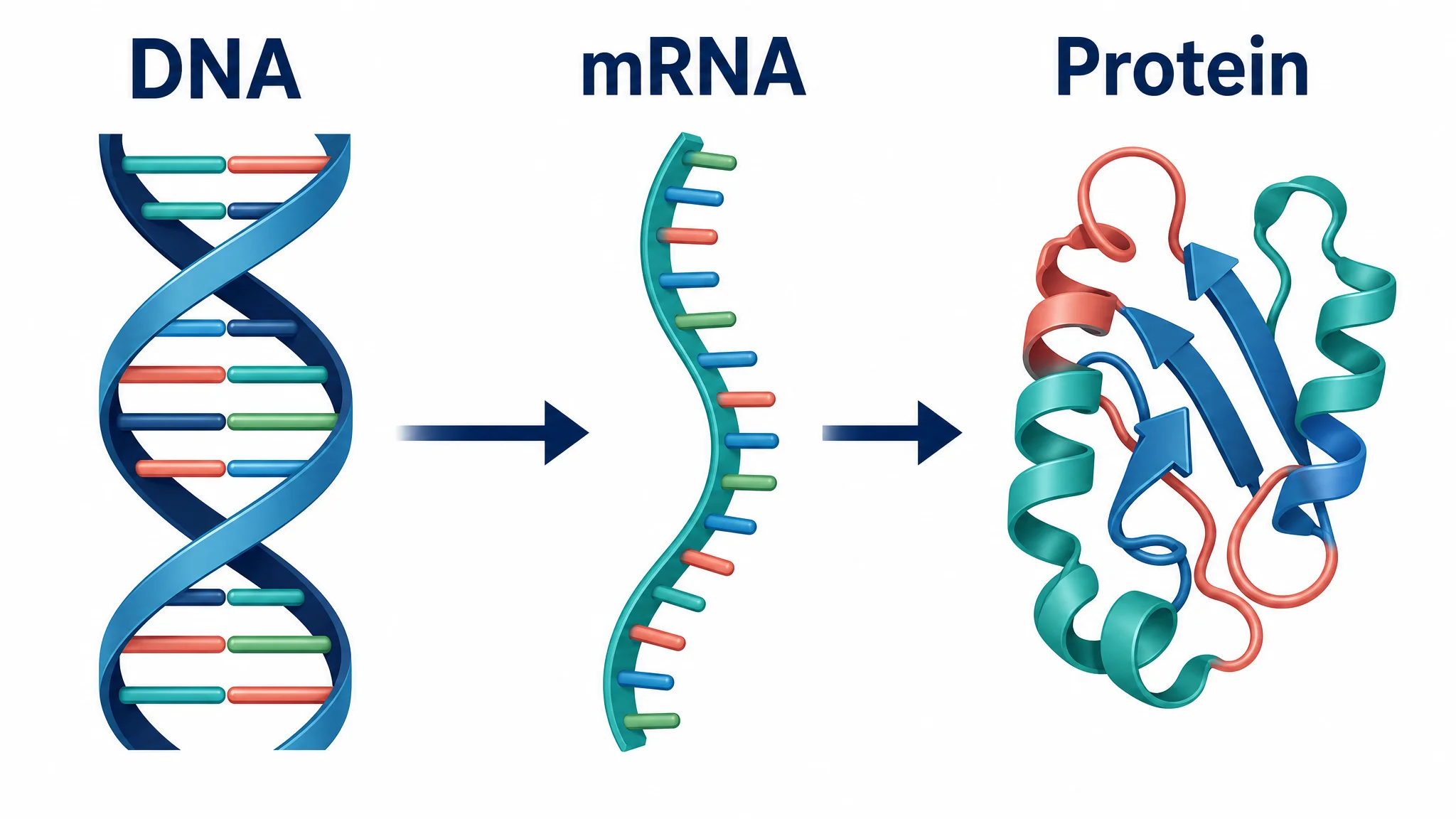
Central Dogma Diagram Guide: DNA to RNA to Protein
Learn how to read and draw a central dogma diagram, including DNA, mRNA, transcription, translation, ribosomes, codons, and common mistakes.
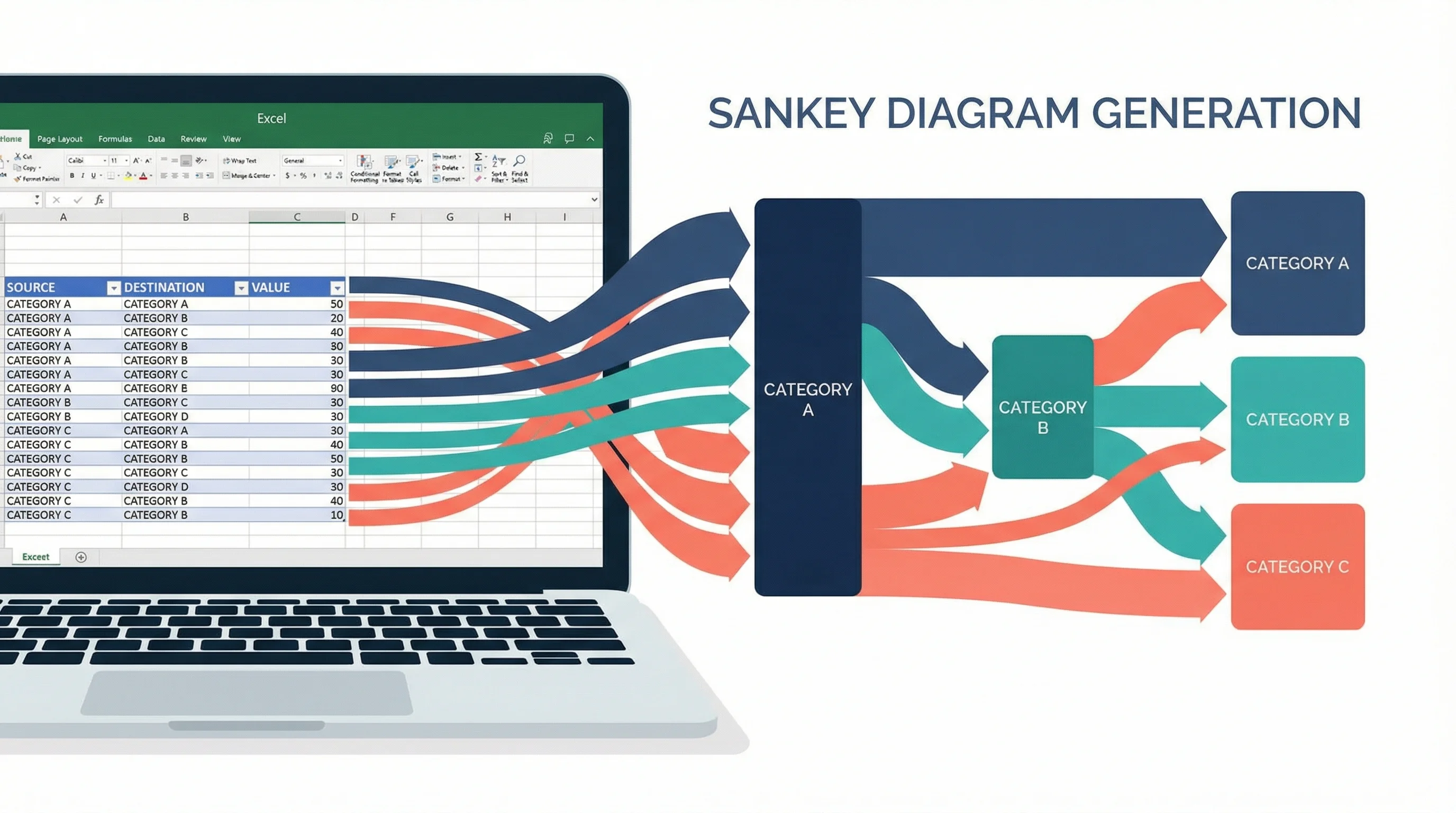
How to Create a Sankey Diagram in Excel: Step-by-Step Guide (2026)
Learn how to make Sankey diagrams in Excel using add-ins, manual workarounds, and dedicated tools. A step-by-step guide with templates and alternatives.
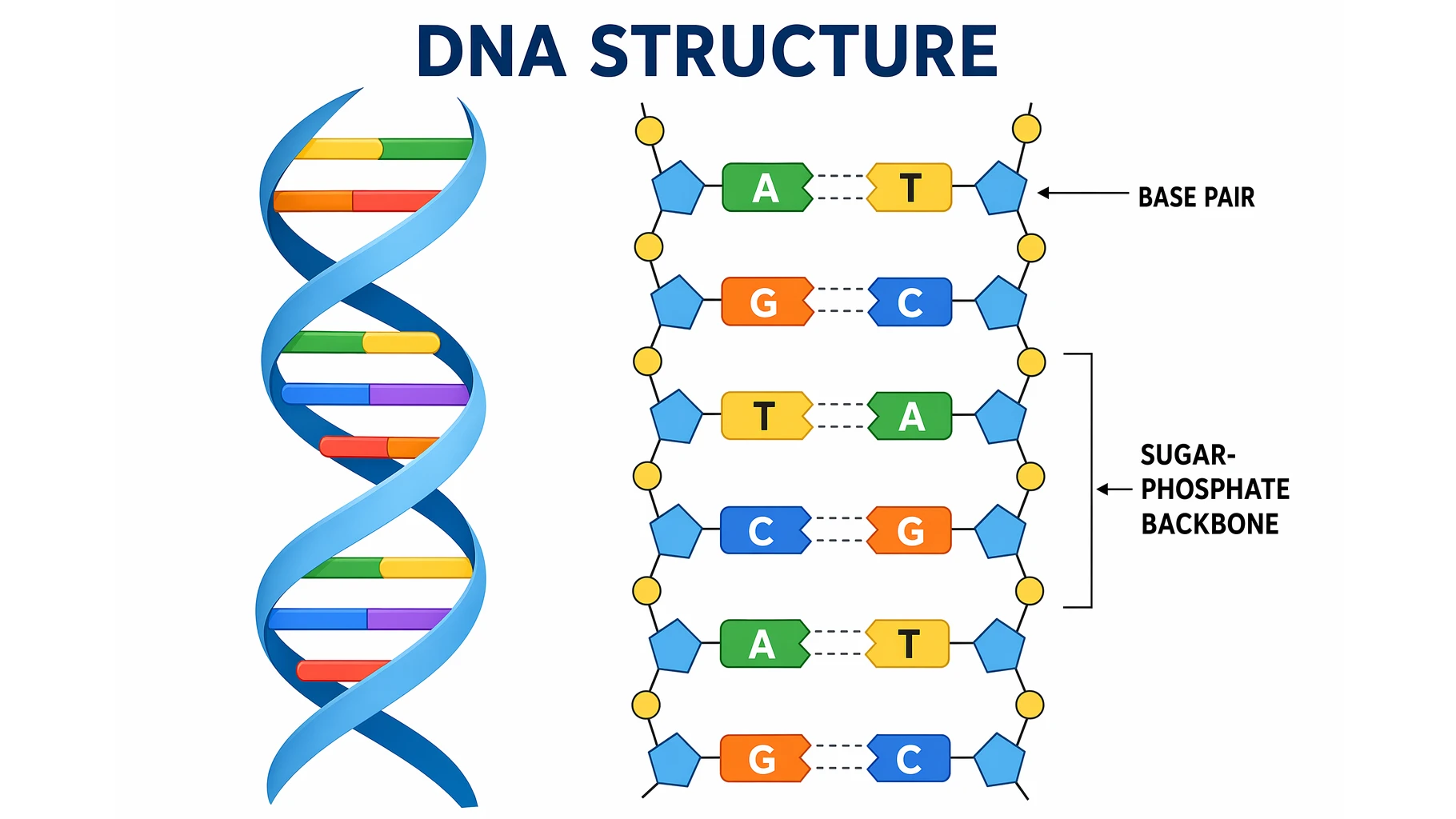
DNA Structure: The Double Helix and Base Pairs Explained
A clear guide to DNA structure: the double helix, nucleotides, the sugar-phosphate backbone, A-T and G-C base pairing, antiparallel strands, and grooves.