Image to SVG Converter PNG, JPG & WebP to Vector
Convert PNG, JPG, or WebP images to clean SVG vectors online. Trace logos, icons, and line art into scalable paths, compare before and after, and download the SVG free.
Supported formats: PNG, JPG, WebP
Review example image-to-SVG conversions and inspect the before-and-after difference with the comparison slider.
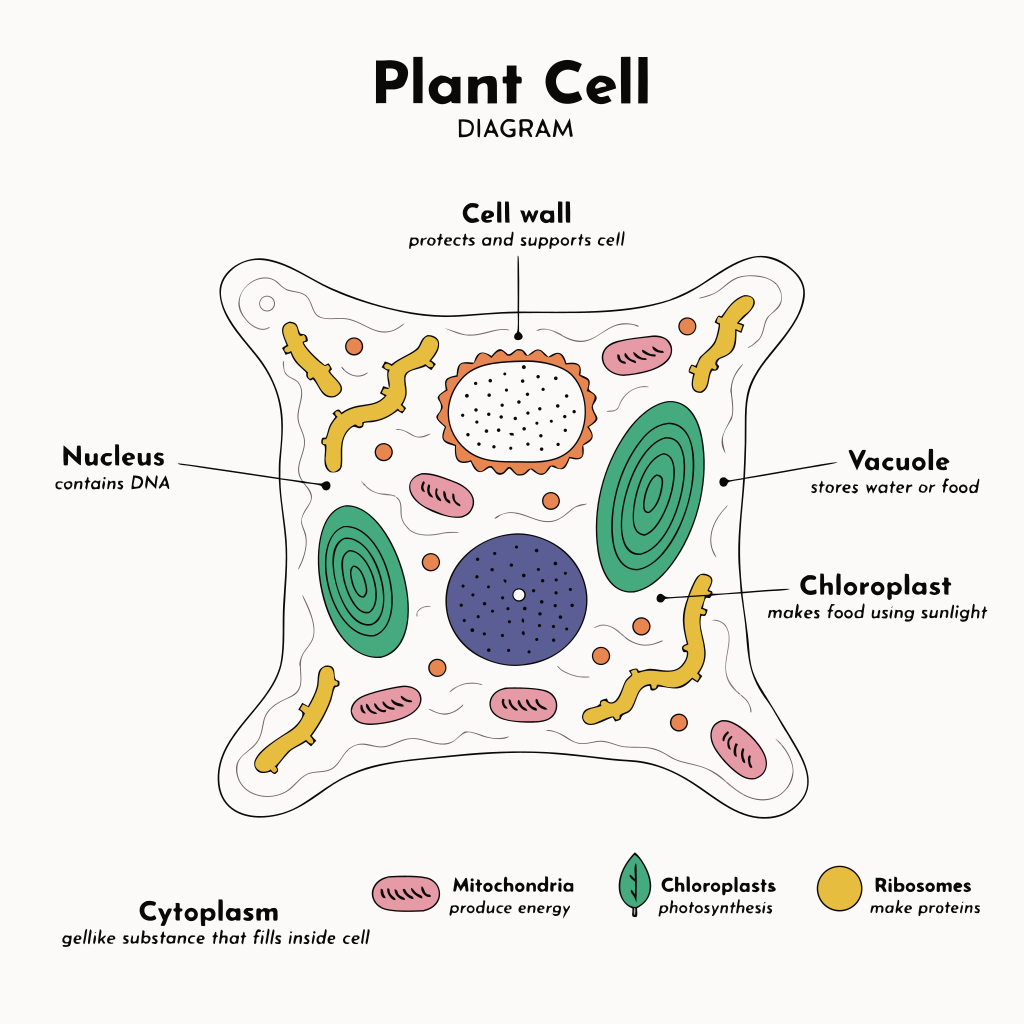
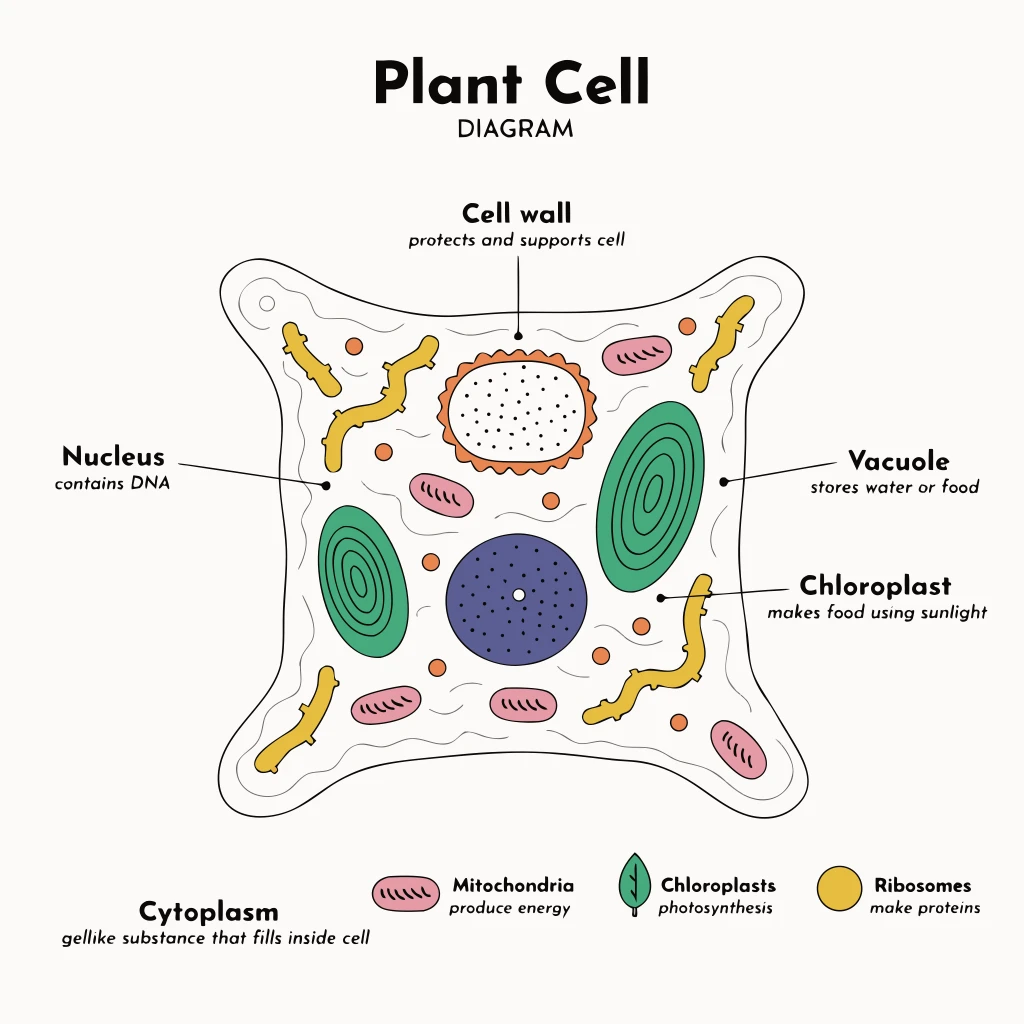
Sample Conversions
Review example image-to-SVG conversions and inspect the before-and-after difference with the comparison slider.
What is an SVG, and why do vectors scale without quality loss?
A PNG, JPG, or WebP is a raster image: a fixed grid of pixels. Enlarge it and the pixels stretch, so edges turn soft and jagged. An SVG (Scalable Vector Graphic) is different — it stores shapes as mathematical paths, points, and curves rather than pixels. Because the browser redraws those paths at whatever size you ask for, an SVG stays razor-sharp at any scale, from a 16px favicon to a billboard. SVG files are also small for simple artwork, editable in vector tools like Illustrator, Figma, or Inkscape, and easy to recolor in code. That combination — crisp at any size, lightweight, and editable — is why logos, icons, and UI graphics are almost always shipped as SVG.
What image-to-SVG conversion (vectorization) actually does
This tool is a converter, not an AI image generator. It takes the bitmap you upload and traces it — a process called vectorization. The tracer reads the colors and edges in your image, groups areas of similar color, and redraws their boundaries as smooth vector paths. The output is a real SVG made of shapes you can scale, edit, and recolor. Tracing does not invent new detail or upscale a blurry photo; it reinterprets the pixels you already have as vector outlines. That is why the result is excellent for clean, flat graphics and far less faithful for richly detailed images.
Best use cases: logos, icons, and line art
- Logos and wordmarks: turn a flat PNG logo into a scalable SVG for the web, print, and large-format display.
- Icons and UI graphics: convert app icons or interface marks into crisp, lightweight SVG assets.
- Line art and sketches: black-on-white drawings, outlines, and signatures trace into clean single-color paths.
- Silhouettes and stickers: bold, solid shapes with clear edges vectorize cleanly.
- Simple flat illustrations and badges: limited color palettes with hard edges convert reliably.
Where tracing struggles: detailed photos and gradients
Be realistic about what vectorization can and cannot do. Photographs, soft gradients, fine textures, drop shadows, and images with thousands of subtle color transitions do not trace cleanly. The converter has to approximate every blend as discrete color regions, so a portrait or a busy landscape becomes a heavy, posterized mosaic of paths that rarely looks like the original and produces a bloated file. The rule of thumb: the fewer colors and the harder the edges, the better the trace. If your source is a high-detail photo, vectorizing is usually the wrong tool — keep it as a raster image instead.
How to convert an image to SVG
- Upload your source file — PNG, JPG, or WebP — by dragging it into the upload area or clicking to browse.
- Run the conversion. The tool traces the bitmap and generates an SVG version of your image.
- Compare before and after with the slider to check whether the vector result captured your shapes cleanly.
- Download the SVG if it looks right, then drop it into your website, deck, or design tool.
Tips for the best results and file notes
Feed the tracer the cleanest input you can. High-contrast, flat-color images with crisp edges trace best, so start from the highest-resolution version of your logo or icon you have, and remove busy backgrounds before converting. Avoid JPGs that are heavily compressed — the blocky artifacts around edges become extra noise in the trace. If a result looks rough, simplifying the source (fewer colors, sharper outlines) usually helps more than anything else. The tool accepts PNG, JPG, and WebP and outputs a standard .svg file that opens in any browser and in vector editors, where you can refine paths or recolor the artwork after download.
Frequently Asked Questions
Related Tools
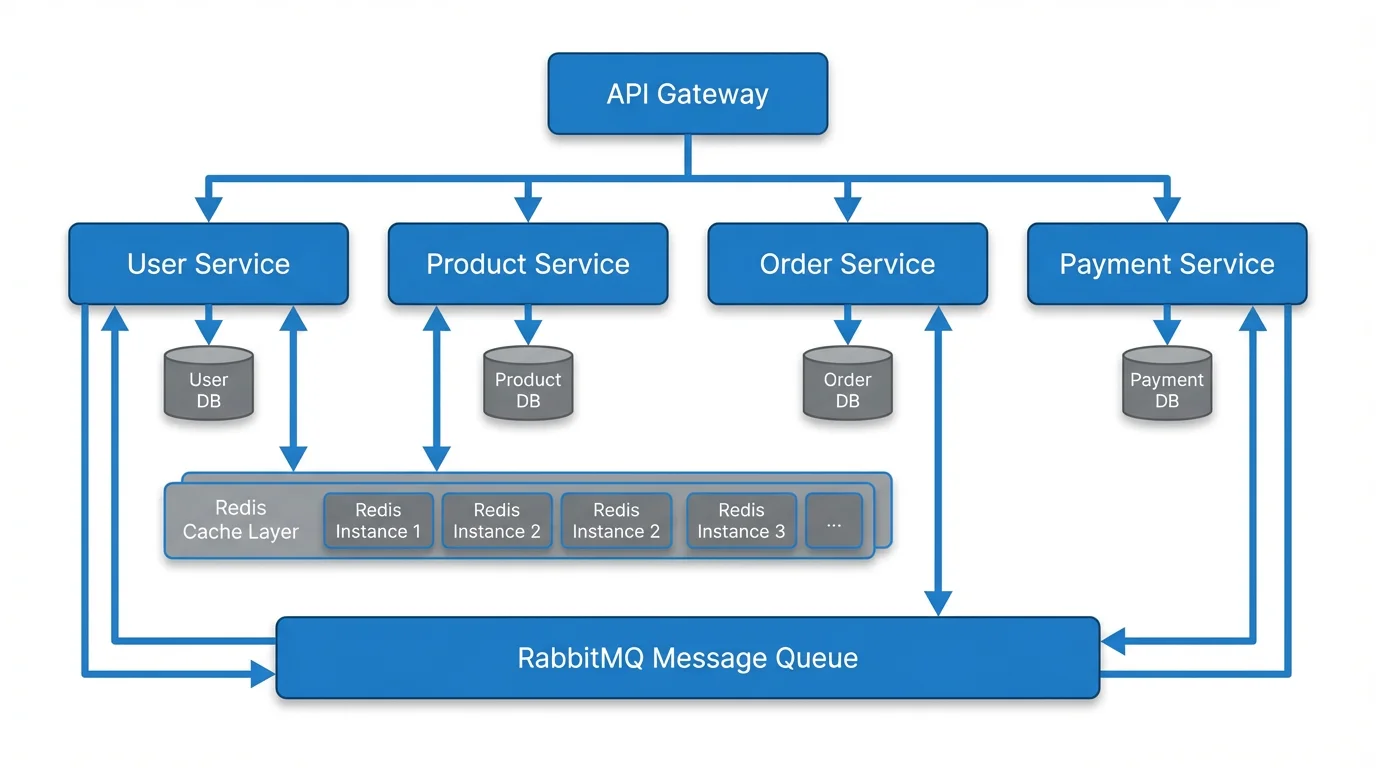 Visualization
Text to Diagram Generator
Turn a written description into a structured, editable diagram in seconds.
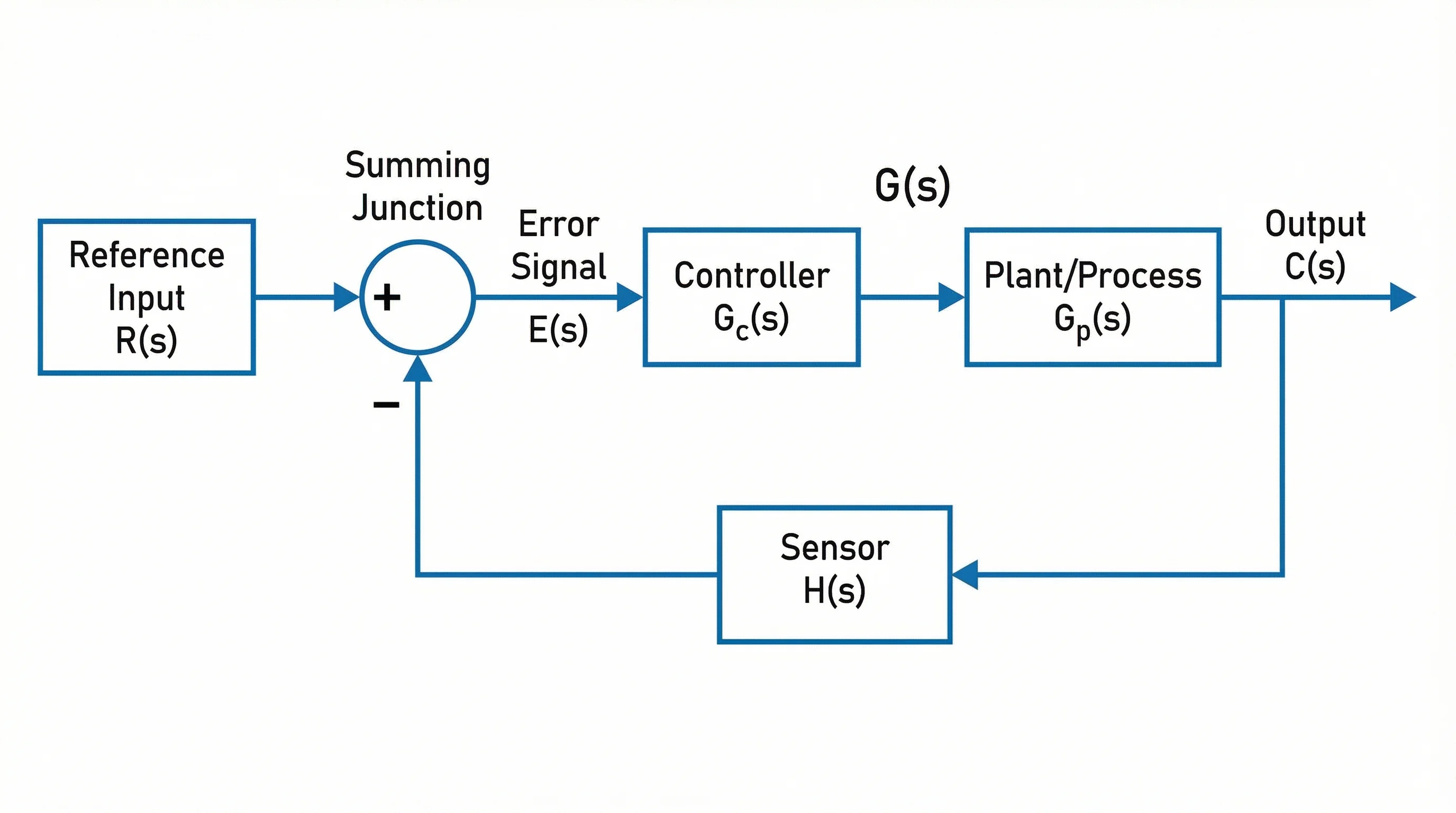 Diagrams
Block Diagram Generator
Build clear block-based system and process diagrams from your input.
 Visualization
Comparison Chart Maker
Create clean side-by-side visual comparisons for reports and decks.