Fraction Circles Generator Pie Fractions
Draw fraction circles: split a circle into equal sectors, shade any fraction like 3/4, and compare sizes or equivalence. Export SVG & PNG.
Circles to include (1 = whole)
Fraction Circles Examples
Common ways to build a set of fraction circles
Labeled Fraction Circles (1 to 8)
A full set of fraction circles from the whole down to eighths, each labeled and precisely divided.
Fraction Circle Showing 3/4
A quartered circle with 3 of 4 sectors shaded, the classic pie model for a fraction.
Colorful Fraction Circles Poster
A bright, wall-poster take on the classic set of fraction circles.
Pizza Fraction Circles
A playful pizza-slice take on fraction circles for introducing the idea of equal parts.
Comparing Fractions with Circles
Two shaded circles side by side, built for comparing two fractions at a glance.
Blank Fraction Circles Worksheet
A set of empty pie circles, ready for students to shade and label by hand.
What are fraction circles?
Fraction circles are pie-style manipulatives: a circle divided into a number of equal wedge-shaped sectors, with some of those sectors shaded to show a fraction. A circle cut into 4 equal sectors with 3 shaded shows 3/4 exactly the way a slice of pizza with 3 of 4 pieces missing does — which is why fraction circles are one of the most intuitive first models for what a fraction actually means: a whole (the circle) split into equal parts, some of which are counted. This generator draws every circle to exact scale with correctly divided sectors, and can shade any number of them to build a specific fraction.
Circles vs. fraction strips
- Fraction circles and fraction strips (bars) both show a whole split into equal parts, but they emphasize different intuitions. A circle keeps the "equal area, different shapes" idea front and center — a half of a circle looks like a half no matter which half you shade, which mirrors real objects like pizzas, pies, and clocks that children already recognize as round wholes.
- Strips, by contrast, line up in a fraction wall so segments from different denominators sit at the same horizontal position — better for reading off equivalence and ordering at a glance. Many classrooms use both: circles to introduce "what a fraction of a whole looks like," and a wall of strips (see the companion Fraction Strips Generator) for comparing and adding.
- Because the underlying idea (equal parts of one whole) is the same, moving between the two models is a good comprehension check: if a student can shade 3/4 correctly on both a circle and a strip, they have the concept, not just the picture.
Reading a shaded fraction circle
- The denominator is the number of equal sectors the circle is cut into — 4 sectors for quarters, 6 for sixths, and so on. The numerator is simply how many of those sectors are shaded, always counted starting from the top and moving clockwise in this generator, so 3/4 always shades the same three sectors.
- An unshaded, undivided circle represents the whole number 1. As the denominator grows, each sector gets narrower, which is a visual reminder that fractions with larger denominators represent smaller pieces of the same whole — 1/8 is a thinner slice than 1/2, even though 8 is a "bigger" number than 2.
- Placing circles of different denominators side by side, with the same fraction shaded in each (like 1/2 next to 2/4 next to 3/6), is a quick way to see that equal shaded area can come from different numbers of equal sectors — the core idea behind equivalent fractions.
Comparing fractions with circles
- To compare two fractions, shade one circle for each and look at which shaded area covers more of the pie: whichever circle looks "more full" represents the larger fraction. This works even when the denominators differ, because the eye is comparing area, not counting sectors.
- This makes fraction circles especially good for an early, intuitive answer to "which is bigger, 2/3 or 3/4?" before students learn to find a common denominator — draw both circles, shade them, and compare directly.
- The same side-by-side layout also previews addition and subtraction: shading 1/4 more onto a circle already showing 1/2 (using quarters) demonstrates that 1/2 + 1/4 = 3/4, one sector-by-sector step at a time.
Building your own set of fraction circles
- Pick any combination of denominators from 1 to 12 — a short set (whole, halves, quarters) for a first lesson, or a full 1-to-12 set as a reference chart. Circles lay out in a row and wrap into a grid automatically as more are added.
- Optionally shade any number of sectors on one circle to show a specific fraction like 3/4 or 5/6, and toggle the fraction label under each circle on or off — labeled circles work as a teaching reference, unlabeled circles make a blank worksheet for students to shade and label themselves.
- Everything renders in your browser and exports as a crisp SVG or a high-resolution PNG, so the circles print sharply at any size and drop cleanly into worksheets, slides, or a classroom poster.
Frequently Asked Questions
Related Math Tools
 Education
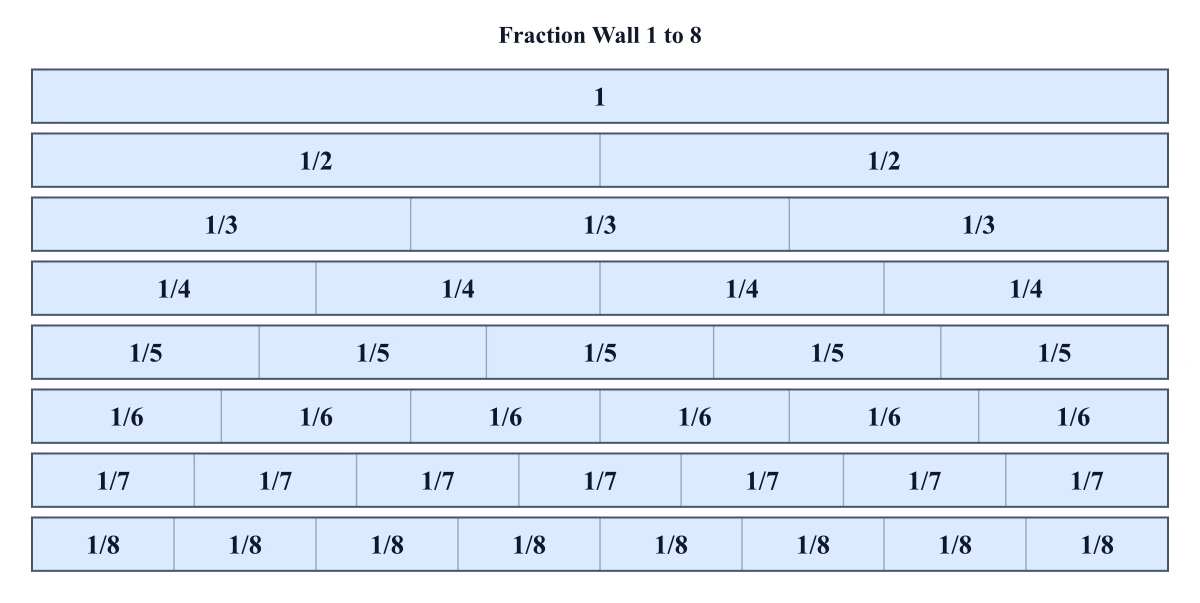
Fraction Strips Generator
Build a printable fraction wall: stacked bar strips for halves, thirds, quarters and more, labeled and aligned to compare fractions.
 Education
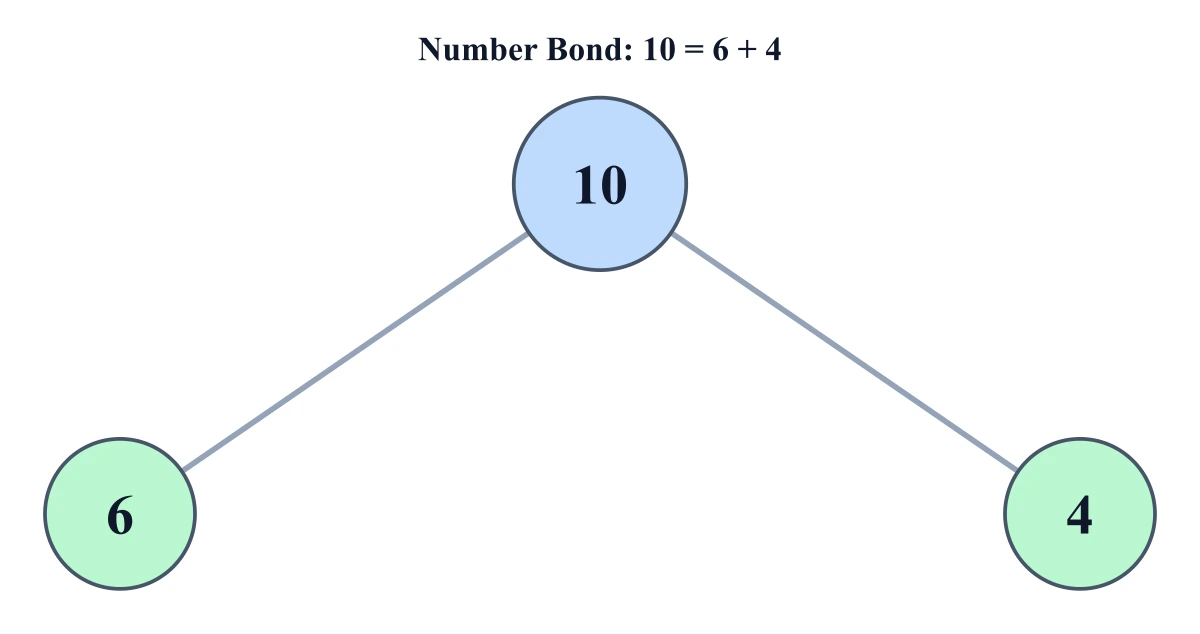
Number Bond Generator
Make printable number bonds — the part-part-whole circle diagram for early math, with auto-solve for missing values.
 Education
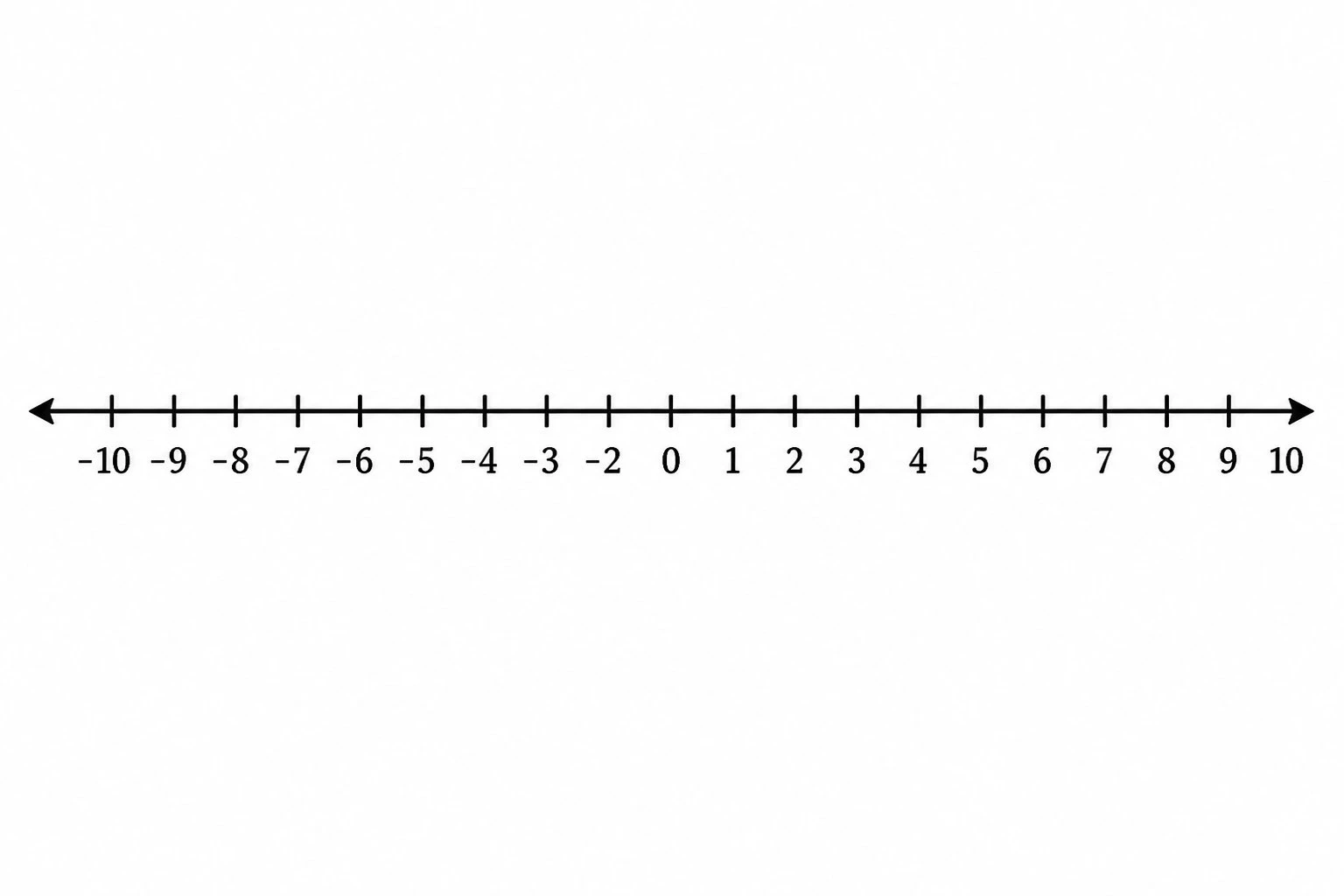
Number Line Generator
Create precise number lines: plot points, graph inequalities and intervals, and mark fractions or decimals.