
Science Journal Cover Design: Complete Guide to Getting Your Research Featured
Learn how to design compelling journal cover art that gets your research noticed. Includes technical specs for Nature, Cell, ACS journals, design principles, and step-by-step creation process.
Getting your research featured on a journal cover is one of the most visible achievements in academia. Cover images receive up to 135% more full-text views and 148% higher Altmetric scores compared to articles without cover features, according to Wiley's research.
But how do you transform complex research into compelling visual art worthy of a journal cover? This guide walks you through everything from technical specifications to design principles, helping you create cover art that captures both scientific accuracy and artistic beauty.
Journal Cover vs. Graphical Abstract: Understanding the Difference
Before diving into design, it's crucial to understand what sets journal covers apart from graphical abstracts:
| Aspect | Journal Cover | Graphical Abstract |
|---|---|---|
| Primary Purpose | Attract attention, represent the issue | Summarize research findings |
| Text Usage | Minimal to none | Often includes labels and brief text |
| Artistic Freedom | High – storytelling and fantasy encouraged | Moderate – must be scientifically accurate |
| Dimensions | Full page (varies by journal) | Usually square or landscape |
| Audience | General public + scientists | Primarily researchers |
| Information Density | Single concept or metaphor | Multiple findings/processes |
As Nature's figure guide puts it: "Covers are not like figures in your paper — they do not bear the burden of telling the entire story of your research. Rather, they tempt the viewer to learn more."
If you need guidance on graphical abstracts specifically, see our complete graphical abstract guide and examples by discipline.
Technical Specifications by Journal
Each journal has specific requirements. Here's a comprehensive reference:
Nature Journals
| Specification | Requirement |
|---|---|
| Dimensions | 21.5 cm × 28.5 cm (width × height) |
| Resolution | 300 DPI minimum |
| Bleed | 3mm on all sides |
| Color Mode | CMYK (printed editions) |
| File Formats | PSD, TIFF, JPEG, PNG |
Nature emphasizes: "Resolution and clarity are absolutely essential, and must be addressed at the very first stages of creating imagery."
Cell Press (Cell, Structure, etc.)
| Specification | Requirement |
|---|---|
| Dimensions | 9.337 × 11.46 inches (including spine) |
| Extra Space | Add 1/4 inch to each edge for cropping |
| Resolution | 300 DPI minimum |
| File Formats | High-resolution image files |
Cell Press's cover submission guidelines provide journal-specific variations.
ACS Publications
| Specification | Requirement |
|---|---|
| Dimensions | 8.19 × 8.05 inches (20.8 × 20.45 cm) |
| Resolution | 300 PPI minimum |
| File Formats | TIF, JPG, PNG, EPS (not PDF or PPT) |
| Content | Colorful, minimal text, not data-like |
PNAS
| Specification | Requirement |
|---|---|
| Dimensions | 21.59 × 27.94 cm (8.5 × 11 inches) |
| Caption | 50-60 words lay-language description |
| Restrictions | No AI-generated images, no stock photos |
| Credit | Must include image credit information |
Wiley Journals
Wiley provides a Cover Image program that allows authors to submit cover suggestions upon acceptance. Requirements vary by journal, but generally follow similar specifications to other major publishers.
The Five Core Design Principles
Based on guidance from Nature, Cell, and professional scientific illustrators, here are the essential principles:
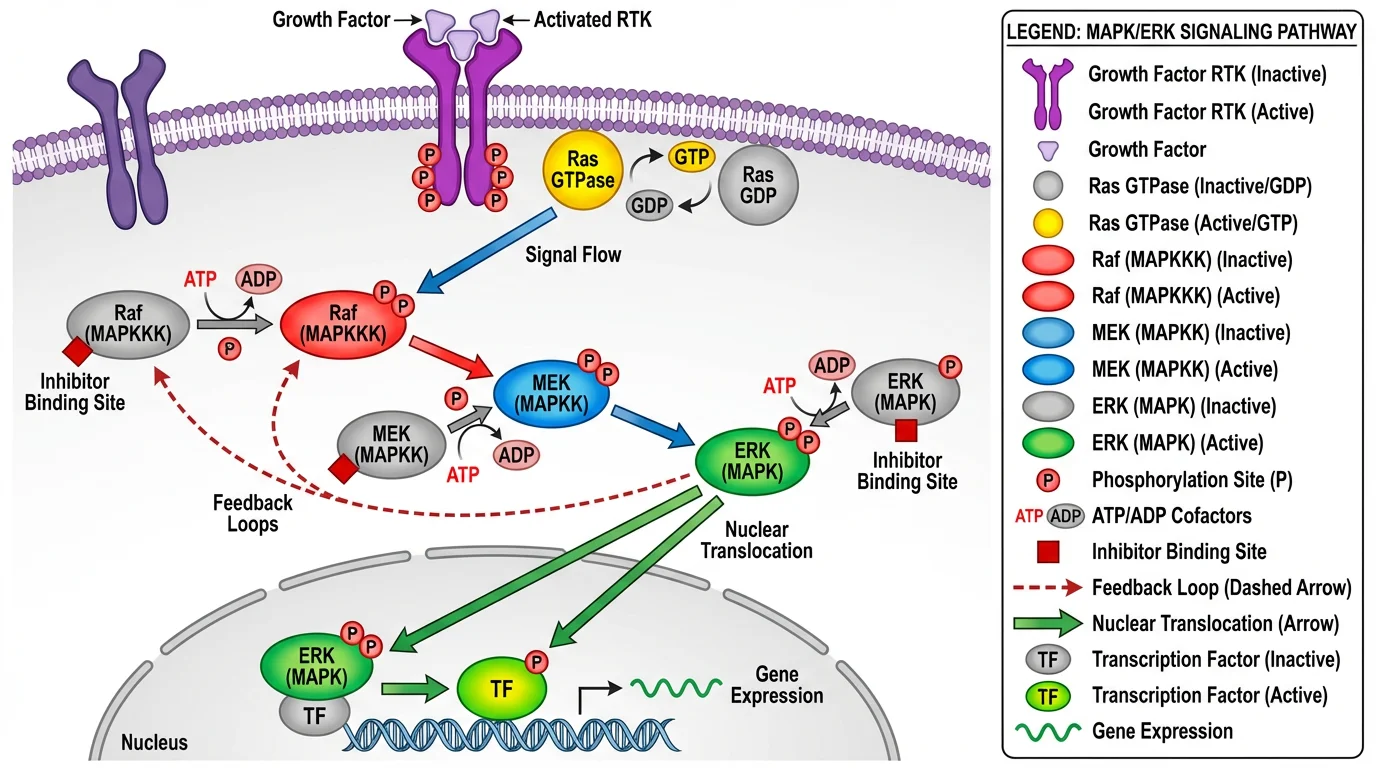
High-quality scientific diagrams like this signaling pathway demonstrate the clarity and visual hierarchy that make effective cover art foundations
1. Simplicity Above All
"The importance of simplicity cannot be overstated," according to Nature's guidelines. "A cluttered, crowded cover gives the unpleasant sense of information overload."
Do:
- Distill your paper to a single concept or visual metaphor
- Leave breathing room (negative space)
- Focus on one "hero" element
Don't:
- Try to show every aspect of your research
- Include detailed data or graphs
- Add unnecessary labels or annotations
2. Storytelling Over Data
Journal covers should tell a story, not present data. Think of it as creating a movie poster for your research, not a figure from your Methods section.
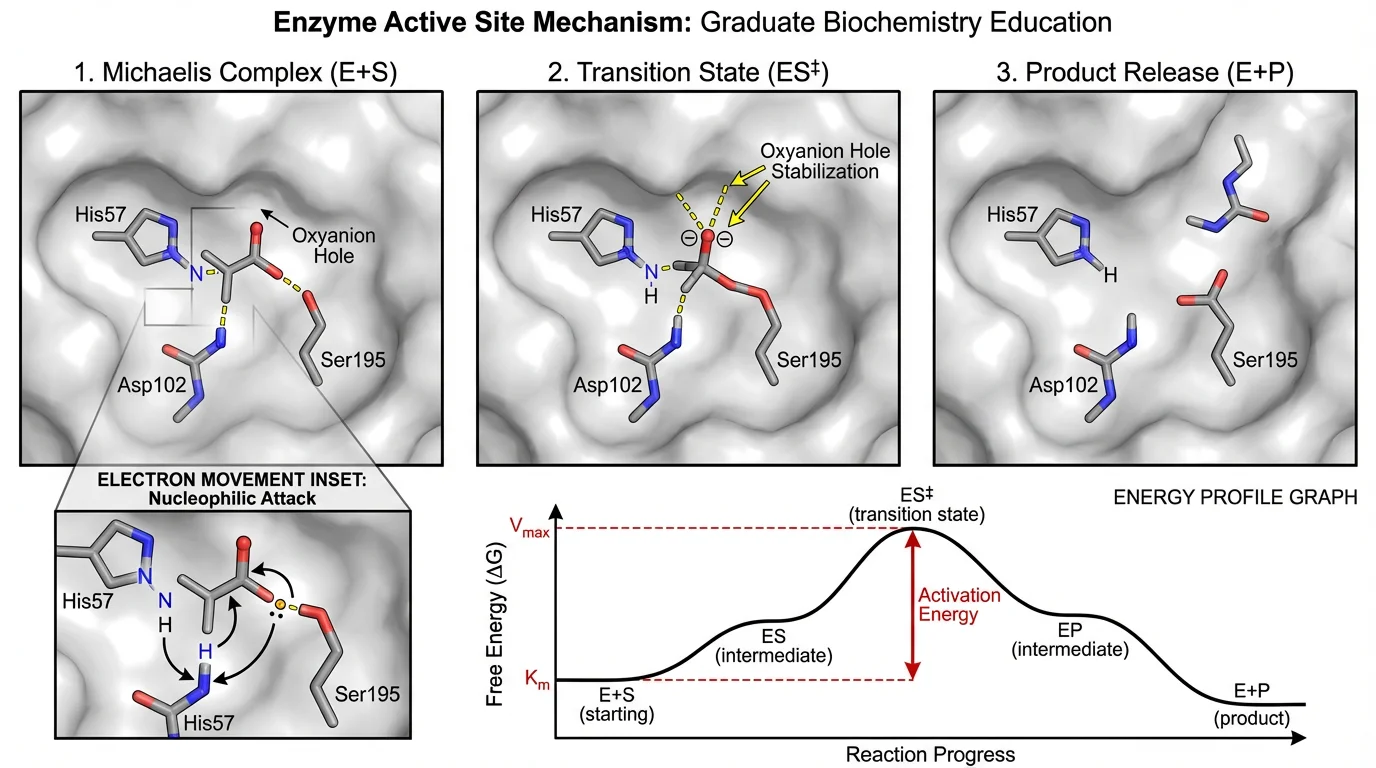
This enzyme mechanism diagram tells a clear story of molecular interaction - the kind of visual narrative that works well for cover concepts
Effective storytelling approaches:
- Visual metaphors (e.g., a lock and key for receptor binding)
- Scale juxtaposition (molecular alongside macro-scale effects)
- Before/after transformations
- Unexpected perspectives (microscopic worlds, cutaway views)
3. Bold Color with Purpose
Color should complement composition and can be used to:
- Create visual hierarchy
- Highlight important elements
- Establish mood or tone
- Guide the viewer's eye
For science-appropriate color palettes, see our guide on scientific color palettes for research.
Color tips:
- Use contrasting colors for key elements
- Consider the journal's existing color scheme
- Avoid colors that reproduce poorly in print (neon, very light pastels)
- Test in both RGB and CMYK
4. Novelty and Originality
Vivid Biology emphasizes: "If your prized idea is already on a stock website, that image will already be associated with hundreds of other articles. Your content is original, so be original."
Ways to achieve novelty:
- Show something never seen before (new visualization technique)
- Present familiar concepts from unexpected angles
- Combine elements in surprising ways
- Use your actual research imagery as a starting point
5. Technical Excellence
Poor resolution or color issues will disqualify even the most creative concept. Start with quality from the beginning:
- Capture original images at maximum resolution
- Work in the correct color space from the start
- Keep layered files for flexibility
- Test how your image looks at thumbnail size (journal websites)
Step-by-Step Cover Design Process
Step 1: Concept Development (1-2 hours)
Start with brainstorming, not software:
- Identify your "headline" – What's the single most important finding?
- List visual metaphors – How might you represent this visually?
- Study existing covers – Browse the journal's cover archive for style guidance
- Sketch rough concepts – Even stick figures help clarify ideas
Questions to ask:
- What would make someone stop scrolling?
- Can a non-scientist understand the general concept?
- Does this represent my research accurately (even if simplified)?
Step 2: Reference Gathering
Collect visual references:
- Your own research images (microscopy, structures, data visualizations)
- The journal's previous covers (note common styles)
- Color palettes that fit your concept
- Real-world references for any illustrative elements
Step 3: Initial Composition
Create a rough layout addressing:
- Focal point – Where should the eye go first?
- Flow – How does the eye move through the image?
- Balance – Is the composition stable or dynamic (both can work)?
- Space for text – Journals add titles; leave appropriate areas
Step 4: Refinement and Detail
Build out your concept:
- Add scientific accuracy to key elements
- Refine color relationships
- Ensure sufficient contrast
- Add depth through lighting and shadows
Step 5: Technical Preparation
Before submission:
- Convert to required dimensions and resolution
- Check CMYK conversion (colors may shift from RGB)
- Add bleed areas if required
- Prepare multiple versions if requested
- Write the required caption/description
Working with Professional Illustrators
Many researchers hire professional scientific illustrators for cover art. Here's how to make the collaboration successful:
Finding an Illustrator
Options include:
- ScienceBrush – Scientific cover art specialists
- SayoStudio – Science illustration and animation
- Freelance platforms (look for science/medical illustration experience)
- University design departments
Communication Best Practices
As Cell's cover art guide advises: "One of the most integral steps in the artistic process is communicating with the illustrator. This initial conversation allows them to understand the broader concept of the manuscript."
Provide:
- Your paper abstract and key figures
- The specific finding you want to highlight
- Visual references you like (and dislike)
- Journal specifications and deadline
- Budget and revision expectations
Look for illustrators who:
- Have scientific background or experience
- Understand which details must be accurate vs. flexible
- Can work within journal specifications
- Provide drafts for feedback before final rendering
Budget Considerations
Professional cover art typically ranges from $300-2000+ depending on complexity and illustrator experience. Some journals offer cover art services, and some institutions have internal design support.
DIY Tools and Resources
If you're creating cover art yourself, consider these tools:
Design Software
| Tool | Best For | Learning Curve |
|---|---|---|
| Adobe Illustrator | Vector illustrations, diagrams | Steep |
| Blender | 3D molecular/structural rendering | Steep |
| BioRender | Biological illustrations | Gentle |
| ConceptViz | AI-assisted scientific diagrams | Gentle |
| Photoshop | Photo manipulation, compositing | Moderate |
| Figma | Layout and composition | Gentle |
Scientific Visualization Tools
- PyMOL/ChimeraX – Molecular structures
- UCSF Chimera – Molecular visualization
- VMD – Molecular dynamics visualization
- Fiji/ImageJ – Microscopy image processing
Asset Resources
- Your own research imagery (always preferred)
- Creative Commons scientific images
- Journal-provided templates (when available)
Common Mistakes to Avoid
1. Treating It Like a Graphical Abstract
The most common mistake: trying to show everything. A cover should have one idea, not five. If you're adding arrows and labels, you're probably making a graphical abstract.
2. Poor Resolution
Starting with low-resolution source material and trying to upscale never works. Plan for print resolution (300 DPI) from the beginning.
3. Ignoring the Journal's Style
Each journal has a visual identity. Study their recent covers before designing. A cover that would work for Nature might not suit PNAS's aesthetic.
4. Misleading Representations
While artistic license is encouraged, the cover must still represent your research accurately. Avoid:
- Implying effects you didn't observe
- Misrepresenting scale without indication
- Using imagery unrelated to your findings
5. Forgetting About Text Overlay
Journals add titles, author names, and other text. Design with these in mind—avoid putting critical elements where text typically appears (often top and bottom thirds).
6. Using Stock Imagery
Most journals explicitly prohibit or discourage stock photos. PNAS states: "AI-generated images and stock photography will not be considered."
Submission Strategy
When to Submit
- With your manuscript – Some journals (like PNAS) accept cover suggestions during initial submission
- Upon acceptance – Many journals invite cover suggestions when your paper is accepted
- Proactively – Contact the journal's art editor to express interest
What to Include
- High-resolution image file(s)
- Brief caption (usually 50-100 words)
- Credit information
- Connection to your paper (manuscript number if assigned)
- Any required permissions for source imagery
Managing Expectations
Competition for covers is intense. Even excellent cover art may not be selected due to:
- Other strong candidates in the same issue
- Editorial thematic preferences
- Timing and space constraints
Don't be discouraged if your first submission isn't selected. The skills you develop will serve future papers.
Case Study: Anatomy of Successful Covers
Let's analyze what makes certain covers successful:
Example 1: Molecular Mechanism Cover
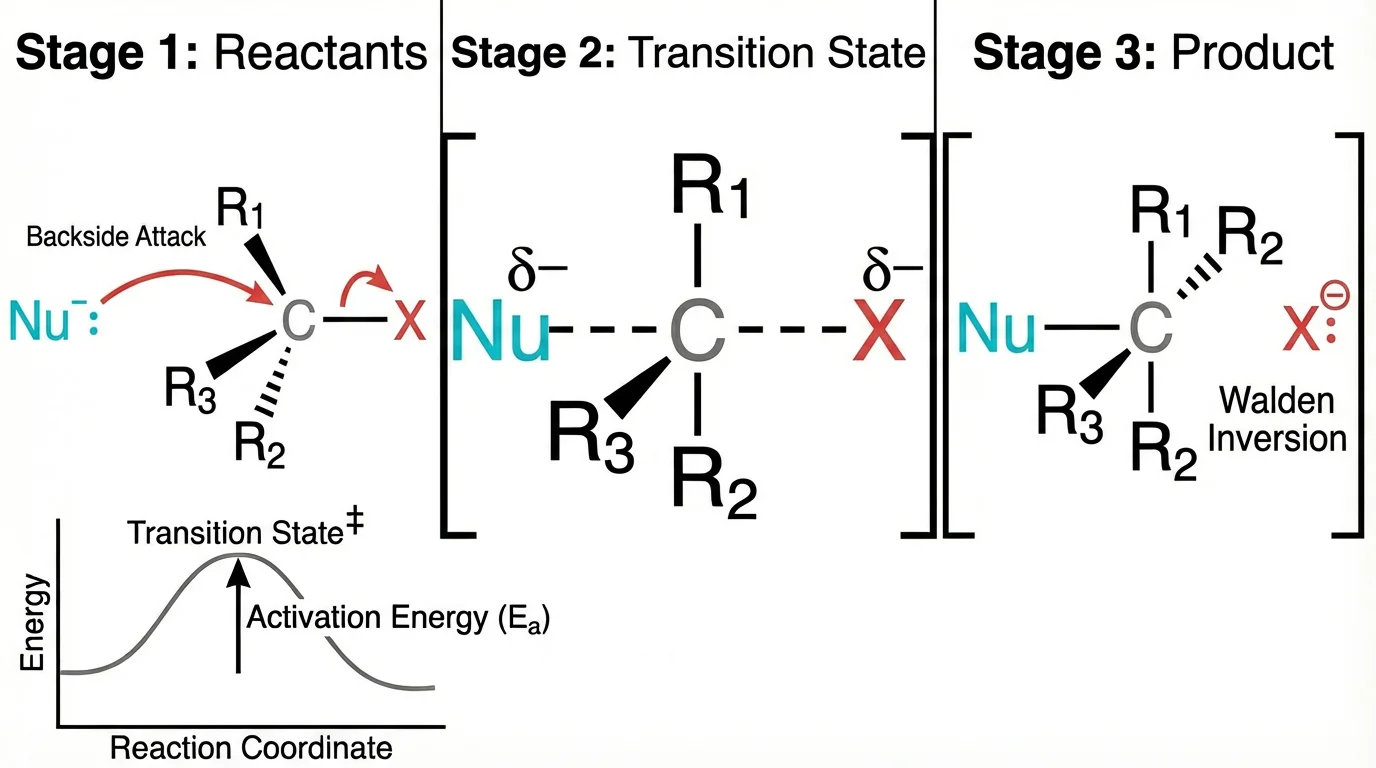
This reaction mechanism demonstrates the 'single focal point' principle - a clear molecular transformation as the visual hero
What works:
- Single molecule as clear focal point
- Dramatic lighting creates depth
- Color gradient guides eye movement
- Clean background doesn't compete
- Scale implied through rendering style
Design lesson: One well-rendered element beats many mediocre ones.
Example 2: Conceptual/Metaphorical Cover
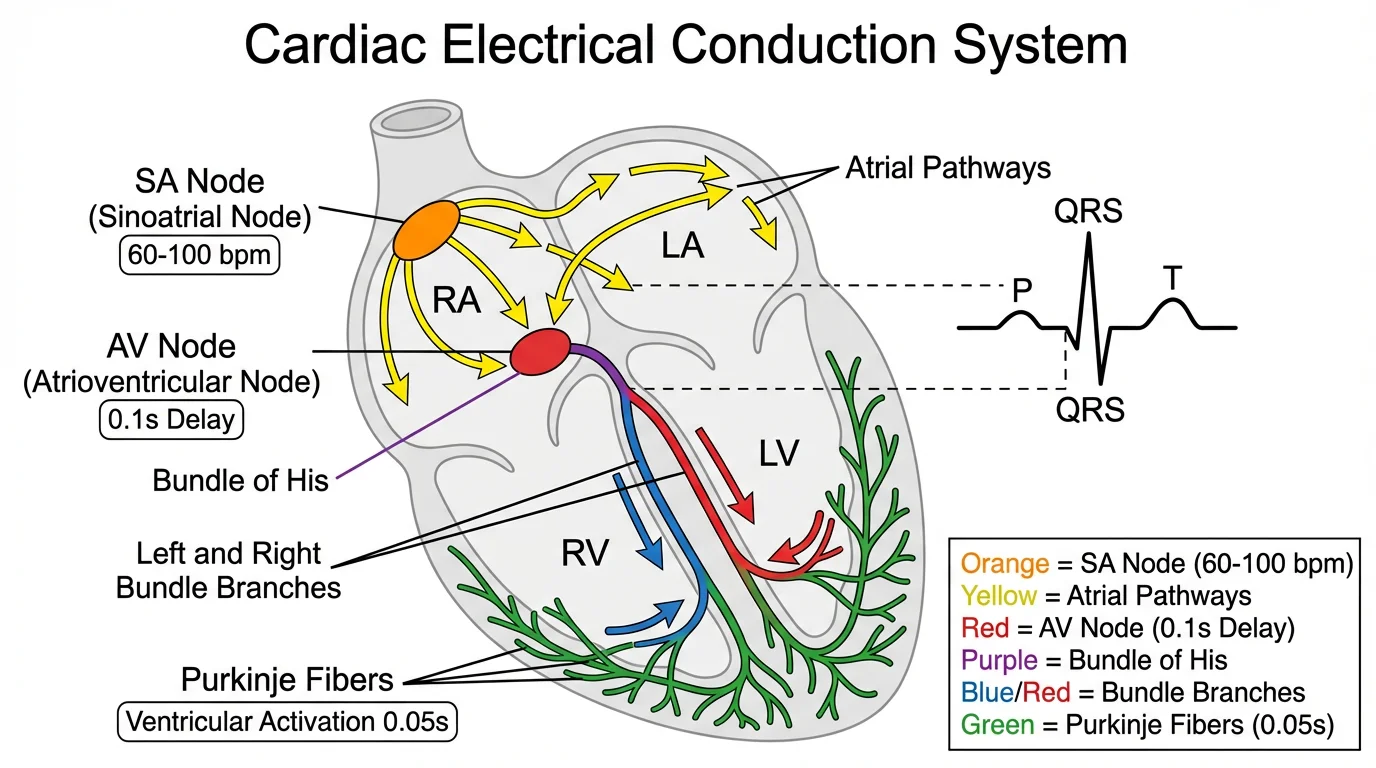
Medical illustrations like this cardiac system effectively combine artistic style with scientific accuracy
What works:
- Familiar metaphor (puzzle pieces, keys, etc.) makes concept accessible
- Scientific elements integrated naturally
- Bold color contrast creates impact
- Minimal text needed—image speaks for itself
Design lesson: Metaphors bridge the gap between complex science and immediate understanding.
Example 3: Microscopy-Based Cover
What works:
- Real research imagery as foundation
- Artistic enhancement doesn't obscure science
- Unexpected colors create visual interest
- Composition guides interpretation
Design lesson: Your own research images can be powerful starting points.
Tools Comparison: Creating Your Cover Art
| Approach | Time Investment | Cost | Quality Potential |
|---|---|---|---|
| DIY with design software | High | Low (software costs) | Variable |
| AI-assisted tools | Low | Low-Medium | Good |
| Professional illustrator | Low | High ($300-2000+) | Excellent |
| Journal's art services | Low | Varies | Good |
For researchers who want to create professional-quality scientific visuals efficiently, ConceptViz offers AI-powered diagram generation that can serve as a starting point for cover concepts. While covers typically require additional artistic refinement, having a strong scientific foundation speeds up the creative process.
Frequently Asked Questions
How much does it cost to hire a scientific illustrator for a journal cover?
Professional scientific illustration for journal covers typically costs between $300-2000+, depending on complexity, illustrator experience, and turnaround time. Some institutions have internal design services, and some journals offer cover art assistance. Budget options include AI-assisted tools or DIY approaches with software like BioRender or ConceptViz.
Can I use AI-generated images for journal covers?
Policies vary by journal. PNAS explicitly states that AI-generated images will not be considered. Many other journals haven't issued formal policies yet but generally prefer original artwork. If using AI tools, use them for concept development or base imagery that you significantly modify, and always disclose AI assistance if required by the journal.
What's the difference between a journal cover and a graphical abstract?
Journal covers are artistic, attention-grabbing images with minimal text that represent a single concept or metaphor. Graphical abstracts are more informational, summarizing research findings with labels, arrows, and structured layouts. Covers prioritize visual impact; graphical abstracts prioritize information transfer.
How do I submit a cover image to Nature or Science?
For Nature journals, submit high-resolution images (300 DPI, 21.5×28.5 cm, CMYK, 3mm bleed) in PSD, TIFF, JPEG, or PNG format. Contact the journal's art editor or submit through the manuscript system. For Science, check their specific author guidelines as requirements may differ. Always include a brief caption and credit information.
What resolution should a journal cover be?
Most journals require 300 DPI minimum at print dimensions. For Nature, this means 21.5×28.5 cm at 300 DPI. For ACS journals, 8.19×8.05 inches at 300 PPI. Always work at or above these specifications from the start—upscaling low-resolution images produces poor results.
Can I use images from my paper for the journal cover?
Yes, and this is often encouraged! Your own research imagery (microscopy, structures, visualizations) provides authentic, original content. However, cover art typically requires artistic enhancement—journal covers should look more like art than figures. Use your research images as a foundation but add artistic treatments.
How long does it take to create a journal cover?
Timeline varies significantly: DIY with existing skills might take 4-8 hours; learning new software adds days or weeks; professional illustrators typically need 1-3 weeks from concept to final delivery. Factor in revision time—most covers go through 2-3 rounds of feedback.
What if my cover submission isn't selected?
Don't be discouraged—competition is intense and selection involves factors beyond quality (editorial themes, issue balance, timing). Ask for feedback if possible, refine your approach, and try again with future publications. The skills you develop transfer to graphical abstracts, presentations, and future cover attempts.
Conclusion
Creating journal cover art is both an art and a science. The best covers balance scientific accuracy with artistic appeal, telling a compelling story that draws viewers in while faithfully representing research.
Key takeaways:
- Simplify ruthlessly – One concept, not five
- Check specifications early – Technical requirements are non-negotiable
- Tell a story – Covers tempt; they don't explain
- Invest in quality – Whether DIY or professional, resolution matters
- Study successful examples – Learn from what works
Whether you're creating your first cover or your tenth, remember that every attempt builds skills that serve your research communication goals.
Additional Resources
- Nature Research Figure Guide - Covers
- Cell Press Cover Submission Guidelines
- How to Make Figures for Nature/Science Journals
- Scientific Color Palette Guide
- Best Fonts for Scientific Posters
Ready to create stunning scientific visuals? Try ConceptViz free and transform your research into compelling visual content.
Catégories
Plus d'articles
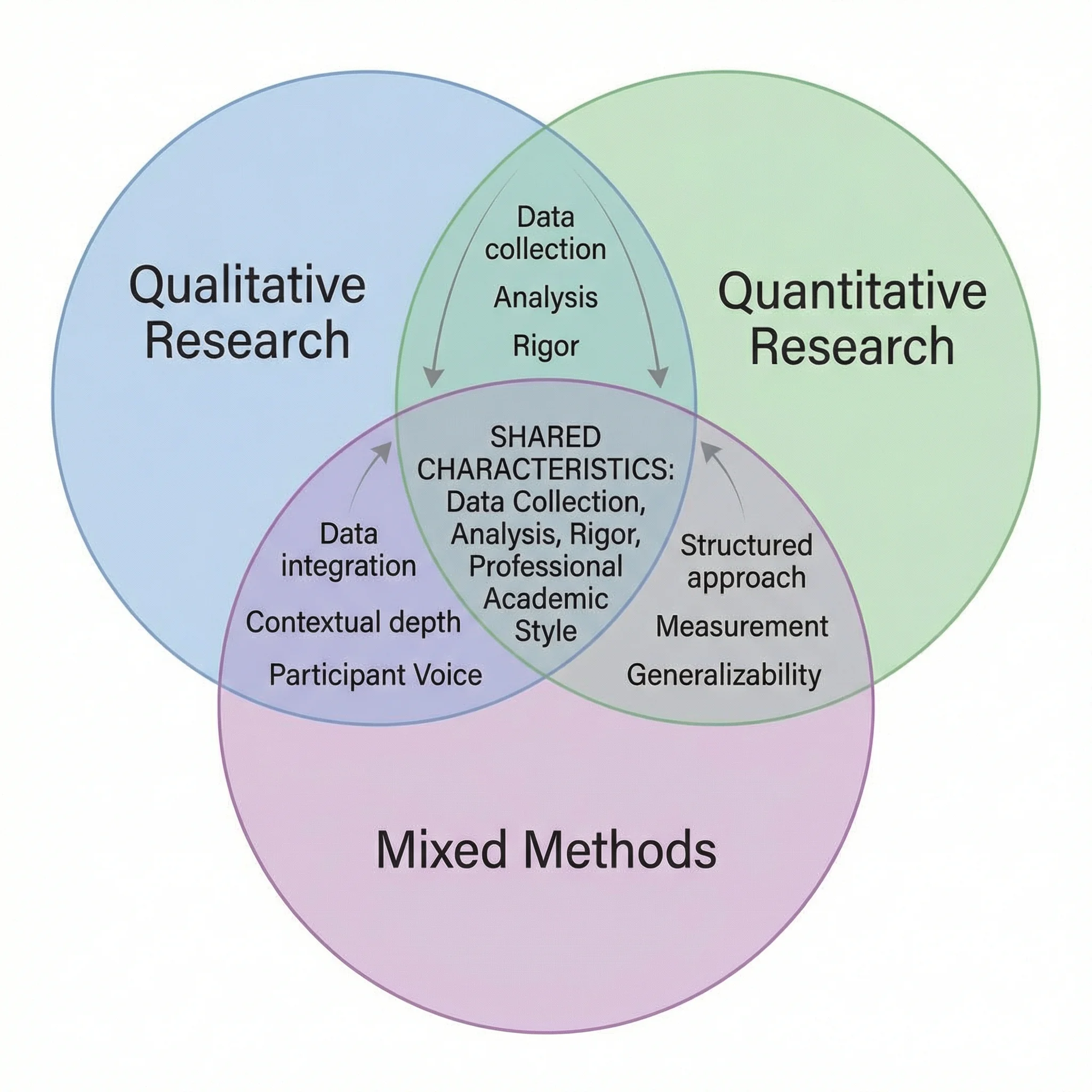
How to Make a Venn Diagram: Free Guide with Examples & AI Generator (2026)
Learn how to make a Venn diagram step by step. Explore 10+ real examples for science, business, and education — or use our free AI Venn diagram maker to create one instantly.
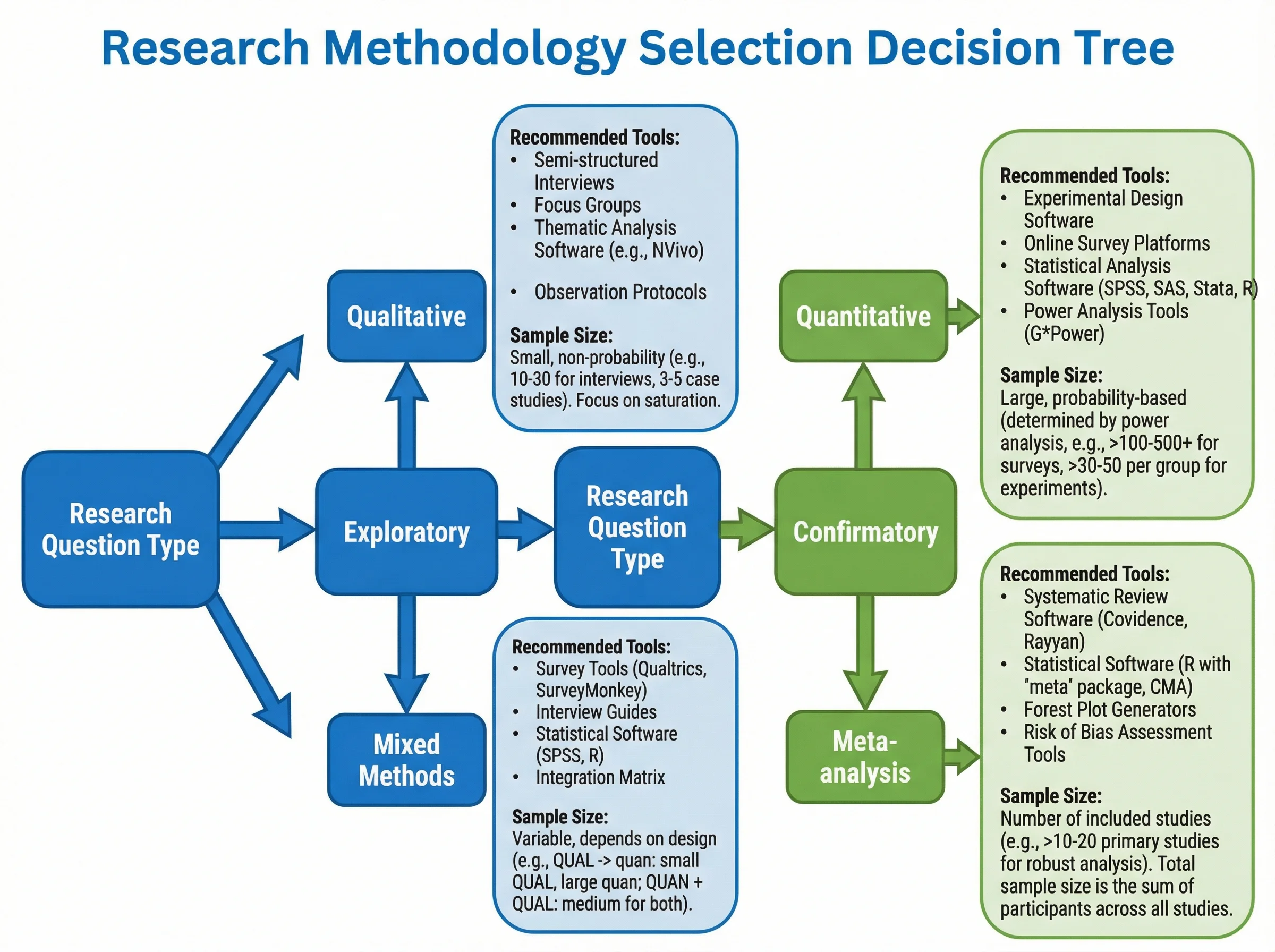
How to Create a Tree Diagram: 5 Types, Examples & Free AI Generator (2026)
Learn how to create tree diagrams for probability, decisions, org charts, and more. Step-by-step guide with real examples — plus a free AI tree diagram maker.
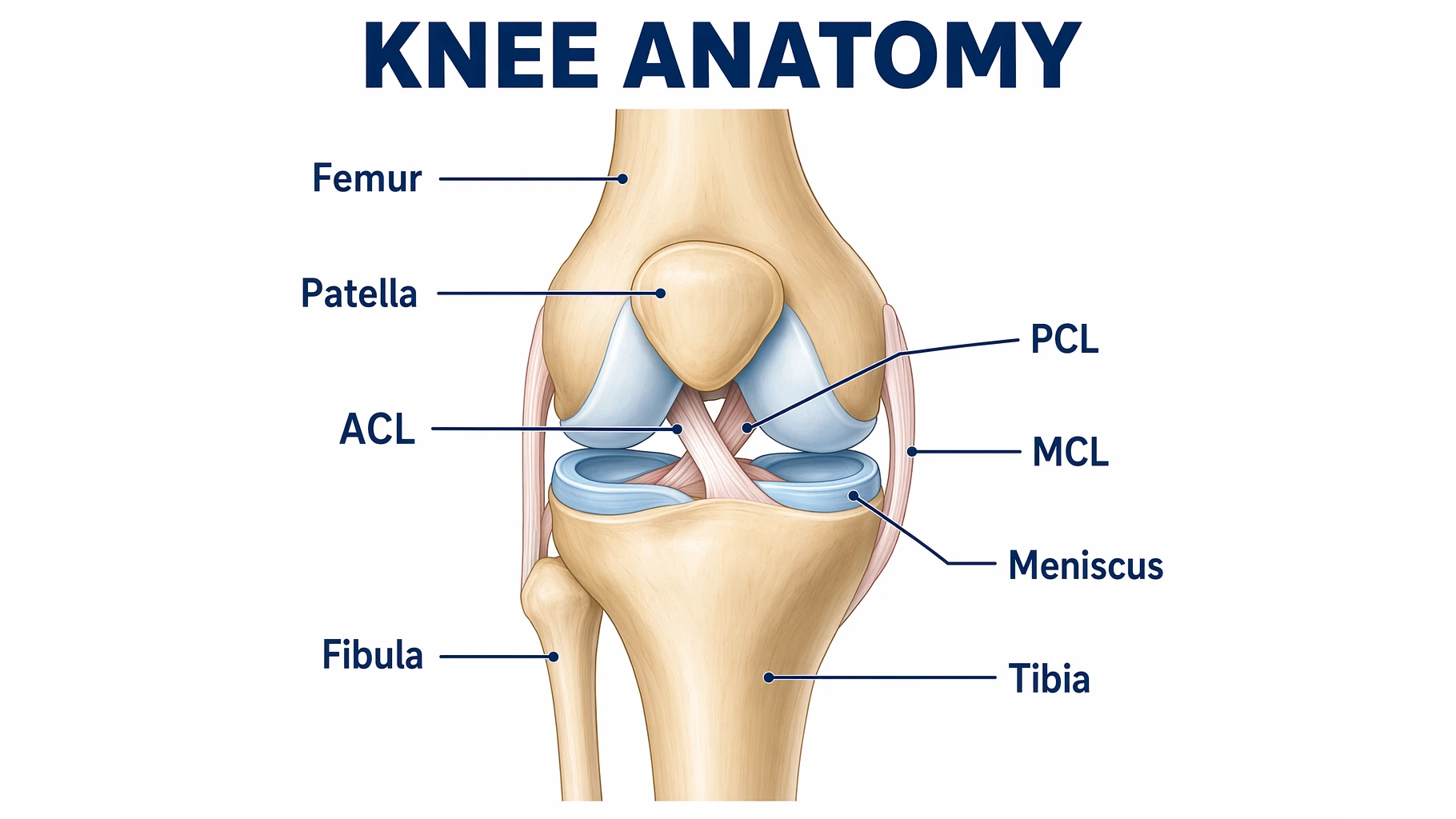
Knee Anatomy Explained: Bones, Ligaments & Diagram
A clear guide to knee anatomy: the bones, cartilage, four main ligaments and tendons, how the knee joint moves, and how to read and label a knee diagram.