ER Diagram Maker ER Diagrams
Describe your database entities and relationships, and our AI will create a professional entity-relationship diagram instantly. Perfect for database design, software engineering, and academic coursework.
ER Diagram Generator
Free to try ·
Your ER diagram will appear here
Describe your database structure and click Generate
ER Diagram Examples
Browse examples from different domains or generate your own above
University Database ERD
Professional ER diagram for a university enrollment system using Chen notation with diamonds for relationships and ovals for attributes.
Hospital Management ERD
Detailed hospital management ER diagram with Crow's Foot notation showing one-to-many and many-to-many relationships.
E-Commerce Database ERD
Colorful ER diagram for an e-commerce platform database using Chen notation with distinct entity colors.
Library System ERD
Library management system ER diagram with Crow's Foot notation showing borrowing and cataloging relationships.
Social Media Platform ERD
Social media platform ER diagram with complex many-to-many and self-referencing relationships.
Inventory Management ERD
Inventory and supply chain management ER diagram with clear cardinality labels for procurement and distribution.
4 more examples available
Sign in for free to unlock all example diagrams and generate your own 4k custom diagrams.
What is an ER Diagram?
An Entity-Relationship (ER) diagram is a structural diagram used to visually represent the data model of a system. It shows entities (objects or concepts), their attributes (properties), and the relationships between them. Originally proposed by Peter Chen in 1976, ER diagrams have become the standard tool for database design, helping developers, analysts, and researchers plan and communicate the structure of relational databases before implementation.
Types of ER Diagrams: Conceptual, Logical, and Physical
ER diagrams exist at three levels of abstraction. Conceptual ER diagrams provide a high-level overview of entities and relationships without technical details, ideal for stakeholder communication. Logical ER diagrams add attributes, primary keys, and cardinality constraints while remaining database-agnostic. Physical ER diagrams include implementation-specific details like data types, indexes, and table structures tailored to a specific database management system. Each level serves a different audience and stage of the design process.
When to Use ER Diagrams
- Designing new relational databases from scratch for applications or research projects
- Documenting existing database structures for team onboarding and knowledge transfer
- Planning database migrations or schema refactoring with clear visual references
- Communicating data requirements between developers, analysts, and business stakeholders
- Academic coursework in database management, software engineering, and information systems
- Research data modeling for studies involving structured data collection and analysis
ER Diagram Notation Guide: Chen vs Crow's Foot vs UML
Three major notation styles are used for ER diagrams. Chen notation, the original standard, uses rectangles for entities, diamonds for relationships, and ovals for attributes — it is the most intuitive for learning and academic use. Crow's Foot notation (also called IE notation) uses lines with fork-like symbols to indicate cardinality (one-to-one, one-to-many, many-to-many) and is the most popular in industry. UML class diagram notation uses boxes with compartments for attributes and methods, often preferred in object-oriented design. Our generator supports all major notation styles.
Best Practices for Database Design with ER Diagrams
- Start with a conceptual model to capture high-level entities and relationships before adding details
- Normalize your design to at least third normal form (3NF) to eliminate data redundancy
- Define clear primary keys for every entity and use foreign keys to establish relationships
- Use consistent naming conventions for entities, attributes, and relationships across the diagram
- Document cardinality and participation constraints (total vs partial) for every relationship
- Review and validate the ER diagram with stakeholders before proceeding to physical implementation
Frequently Asked Questions
More Database & Diagram Tools
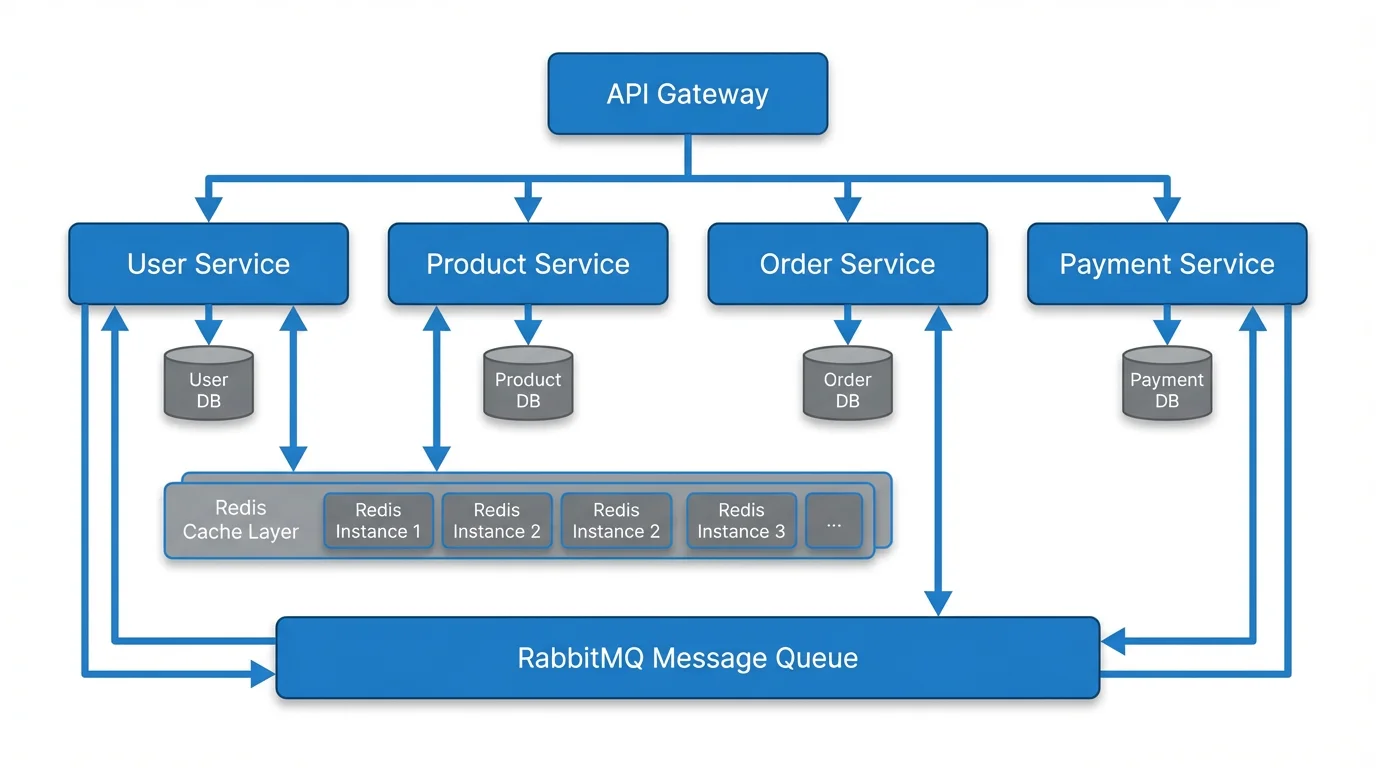
VisualizationText to Diagram Generator
Convert text descriptions into professional diagrams including flowcharts, architecture diagrams, and more.
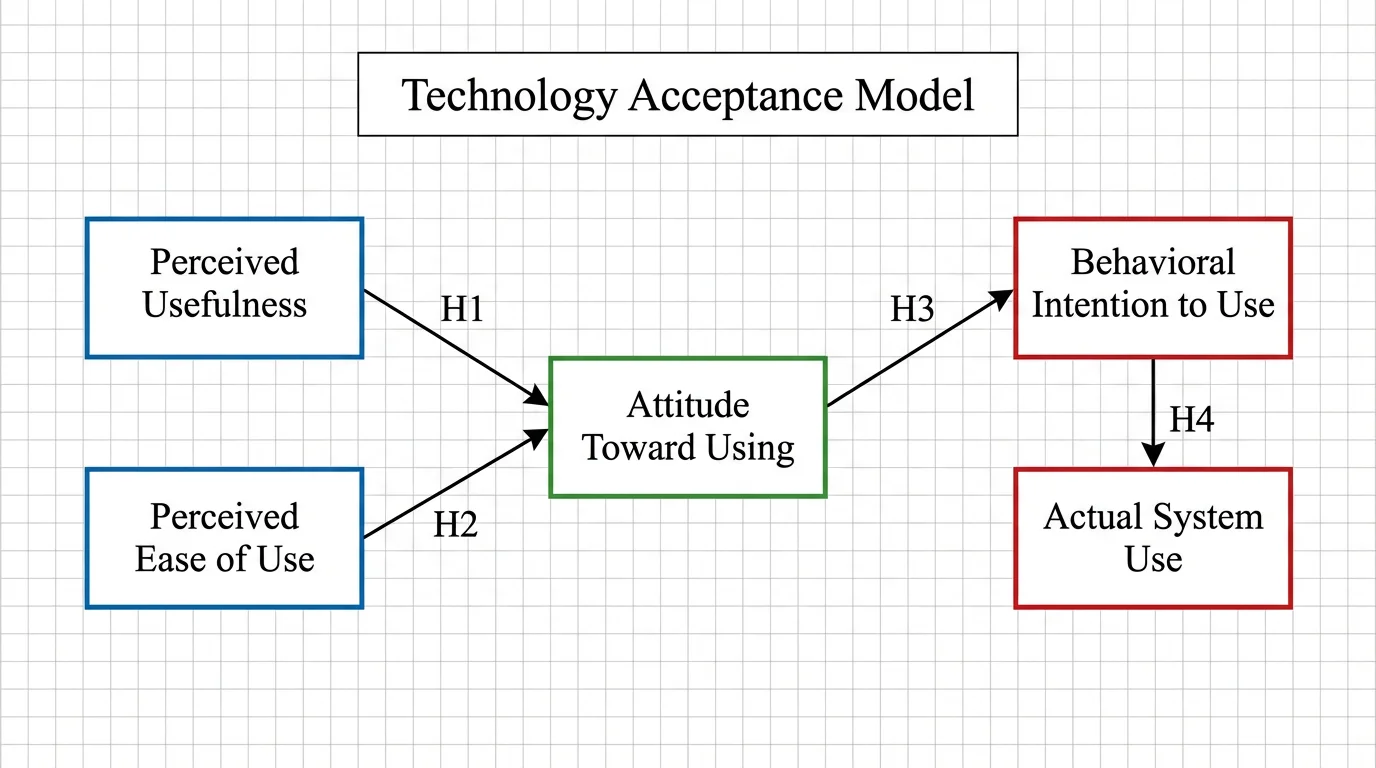
ResearchConceptual Framework Generator
Create professional conceptual frameworks to visualize research variables and their relationships.
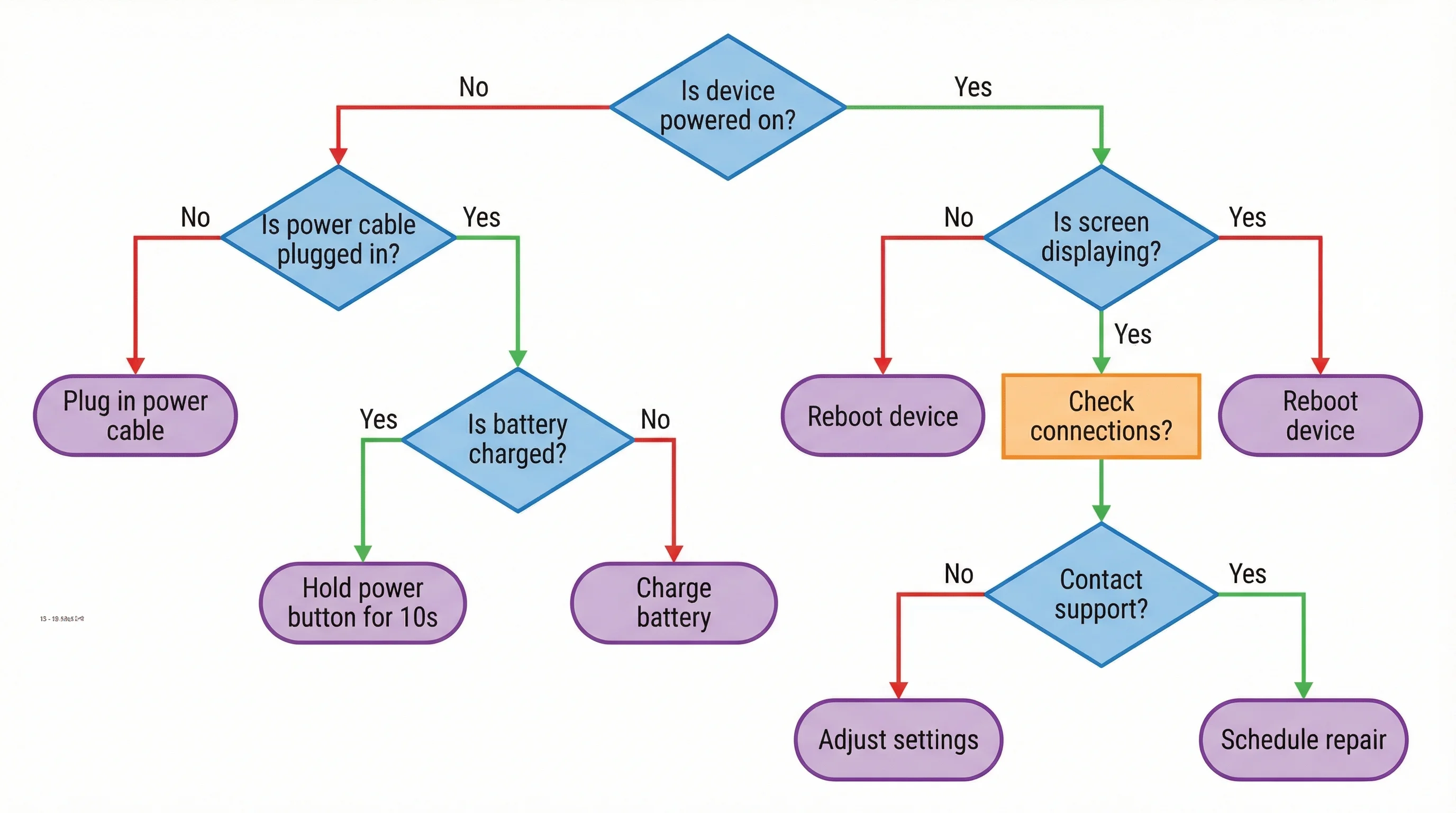
VisualizationAI Flowchart Generator
Generate professional flowcharts from text descriptions for process documentation and workflows.