Box Plot Generator Box Plots
Describe your data and our AI will create a professional box plot instantly. Perfect for comparing distributions, identifying outliers, and presenting research findings.
Box Plot Generator
Free to try ·
Your box plot will appear here
Describe your data and click Generate
Box Plot Examples
Browse box plot examples or generate your own above
Single Box Plot
A standard box-and-whisker plot displaying the five-number summary: minimum, Q1, median, Q3, and maximum with clear annotations.
Multi-Group Comparison
Multiple box plots displayed side by side for comparing distributions across different groups or categories.
Box Plot with Outliers
Box-and-whisker plot with outliers displayed as individual data points beyond the whisker boundaries.
Horizontal Box Plot
Horizontally oriented box plots, ideal for displaying categories with long labels or comparing many groups.
Violin Plot Hybrid
A hybrid visualization combining violin plot density curves with traditional box plot statistics for richer data representation.
Academic Publication Style
A journal-quality box plot with significance brackets, p-values, and formatted axis labels suitable for academic papers.
What is a Box Plot?
A box plot, also known as a box-and-whisker plot, is a standardized way of displaying the distribution of data based on the five-number summary: minimum, first quartile (Q1), median (Q2), third quartile (Q3), and maximum. The "box" spans from Q1 to Q3 (the interquartile range, or IQR), with a line inside marking the median. The "whiskers" extend from the box to the smallest and largest values within 1.5 times the IQR. Any data points beyond the whiskers are plotted individually as outliers. Box plots are particularly effective for comparing distributions across multiple groups and identifying skewness, spread, and unusual observations at a glance.
Understanding Quartiles and IQR
- Q1 (First Quartile): 25% of data falls below this value — the median of the lower half
- Q2 (Median): 50% of data falls below this value — the middle point of the dataset
- Q3 (Third Quartile): 75% of data falls below this value — the median of the upper half
- IQR (Interquartile Range): Q3 − Q1, representing the spread of the middle 50% of data
- Whiskers extend to the most extreme points within 1.5 × IQR from the box edges
- Outliers are individual points beyond the whisker boundaries, indicating unusual observations
How to Read a Box Plot
Reading a box plot involves examining several key features. The position of the median line within the box indicates skewness: if the median is closer to Q1, the data is right-skewed; if closer to Q3, it is left-skewed. The length of the box (IQR) shows the spread of the central 50% of data — a wider box means more variability. Whisker lengths indicate the range of the main data body, while individual points beyond the whiskers are outliers. When comparing multiple box plots, look for differences in median positions (central tendency), box sizes (variability), and the number of outliers across groups.
Box Plot vs Histogram
Both box plots and histograms display data distributions, but they serve different purposes. Histograms show the full shape of a distribution using bars to represent frequency counts, making them ideal for understanding the detailed distribution pattern of a single variable. Box plots condense the distribution into a compact five-number summary, making them superior for comparing multiple groups side by side. Histograms reveal multimodality (multiple peaks) that box plots cannot show, while box plots are better at highlighting outliers and comparing medians and spreads across categories. In practice, researchers often use both visualizations together for a complete picture.
Applications in Research and Data Analysis
Box plots are widely used across scientific disciplines. In clinical trials, they compare treatment outcomes across patient groups. In education, they display test score distributions across classes or schools. In quality control, they monitor process variation over time. In environmental science, they compare pollution levels across locations. In finance, they visualize return distributions and risk profiles. In psychology, they compare response times or survey scores between experimental conditions. Their compact format makes them ideal for publications where space is limited and multiple comparisons need to be presented clearly.
How to Create a Box Plot
- Describe your data — provide the values, group labels, or distribution parameters
- Choose orientation — vertical (default) or horizontal depending on your labels and context
- Select comparison type — single variable, multi-group, or before-and-after design
- Specify outlier handling — show individual points, use 1.5×IQR rule, or custom thresholds
- Add annotations — median values, sample sizes, significance brackets, or p-values
- Our AI generator handles the layout and produces publication-ready box plots instantly
Frequently Asked Questions
More Data Visualization Tools
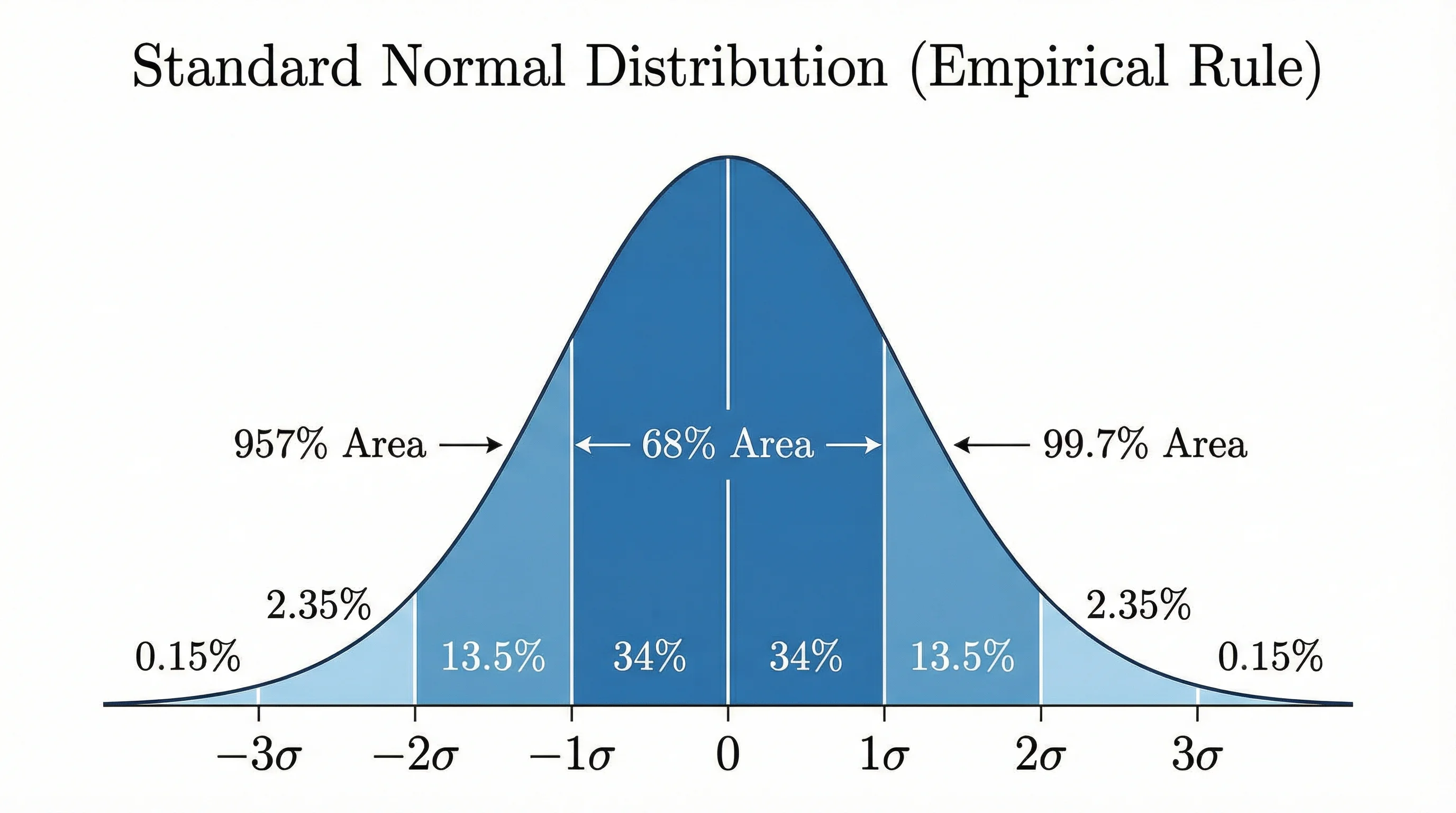
StatisticsBell Curve Generator
Create professional bell curves and normal distribution graphs for statistics and data analysis.
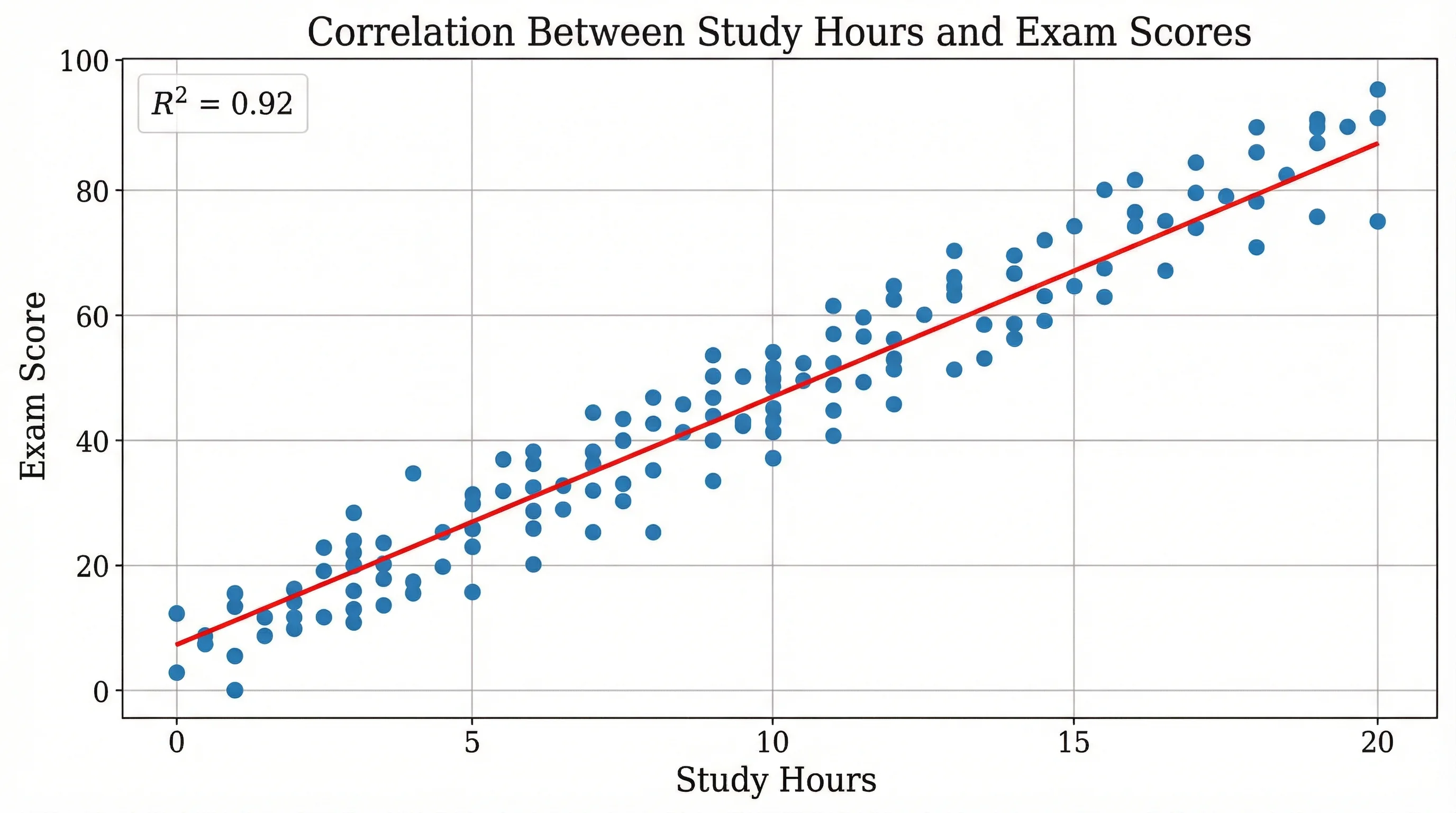
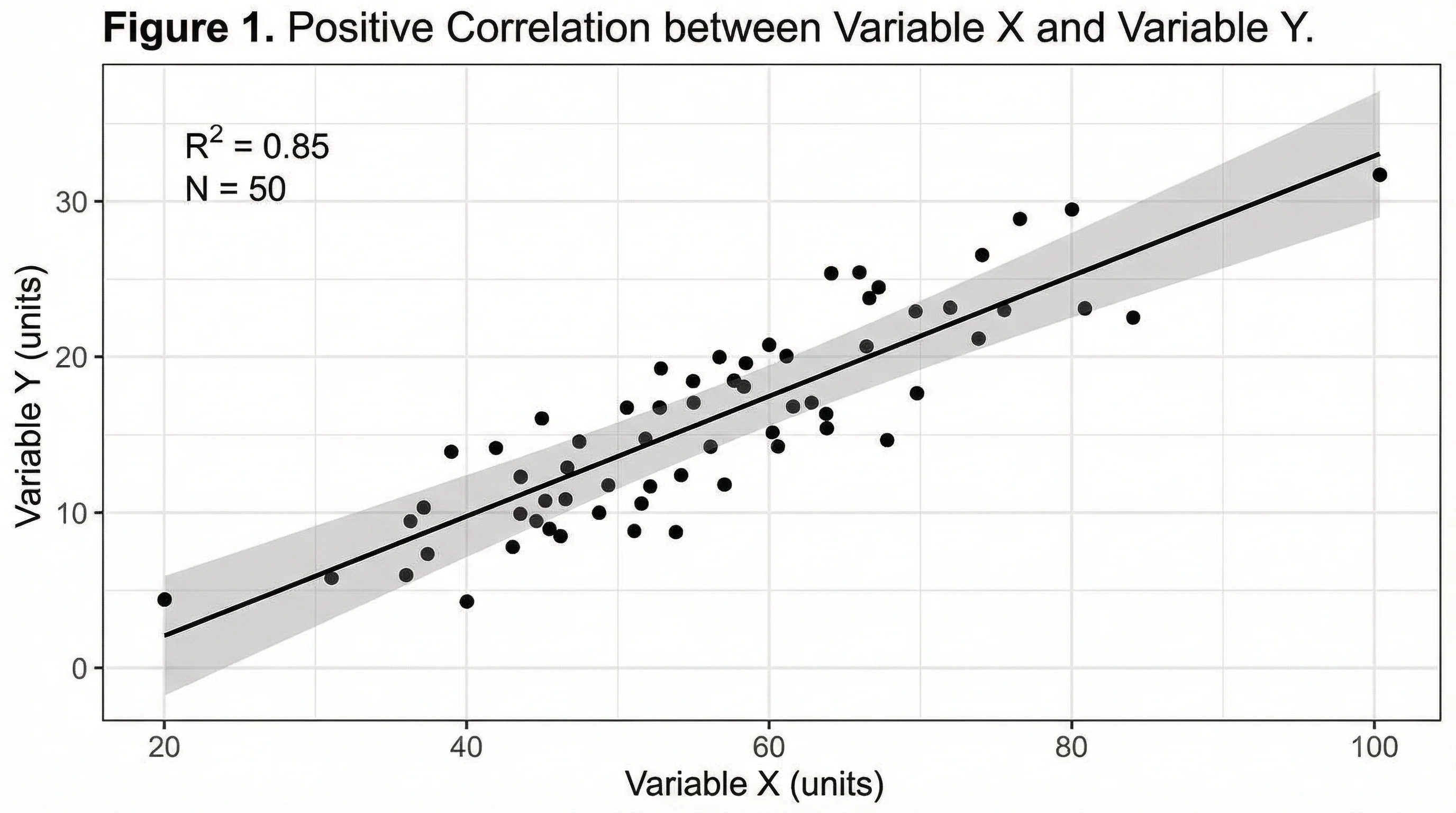
ResearchScatter Plot Maker
Create professional scatter plots for correlation analysis and regression visualization.
ResearchAI Chart Generator
Generate bar charts, line graphs, pie charts, and more for data visualization.