Blueprint Maker for Floor Plans & Layouts
Make a blueprint, floor plan, or layout with AI. Describe the space — rooms, walls, dimensions, doors, and fixtures — and get a clean top-down architectural plan for homes, offices, warehouses, and more.
AI Blueprint Maker
免費試用 ·
Your blueprint will appear here
Describe your space and click Generate
Blueprint & Floor Plan Examples
Top-down layouts for homes, offices, warehouses, and more
House Floor Plan
A two-bedroom home plan — labeled rooms, wall thicknesses, door swings, and dimensions.
Office Layout
An open-plan office — desk clusters, meeting rooms, and circulation laid out top-down.
Restaurant Floor Plan
A restaurant plan — dining seating, bar, kitchen line, and emergency exits.
Warehouse Layout
An industrial layout — docks, racking aisles, and material-flow paths from receiving to shipping.
Landscape Plan
A backyard landscape plan — patio, planting beds, walkways, and a plant legend.
Classroom Layout
A classroom plan — desk clusters, a reading corner, a tech station, and storage.
What is a blueprint?
A blueprint is a scaled, top-down technical drawing of a space — the plan you would hand to anyone who needs to understand how a room, floor, or building is arranged. It shows walls, rooms, doors, windows, and fixtures from directly above, with labels and dimensions so the layout reads at a glance. The name comes from an old reproduction process that printed white lines on a blue background, and that blue-on-white style is still the look people picture. This tool draws blueprint-style plans from a plain-English description, so you can sketch and explore a layout without drafting software.
Blueprint vs floor plan: what is the difference?
People use the two words almost interchangeably, and for most everyday purposes they mean the same thing: a top-down drawing of a space. The small distinction is scope. A floor plan is specifically the view of one level showing room arrangement and key dimensions. "Blueprint" is the broader, more technical term — a full construction blueprint set can include the floor plan plus electrical, plumbing, structural, and elevation sheets. When you make a layout here, you are creating a floor-plan-style blueprint: the room arrangement, not the full engineering package.
What a blueprint shows
- Rooms and zones, each labeled (bedroom, kitchen, reception, storage), often with the area or use noted.
- Walls, drawn as thick lines so you can read the structure and how spaces divide.
- Doors and windows — doors usually with a swing arc, windows as thin breaks in the wall line.
- Dimensions: wall lengths and room sizes so the layout is to scale and proportions are clear.
- Fixtures and furniture: sinks, toilets, counters, desks, racking, and seating placed in position.
- Orientation and reference: a north arrow, a scale bar, and a title block naming the drawing.
What you can lay out
The same top-down approach works across very different spaces. Use it for home floor plans — apartments, houses, additions, and tiny-home layouts — to test where rooms and furniture go before committing. Plan offices and commercial spaces such as shops, cafes, clinics, and salons, where desks, seating, and circulation all have to fit. Map factory and warehouse layouts with docks, racking, work cells, and the flow of material between them. And design room layouts, classrooms, event spaces, and backyard landscapes. If a space can be drawn from above, you can sketch it here.
How to make a blueprint from a description
- Name the space and its overall size or proportions — for example, "a 2-bedroom single-story house" or "a 40x60 ft warehouse."
- List the rooms or zones you need and roughly how they connect (which rooms open onto which, where the entrance is).
- Call out the details that matter: dimensions, door and window placement, and key fixtures like a kitchen island, reception desk, or racking aisles.
- Generate the blueprint, then refine your description and regenerate until the layout and labeling match what you had in mind.
A concept draft, not a construction document
Be clear about what this is: an AI-generated blueprint is a fast visual concept — perfect for early planning, communicating an idea, space-planning, study, and presentation. It is not a stamped, construction-grade engineering drawing. Dimensions are approximate, the plan does not account for building codes, structural loads, or local regulations, and it should never be used to build or permit a structure on its own. For anything you intend to construct, take the concept to a licensed architect or engineer who will produce code-compliant, buildable documents.
常見問題
Related Diagram Tools
 Diagrams
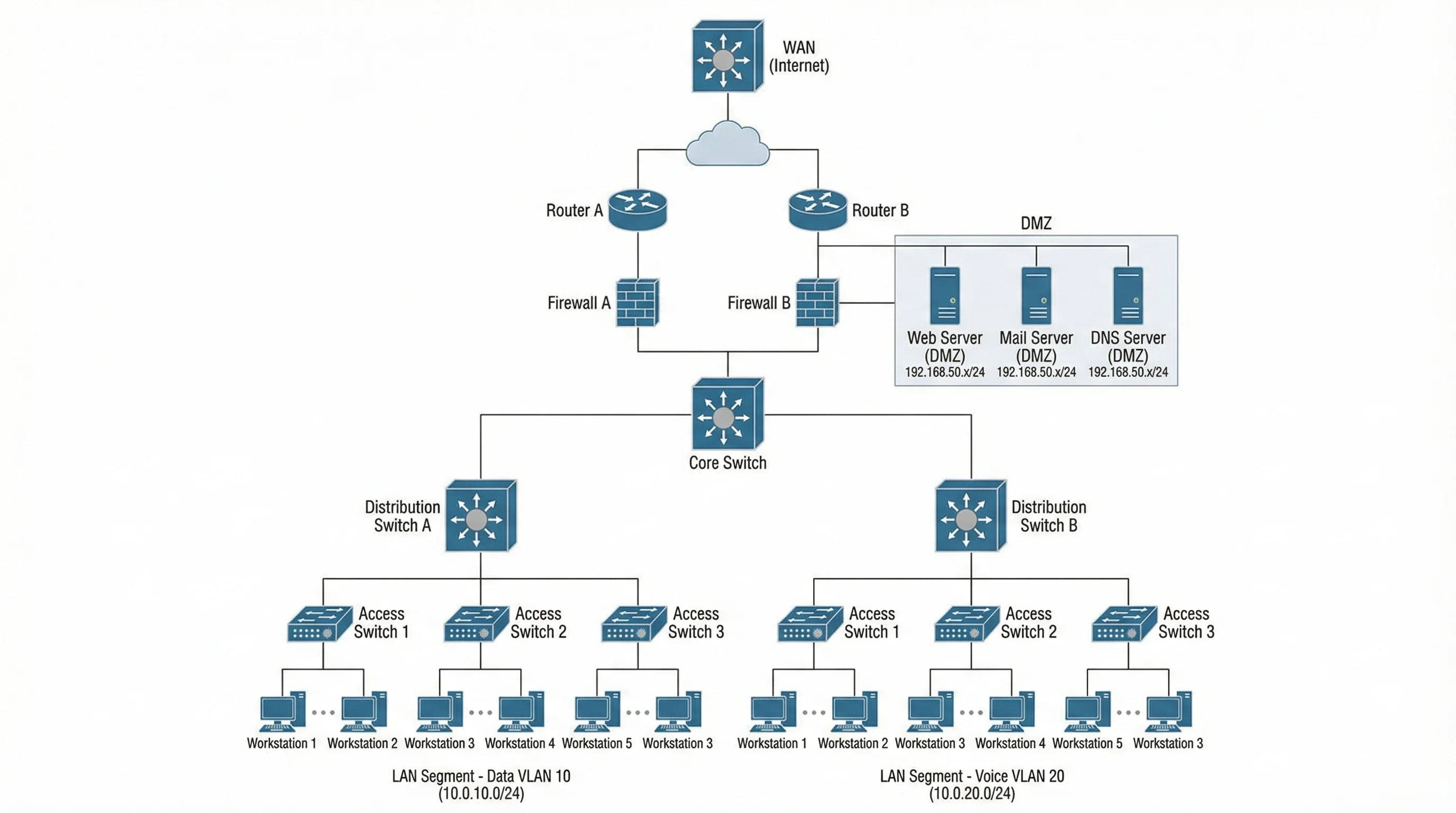
Network Diagram Generator
Map devices, connections, and topology into a clear network diagram.
 Diagrams
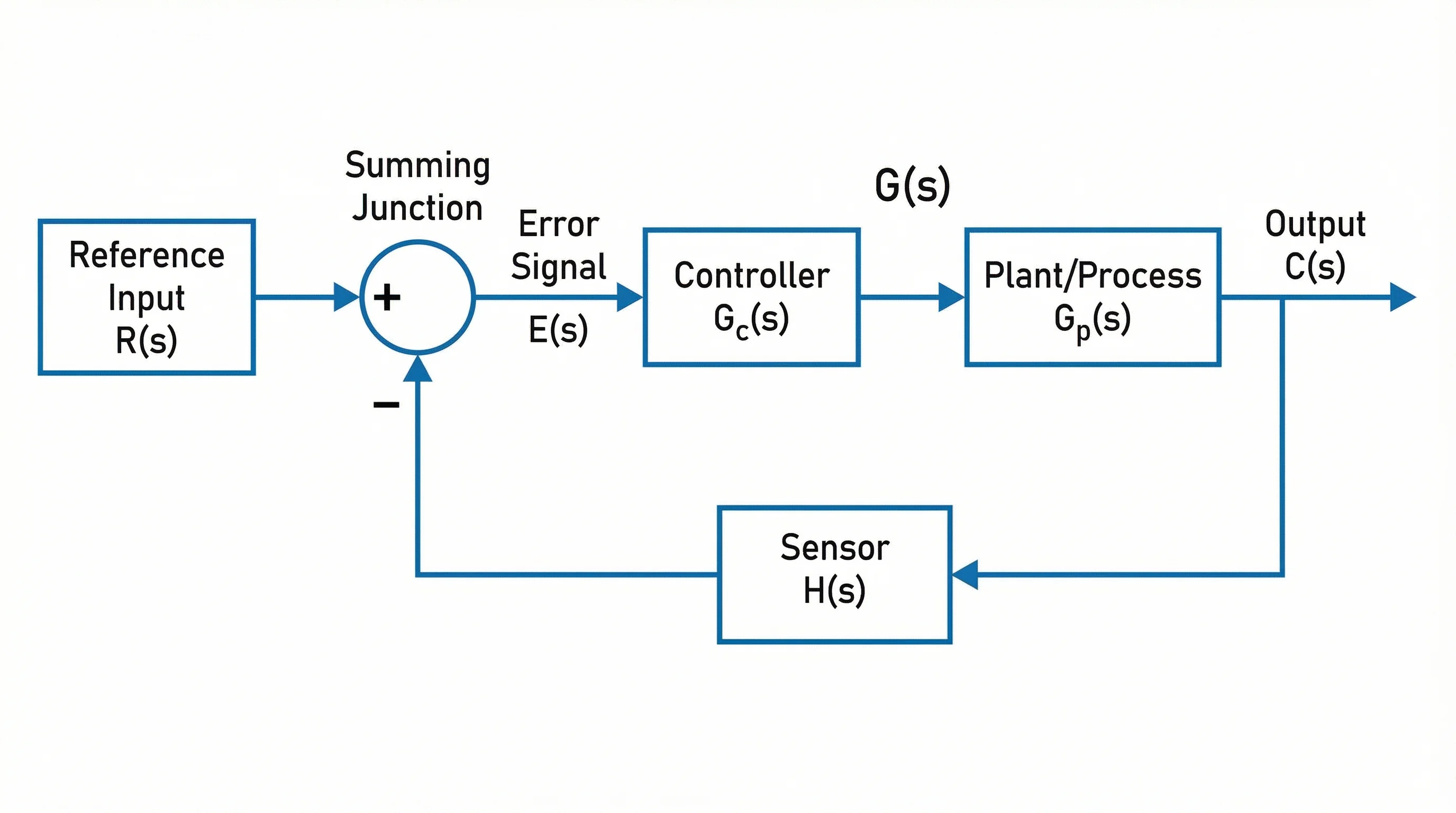
Block Diagram Generator
Turn a system into a labeled block diagram of components and signal flow.
 Diagrams
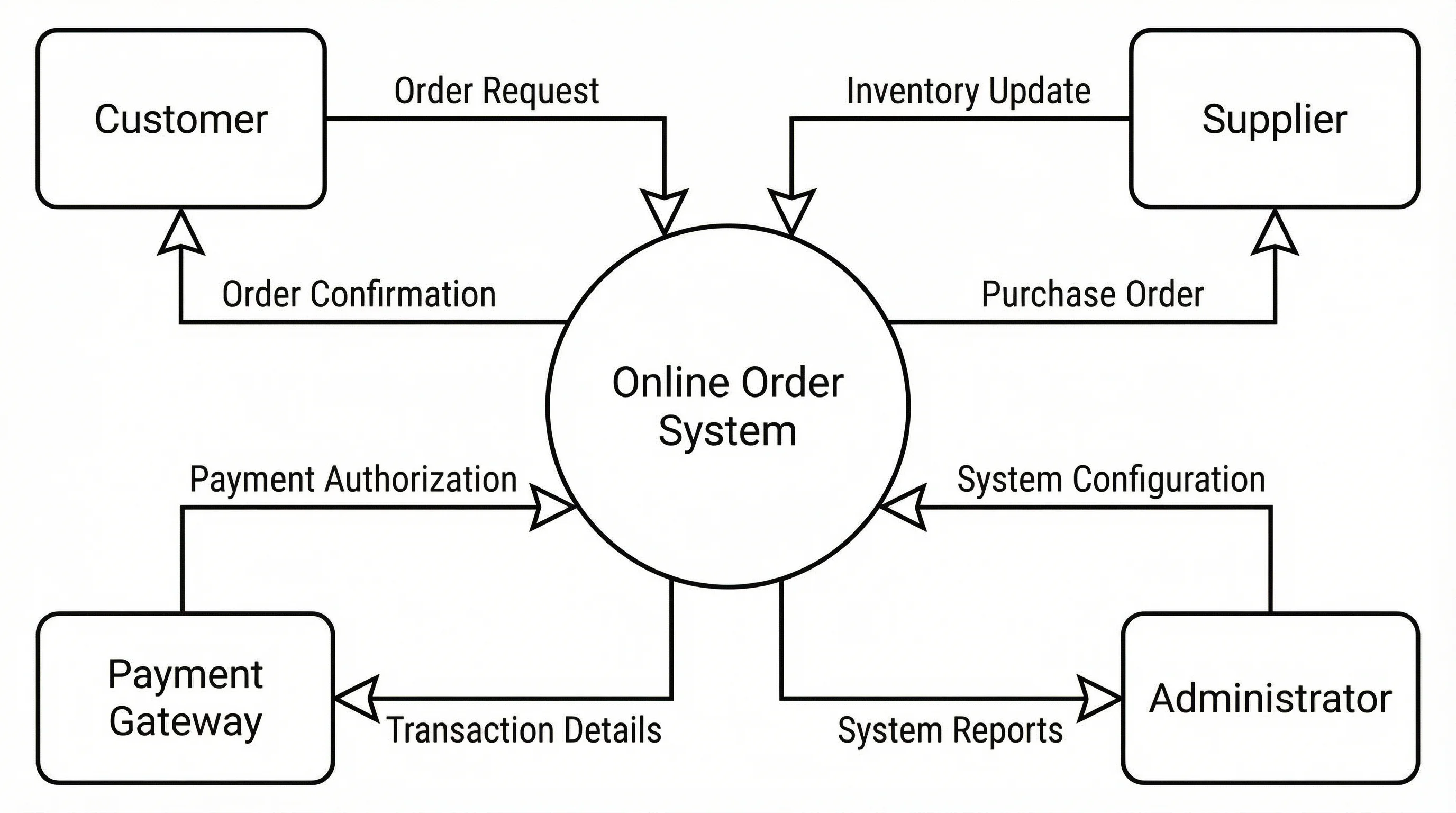
Data Flow Diagram Generator
Create data flow diagrams (DFDs) showing processes, data stores, and flows.