Générateur de Diagramme de Flux IA Texte vers Diagramme de Flux
Créez des diagrammes de flux professionnels instantanément à partir de descriptions textuelles. Générez des flux de processus, des arbres de décision et des diagrammes de workflow avec l'IA.
Générateur de Diagramme de Flux IA
Gratuit à essayer ·
Votre diagramme de flux apparaîtra ici
Décrivez votre processus et cliquez sur Générer
Exemples de Diagrammes de Flux
Parcourez les exemples de diagrammes de flux ou générez le vôtre ci-dessus
Processus d'Approbation Métier
Workflow professionnel d'approbation métier avec des points de décision et des étapes par parties prenantes.
Cycle de Vie du Développement Logiciel
Diagramme SDLC complet montrant toutes les phases de développement et les itérations.
Diagramme d'Arbre de Décision
Arbre de décision multi-niveaux avec des branches oui/non claires et des résultats.
Flux d'Inscription Utilisateur
Flux complet d'inscription utilisateur avec validation et gestion des erreurs.
Pipeline de Traitement de Données
Diagramme de pipeline de données ETL avec les étapes d'extraction, de transformation et de chargement.
Workflow de Gestion de Projet
Workflow de gestion de projet Agile avec des sprints et des cycles de revue.
Qu'est-ce qu'un Générateur de Diagramme de Flux IA ?
Un générateur de diagramme de flux IA est un outil qui crée automatiquement des diagrammes de flux et des organigrammes professionnels à partir de simples descriptions textuelles. Au lieu de dessiner manuellement des formes et de relier des lignes, vous décrivez votre processus en langage naturel et l'IA génère un diagramme de flux complet et correctement formaté.
Pourquoi Utiliser l'IA pour Créer des Diagrammes de Flux ?
- Créez des diagrammes de flux en quelques secondes au lieu de plusieurs heures
- Pas besoin d'apprendre des logiciels de diagrammes complexes
- Applique automatiquement les conventions et symboles appropriés
- Générez rapidement plusieurs variantes pour trouver le meilleur design
- Parfait pour le brainstorming, la documentation et les présentations
- Des résultats cohérents et professionnels à chaque fois
Types de Diagrammes de Flux que Vous Pouvez Créer
- Logigrammes de Processus - Documentez les procédures et workflows étape par étape
- Arbres de Décision - Cartographiez la logique de branchement et les points de décision
- Diagrammes de Workflow - Visualisez les processus métier et les approbations
- Diagrammes Système - Montrez le flux de données à travers les systèmes
- Diagrammes Couloirs - Affichez les processus entre départements ou rôles
- Diagrammes d'Algorithmes - Visualisez la logique de programmation et les algorithmes
Conseils pour de Meilleurs Résultats
Décrivez votre processus étape par étape, y compris les points de décision (questions oui/non) et les différents résultats. Mentionnez le style souhaité (métier, technique, simple) et vos préférences de couleurs ou de mise en forme. Incluez les points de départ et d'arrivée de votre processus pour un diagramme de flux complet.
Questions Fréquentes
Plus d'Outils de Diagrammes
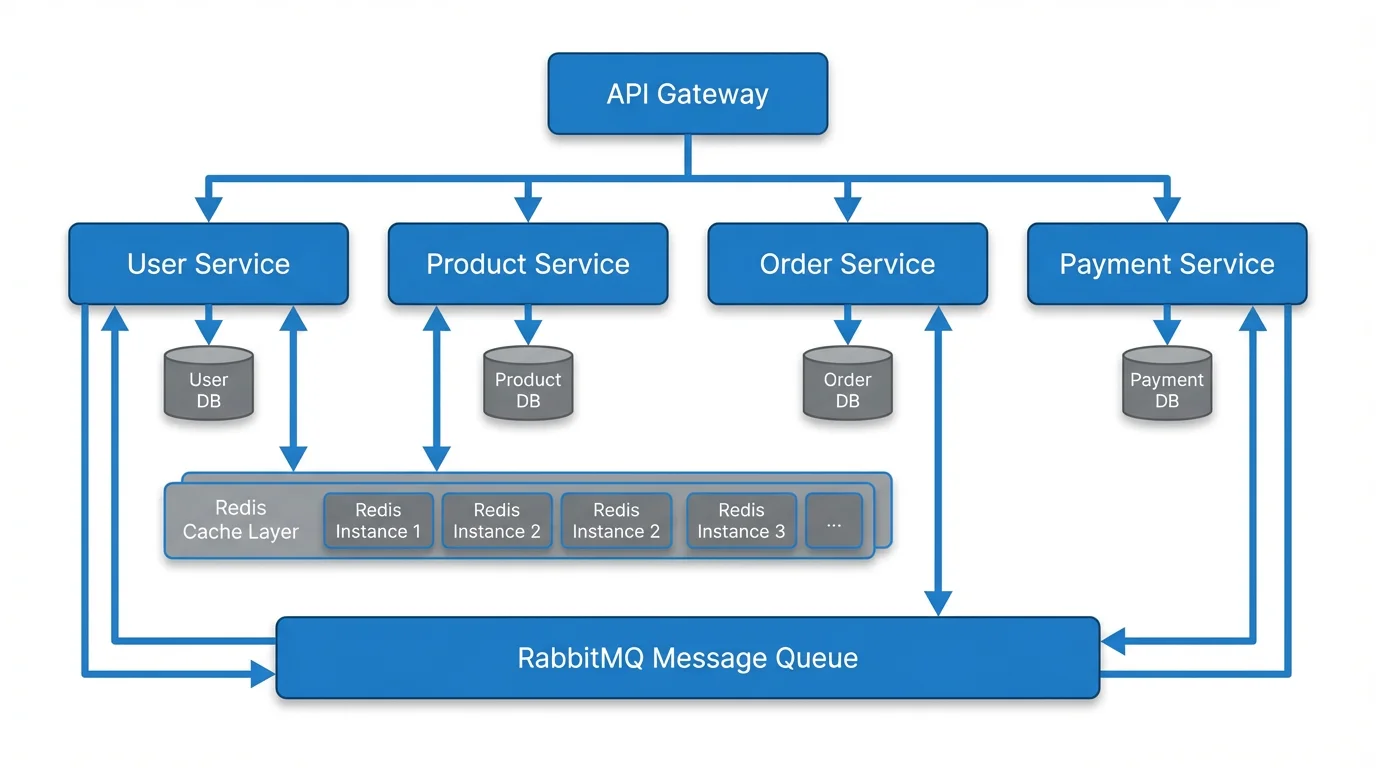 Visualisation
Générateur Texte vers Diagramme
Créez différents types de diagrammes à partir de texte, y compris des diagrammes d'architecture et de système.
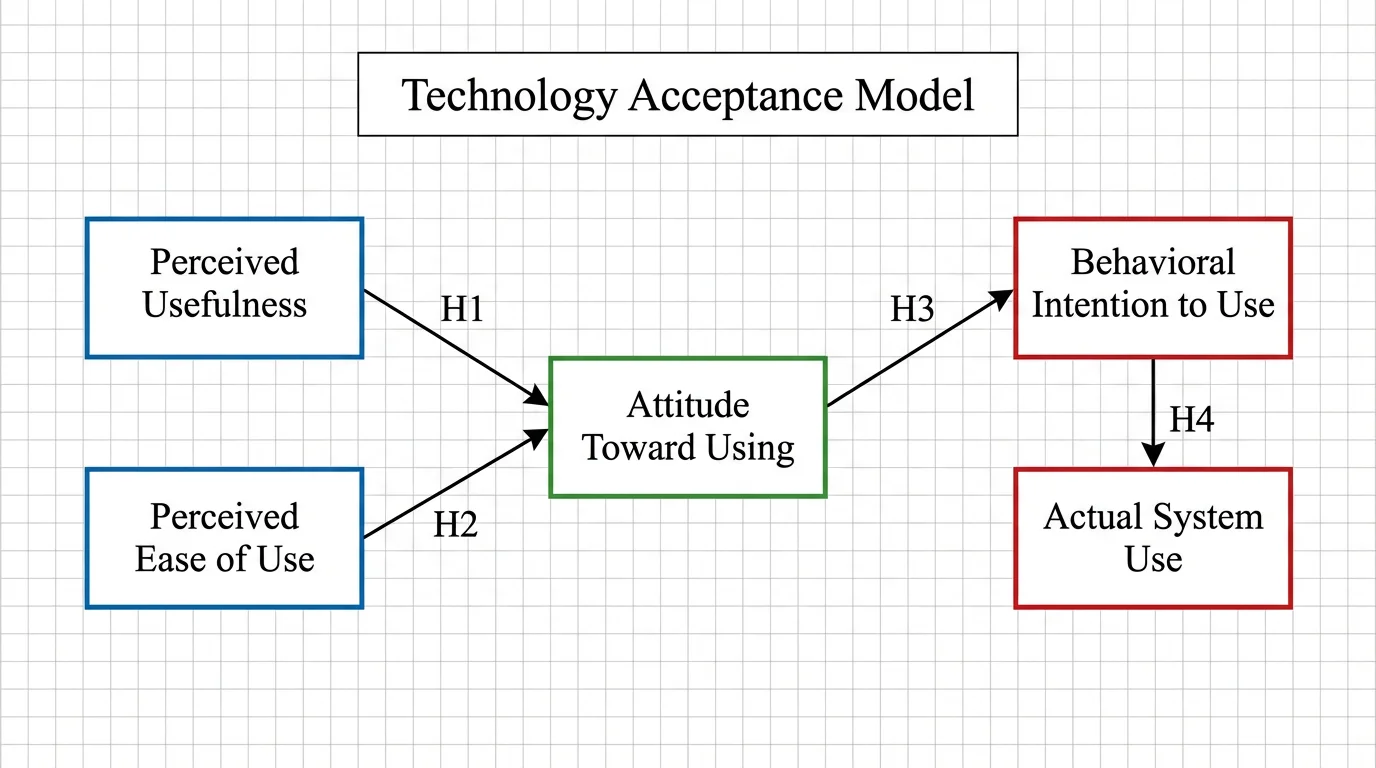 Recherche
Générateur de Cadre Conceptuel
Créez des diagrammes de cadre de recherche montrant les relations entre variables.
 Visualisation
Générateur d'Infographies IA
Transformez des informations complexes en infographies visuelles.