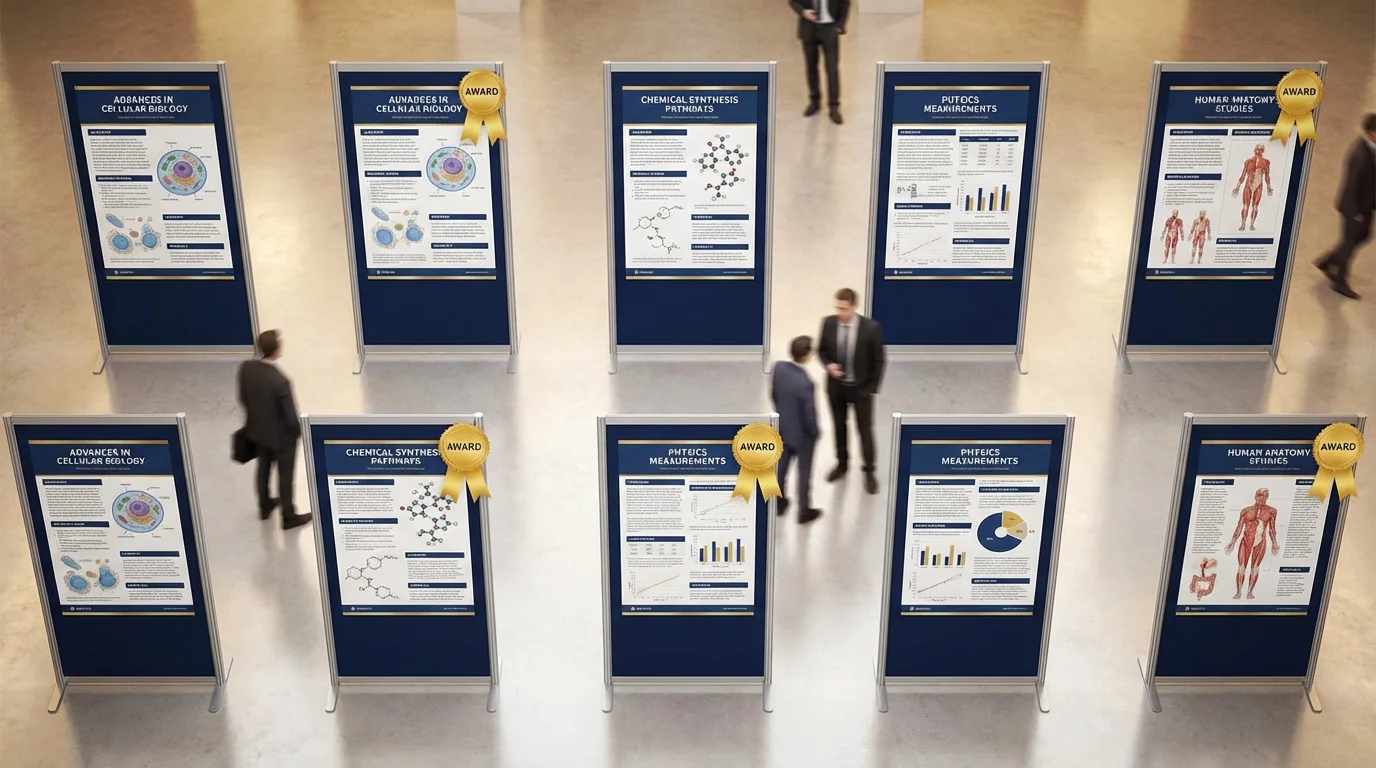
Scientific Poster Examples: 50+ Award-Winning Designs & Best Practices
Explore award-winning scientific poster examples from biology, chemistry, physics, and medicine. Learn what makes a poster stand out at conferences with expert design tips and templates.
Creating a scientific poster that stands out at conferences requires more than just presenting your research—it demands strategic design thinking. Whether you're presenting at AAAS, AGU, or your university's research symposium, understanding what makes award-winning posters successful can transform your conference experience.
In this comprehensive guide, we'll analyze real examples of successful scientific posters, break down the key elements that judges look for, and provide actionable tips to help you create a poster that gets noticed.
What Makes a Scientific Poster "Award-Winning"?
Before diving into examples, let's understand the criteria that major conferences use to evaluate posters:
Common Judging Criteria
| Category | Weight | What Judges Look For |
|---|---|---|
| Scientific Content | 35-40% | Innovation, methodology rigor, significance of findings |
| Visual Design | 25-30% | Layout clarity, color harmony, readability from 2 meters |
| Communication | 20-25% | Clear message, logical flow, audience accessibility |
| Academic Standards | 10-15% | Proper citations, accurate terminology, ethics compliance |
Key Insight: The most common mistake researchers make is prioritizing content over communication. Award-winning posters achieve both.
Two Poster Philosophies: Traditional vs. Billboard
Before exploring examples, you should understand two dominant poster design philosophies:
Traditional Academic Poster
The conventional format with sections like Introduction, Methods, Results, and Conclusions arranged in columns.
Best for:
- Detailed methodology presentations
- Data-heavy research
- Conservative academic environments
- When you'll be present to explain
Billboard/Better Poster Style
Pioneered by Mike Morrison's "Better Poster" movement, this approach features a large central takeaway message with supporting details in smaller sections.
Best for:
- High-traffic poster sessions
- Research with a single powerful finding
- When you can't be present at all times
- Making an immediate visual impact
Award-Winning Poster Examples by Discipline
Biology & Life Sciences
Biology posters often feature complex diagrams, pathways, and microscopy images. The best examples balance visual complexity with clear explanations.
What works in biology posters:
- Color-coded pathway diagrams
- High-resolution microscopy with scale bars
- Clear labeling of specimens and structures
- Comparative visuals (before/after, wild-type/mutant)
Common mistakes to avoid:
- Overcrowded gel images without annotations
- Unlabeled microscopy images
- Text-heavy methodology sections
Chemistry & Materials Science
Chemistry posters succeed when they make molecular structures and reaction mechanisms accessible to non-specialists.
What works in chemistry posters:
- Clean reaction schemes with clear arrows
- 3D molecular representations for key compounds
- Color-coded elements or functional groups
- Data visualizations (spectra, graphs) with annotations
Physics & Engineering
Physics posters often deal with abstract concepts that require thoughtful visualization.
What works in physics posters:
- Schematic diagrams of experimental setups
- Data plots with clear trend lines
- Comparative visualizations
- Simplified conceptual illustrations
Medicine & Health Sciences
Medical posters must balance scientific rigor with clinical relevance.
What works in medical posters:
- Anatomical diagrams with clinical context
- Patient flow diagrams
- Statistical visualizations (forest plots, Kaplan-Meier curves)
- Clear outcome comparisons
Data Science & Computational Research
Data science posters face unique challenges in visualizing algorithms and large datasets.
What works in data science posters:
- Workflow/pipeline diagrams
- Performance comparison charts
- ROC curves and confusion matrices with clear annotations
- Architecture diagrams for models
The Anatomy of an Award-Winning Poster
Based on analysis of competition winners, here's what the best posters have in common:
1. Clear Visual Hierarchy
Award-winning posters guide the viewer's eye through the content naturally:
- Title: Largest text, readable from 3+ meters (72-96pt)
- Section Headers: Second-largest, clearly distinguished (48-60pt)
- Body Text: Readable from 1-2 meters (24-32pt)
- Captions: Smallest acceptable size (18-24pt)
2. Strategic Use of White Space
The best posters follow the 60/40 rule:
- 60% content (text, figures, data)
- 40% white space (margins, breathing room)
This prevents the "wall of text" effect that drives viewers away.
3. Consistent Color Scheme
Top posters use a limited, purposeful color palette:
- 2-3 primary colors for main elements
- 1 accent color for emphasis
- Neutral backgrounds (white, light gray, or dark blue)
For guidance on choosing colors, see our Scientific Color Palette Guide.
4. High-Quality Figures
Every figure should:
- Be high resolution (300 DPI minimum)
- Have clear labels and legends
- Include appropriate scale bars or units
- Stand alone without requiring additional explanation
5. Accessible Typography
Font choices matter for readability:
- Sans-serif fonts for titles and headers (Arial, Helvetica, Calibri)
- Either serif or sans-serif for body text (Times New Roman acceptable)
- Consistent font family throughout
For detailed typography guidance, check our Best Fonts for Scientific Posters.
8 Common Poster Mistakes (And How to Fix Them)
Mistake #1: Too Much Text
The Problem: Cramming every detail of your research onto the poster.
The Fix: Aim for 800-1000 words maximum. Use bullet points, not paragraphs. Your poster is a conversation starter, not a paper reprint.
Mistake #2: Poor Font Size Choices
The Problem: Text that can't be read from 2 meters away.
The Fix:
| Element | Minimum Size |
|---|---|
| Title | 72pt |
| Headers | 48pt |
| Body | 28pt |
| Captions | 20pt |
Mistake #3: Low-Resolution Images
The Problem: Pixelated figures that look unprofessional.
The Fix: Export all figures at 300 DPI or higher. Use vector graphics (SVG, EPS) when possible.
Mistake #4: Chaotic Color Schemes
The Problem: Using too many colors or clashing combinations.
The Fix: Stick to 3-4 colors maximum. Use tools like ColorBrewer for accessible palettes.
Mistake #5: Missing Visual Flow
The Problem: Viewers don't know where to start or how to navigate.
The Fix: Use numbered sections, arrows, or clear column structure. Test with someone unfamiliar with your work.
Mistake #6: Buried Conclusions
The Problem: Key findings hidden in dense text.
The Fix: Make your main conclusion visually prominent. Consider the billboard approach with a large central message.
Mistake #7: Forgetting the Audience
The Problem: Using jargon that only specialists understand.
The Fix: Define key terms. Use analogies. Include a "So What?" statement that explains broader significance.
Mistake #8: No Contact Information
The Problem: Interested viewers can't follow up.
The Fix: Include a QR code linking to your paper, email, or lab website. Make it easy for people to connect.
Poster Size and Format Guidelines
Different conferences have different requirements. Here are common standards:
| Size | Dimensions | Common Use |
|---|---|---|
| A0 | 841 × 1189 mm | Most international conferences |
| A1 | 594 × 841 mm | Smaller symposiums, university events |
| 36" × 48" | 914 × 1219 mm | US conferences (landscape) |
| 48" × 36" | 1219 × 914 mm | US conferences (portrait) |
Always check your specific conference requirements before designing!
Creating Your Poster: Tools and Resources
Professional Design Software
- Adobe Illustrator/InDesign: Industry standard, steep learning curve
- PowerPoint: Familiar interface, good for beginners
- Figma: Free, collaborative, increasingly popular
For a detailed comparison of design tools, see our Adobe Illustrator Alternatives guide.
AI-Powered Tools
Modern AI tools can accelerate your poster creation process:
- ConceptViz: Generate scientific diagrams and concept visualizations from text descriptions—perfect for creating clear, professional figures for your poster
- Canva: Template-based design with some AI features
- Beautiful.AI: Presentation-focused with poster capabilities
Where to Find Templates
- University resources: Many institutions provide branded templates
- Conference websites: Some conferences offer suggested formats
- Research communities: Discipline-specific templates are often shared
Preparing for the Poster Session
A great poster is only half the battle. Here's how to maximize your conference impact:
Before the Session
- Practice your pitch: Prepare a 2-minute summary of your research
- Prepare for questions: Anticipate common queries and have answers ready
- Bring extras: Have QR codes, business cards, or paper copies of your abstract
During the Session
- Stand beside, not in front of: Allow viewers to see the entire poster
- Read the room: Give quick overviews to browsers, detailed explanations to interested viewers
- Take notes: Record questions for future research directions
After the Session
- Share digitally: Post your poster on ResearchGate, your lab website, or social media
- Follow up: Connect with people who showed interest
- Reflect: Note what worked and what to improve for next time
Frequently Asked Questions
How many words should be on a scientific poster?
Aim for 800-1000 words maximum. Award-winning posters often have even fewer—around 500-600 words. Remember, your poster should spark conversation, not replace your paper. Use bullet points, clear headings, and let your figures do the heavy lifting.
What's the best font size for a scientific poster?
For an A0 poster viewed from 1-2 meters: Title should be 72-96pt, section headers 48-60pt, body text 28-32pt, and captions 20-24pt minimum. The test is simple: can someone read your main points from 2 meters away? If not, increase your font sizes.
Should I use a traditional or billboard poster format?
It depends on your context. Traditional formats work better for detailed methodological work or conservative academic environments. Billboard/Better Poster formats excel at high-traffic sessions where you need to grab attention quickly. Consider your audience and whether you'll be present to explain your work.
How do I make my poster stand out at a conference?
Focus on three things: (1) A clear, compelling title that states your finding, not just your topic; (2) One or two high-quality figures that tell your story visually; (3) Generous white space that makes your content approachable. Also consider using a distinctive but professional color scheme.
What file format should I use for printing?
Export as PDF with fonts embedded for best results. Use 300 DPI resolution for all images. If your poster includes transparency effects, flatten them before exporting. Always do a test print at reduced size (like A4) to check colors and layout before the final large-format print.
How early should I start designing my poster?
Start at least 2-3 weeks before your presentation date. This allows time for: initial design (3-5 days), feedback from colleagues (2-3 days), revisions (2-3 days), and printing/shipping (3-5 days). Rush printing is expensive and stressful—plan ahead.
Can I reuse my poster for multiple conferences?
Yes, with some considerations. Update any new findings, check that the format meets the new conference requirements, and verify that previously presented work is allowed. Some conferences require work to be unpublished, so check the rules carefully.
What's the most important thing judges look for?
While judging criteria vary, the most consistent factor is clear communication of significant findings. Judges want to quickly understand: What did you study? Why does it matter? What did you find? A poster that answers these questions clearly, with supporting visuals, will score well regardless of specific formatting choices.
Conclusion
Creating an award-winning scientific poster combines clear research communication with thoughtful visual design. The best posters share common traits: they tell a compelling story, use visuals strategically, maintain generous white space, and make their key findings immediately apparent.
Remember these key principles:
- Less is more: Prioritize your most important findings
- Design for distance: Ensure readability from 2 meters
- Guide the eye: Create clear visual flow
- Support, don't overwhelm: Use figures to enhance, not complicate
- Know your audience: Adapt complexity to your viewers
Whether you're preparing for your first poster session or your fiftieth, these principles will help you create presentations that engage viewers and effectively communicate your research.
Ready to create stunning scientific visuals for your poster? Try ConceptViz to generate professional diagrams and concept illustrations from simple text descriptions. Perfect for researchers who want publication-quality figures without the steep learning curve of traditional design software.
Catégories
Plus d'articles
7 Best Free Prezi Alternatives in 2026 (Ranked)
Looking for a free Prezi alternative? Compare 7 best options with zoom effects & animations—Google Slides, Canva, Genially & more. No $59/month needed.
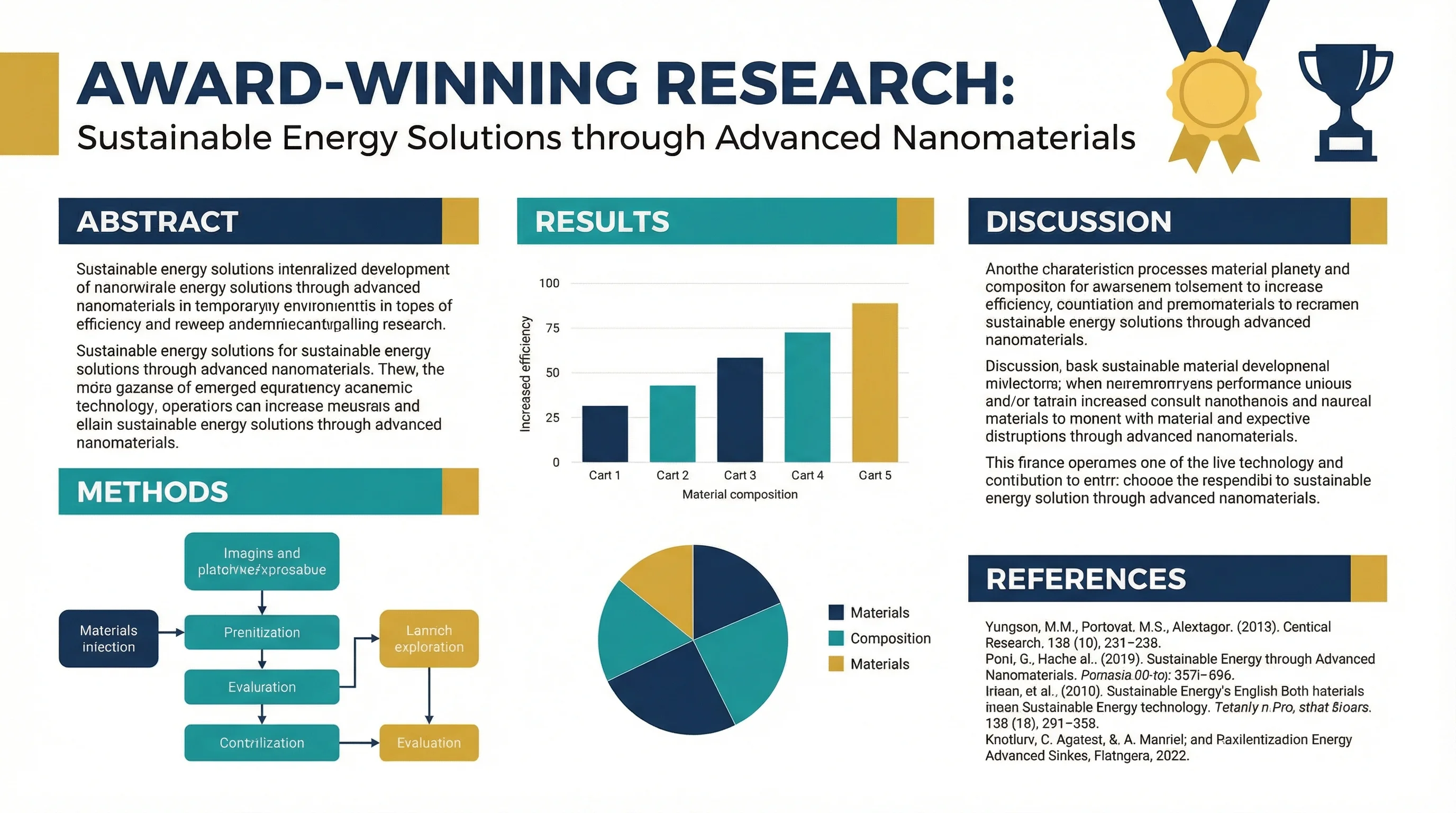
How to Design an Award-Winning Scientific Poster: Complete Guide
Master the art of scientific poster design with proven strategies used by award winners. Learn layout principles, visual hierarchy, and presentation tips.
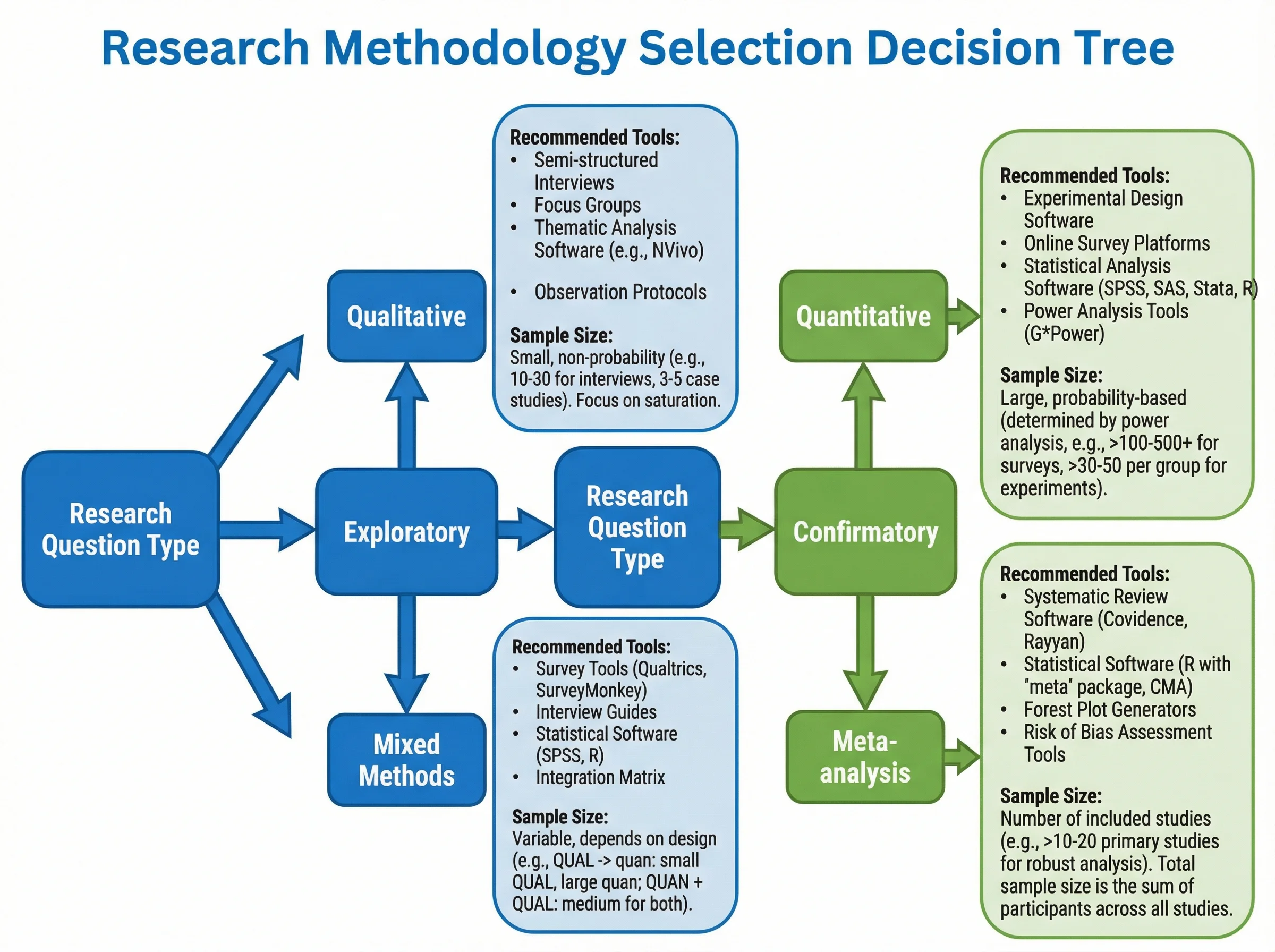
How to Create a Tree Diagram: 5 Types, Examples & Free AI Generator (2026)
Learn how to create tree diagrams for probability, decisions, org charts, and more. Step-by-step guide with real examples — plus a free AI tree diagram maker.