Swimlane Diagram Generator Swimlane Diagrams
Describe your cross-functional process and our AI will create professional swimlane diagrams with clear responsibility lanes. Perfect for business workflows, process documentation, and team collaboration.
Swimlane Diagram Generator
Free to try ·
Your swimlane diagram will appear here
Describe your process and click Generate
Swimlane Diagram Examples
Browse cross-functional flowchart examples or generate your own above
HR Employee Onboarding
A swimlane diagram illustrating the HR employee onboarding process with four lanes: HR (paperwork, orientation), IT (account setup, equipment), Manager (team introduction, training plan), and New Employee (document submission, training completion).
Order Fulfillment Process
An e-commerce order fulfillment swimlane diagram with four lanes: Customer (place order, receive confirmation), Sales (process payment, generate invoice), Warehouse (pick, pack, quality check), and Shipping (schedule pickup, deliver, track).
Software Development Lifecycle
A software development lifecycle swimlane diagram with four lanes: Product (requirements, prioritization), Design (wireframes, prototypes), Engineering (development, code review), and QA (testing, bug reporting, sign-off).
IT Incident Response
An IT incident response swimlane diagram with four lanes: User (report issue, confirm resolution), Helpdesk (triage, escalate), Engineering (diagnose, fix, deploy), and Management (approve changes, communicate status).
Hospital Patient Admission
A hospital patient admission swimlane diagram with four lanes: Patient (arrival, consent), Reception (registration, insurance verification), Nurse (vitals, triage assessment), and Doctor (examination, diagnosis, treatment plan).
Procurement Process
A procurement process swimlane diagram with four lanes: Requester (submit request, receive goods), Purchasing (evaluate vendors, issue PO), Finance (budget approval, process payment), and Vendor (submit quote, deliver goods, send invoice).
4 more examples available
Sign in for free to unlock all example diagrams and generate your own 4k custom diagrams.
What Is a Swimlane Diagram?
A swimlane diagram is a type of flowchart that divides a process into parallel lanes, with each lane representing a specific person, team, department, or system responsible for that part of the workflow. The visual separation into lanes makes it immediately clear who owns each step, where handoffs occur between participants, and how work flows across organizational boundaries. Swimlane diagrams are also known as cross-functional flowcharts, Rummler-Brache diagrams, or deployment flowcharts, and they are widely used in business process modeling, project management, and system design.
When to Use Swimlane Diagrams
- Cross-functional processes: When a workflow involves multiple departments, teams, or systems that must coordinate — such as order fulfillment spanning sales, warehouse, and shipping
- Responsibility assignment: To clearly define who is accountable for each step in a process, reducing confusion about roles and eliminating gaps in ownership
- Process improvement: When analyzing bottlenecks, redundant handoffs, or delays caused by unclear ownership in existing workflows — the lane structure reveals inefficiencies visually
- Compliance and audit documentation: For regulated industries (healthcare, finance, manufacturing) that require clear documentation of process responsibilities and approval chains
- Onboarding and training: To help new team members understand how their role fits into larger organizational processes and who they need to coordinate with
- System integration mapping: When documenting how different software systems interact in a workflow, with each lane representing a different application or service
Swimlane Diagram vs Standard Flowchart
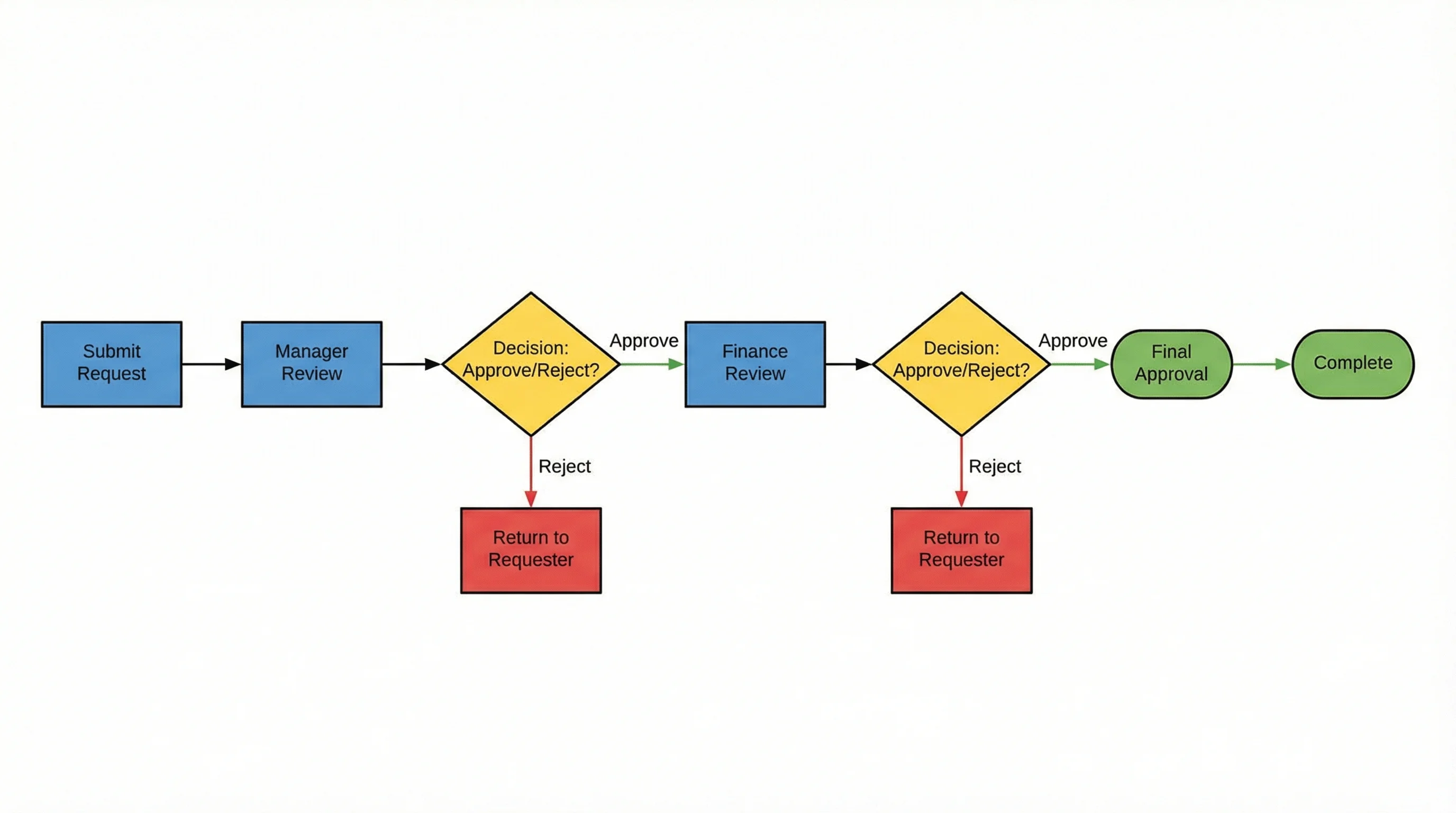
While both swimlane diagrams and standard flowcharts use process steps, decision points, and connecting arrows, the key difference is the addition of lanes that assign ownership. A standard flowchart shows the sequence of steps in a process but does not indicate who performs each step. A swimlane diagram adds that crucial dimension by grouping steps into lanes, making it easy to see responsibility boundaries and cross-functional handoffs at a glance. Choose a standard flowchart when the process is performed by a single person or team. Choose a swimlane diagram when multiple participants are involved and you need to show who does what.
Best Practices for Creating Swimlane Diagrams
- Limit the number of lanes to 4-6 participants — too many lanes make the diagram difficult to read and maintain; combine minor roles if needed
- Orient lanes consistently — horizontal lanes read left to right (showing time progression), vertical lanes read top to bottom; pick one orientation and stick with it
- Place the process initiator (customer, requester) in the top or leftmost lane so the diagram reads naturally from the starting point
- Use standard flowchart symbols: rectangles for process steps, diamonds for decisions, ovals for start/end, and arrows for flow direction
- Minimize lane crossings by reordering lanes so that frequently interacting participants are adjacent to each other
- Label every handoff arrow clearly — when work crosses from one lane to another, annotate what information, document, or artifact is being passed
Frequently Asked Questions
More Diagram Tools
DiagramsAI Flowchart Generator
Create professional flowcharts and process diagrams with AI. Perfect for single-participant workflows and decision trees.
DiagramsText to Diagram Generator
Convert text descriptions into structured diagrams including flowcharts, architecture diagrams, and more.
DiagramsUML Diagram Generator
Generate UML diagrams including class diagrams, sequence diagrams, activity diagrams, and more with AI.