Генератор таймлайна События по порядку
Создавайте красивые временные шкалы мгновенно из текстовых описаний. Идеально для уроков истории, проектных дорожных карт, корпоративных вех и сторителлинга.
Генератор таймлайна
Попробовать бесплатно ·
Ваш таймлайн появится здесь
Опишите события и нажмите «Создать»
Примеры таймлайнов
Просматривайте примеры временных шкал для разных задач или создайте свою выше
Хронология всемирной истории
Образовательная временная шкала ключевых событий всемирной истории.
Дорожная карта продукта
Бизнес-дорожная карта продукта с вехами разработки.
Хронология истории компании
Корпоративный таймлайн с вехами и достижениями компании.
Таймлайн вех проекта
Таймлайн управления проектом с вехами и результатами.
Биографическая хронология
Временная шкала жизненных событий для биографических презентаций.
Эволюция технологий
Хронология истории технологий с основными инновациями.
Что такое ИИ-генератор таймлайна?
ИИ-генератор таймлайна создаёт визуальные представления событий в хронологическом порядке. Просто опишите события и даты, которые вы хотите визуализировать, и ИИ создаст профессиональную временную шкалу с правильными интервалами, стилем и визуальной иерархией — идеально для уроков истории, планирования проектов и сторителлинга.
Зачем использовать ИИ для создания таймлайнов?
- Создавайте профессиональные таймлайны за секунды из простых описаний
- Автоматические интервалы и визуальная иерархия для ясности
- Не нужны навыки дизайна или специализированное программное обеспечение
- Идеально для образования, бизнеса и личных проектов
- Стабильные, отполированные результаты каждый раз
- Легко итерировать и настраивать в разных стилях
Типы таймлайнов, которые вы можете создать
- Исторические хронологии — визуализируйте события любой эпохи
- Дорожные карты проектов — планируйте и сообщайте о вехах
- Корпоративные таймлайны — показывайте историю и рост организации
- Биографические хронологии — рассказывайте истории жизни по порядку
- Эволюция технологий — показывайте инновации и прогресс во времени
- Последовательности событий — отображайте любую серию событий по порядку
Советы для лучших результатов
Перечислите события с датами в хронологическом порядке. Включите 5–10 событий для лучшей визуальной ясности. Укажите, нужна ли горизонтальная или вертикальная компоновка, и задайте предпочтительный стиль (современный, винтажный, корпоративный, образовательный). Добавьте краткие описания каждого события, чтобы сделать таймлайн более информативным.
Часто задаваемые вопросы
Ещё инструменты визуализации
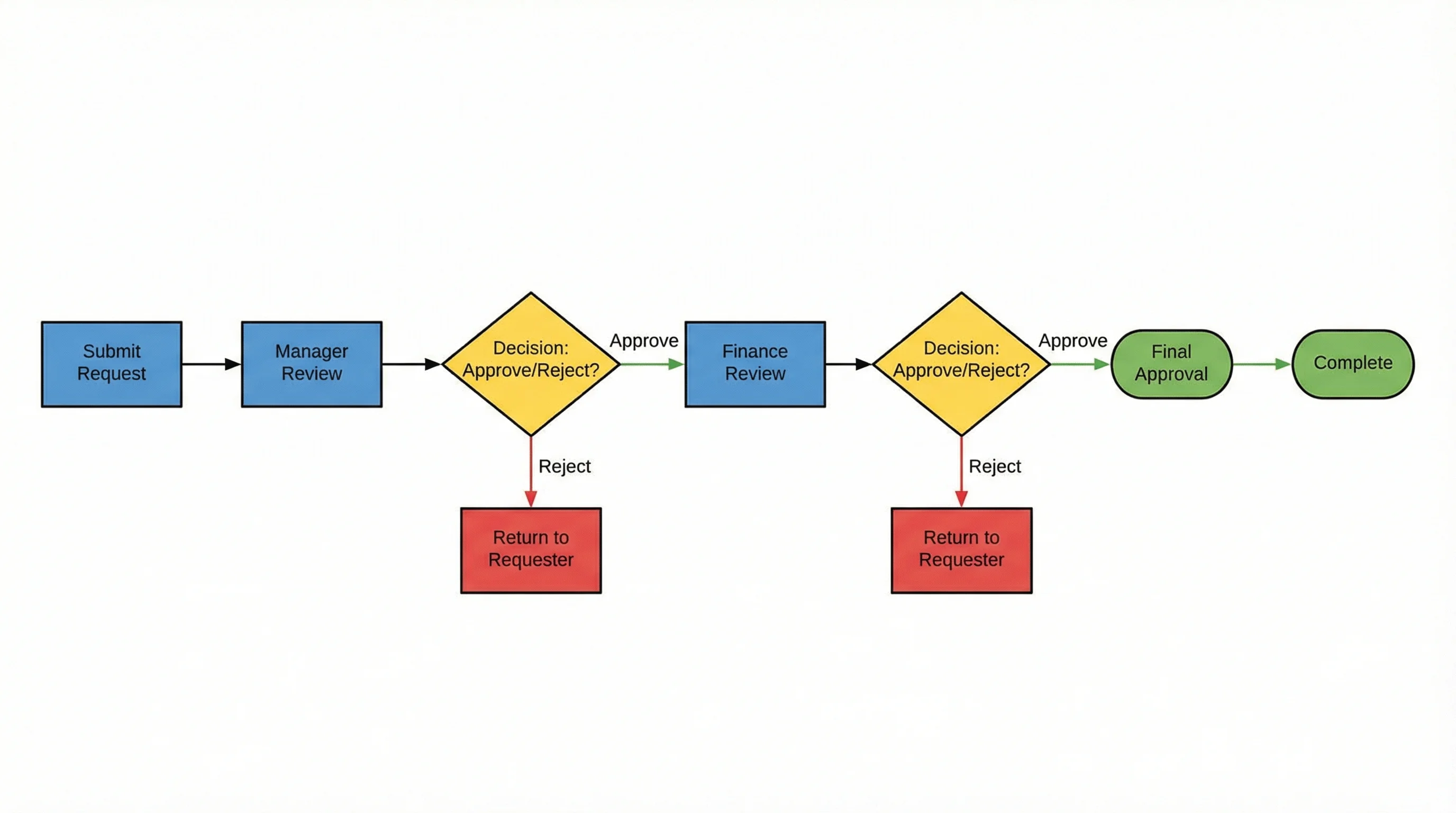 Визуализация
ИИ-генератор блок-схем
Создавайте процессные схемы и деревья решений из текстовых описаний.
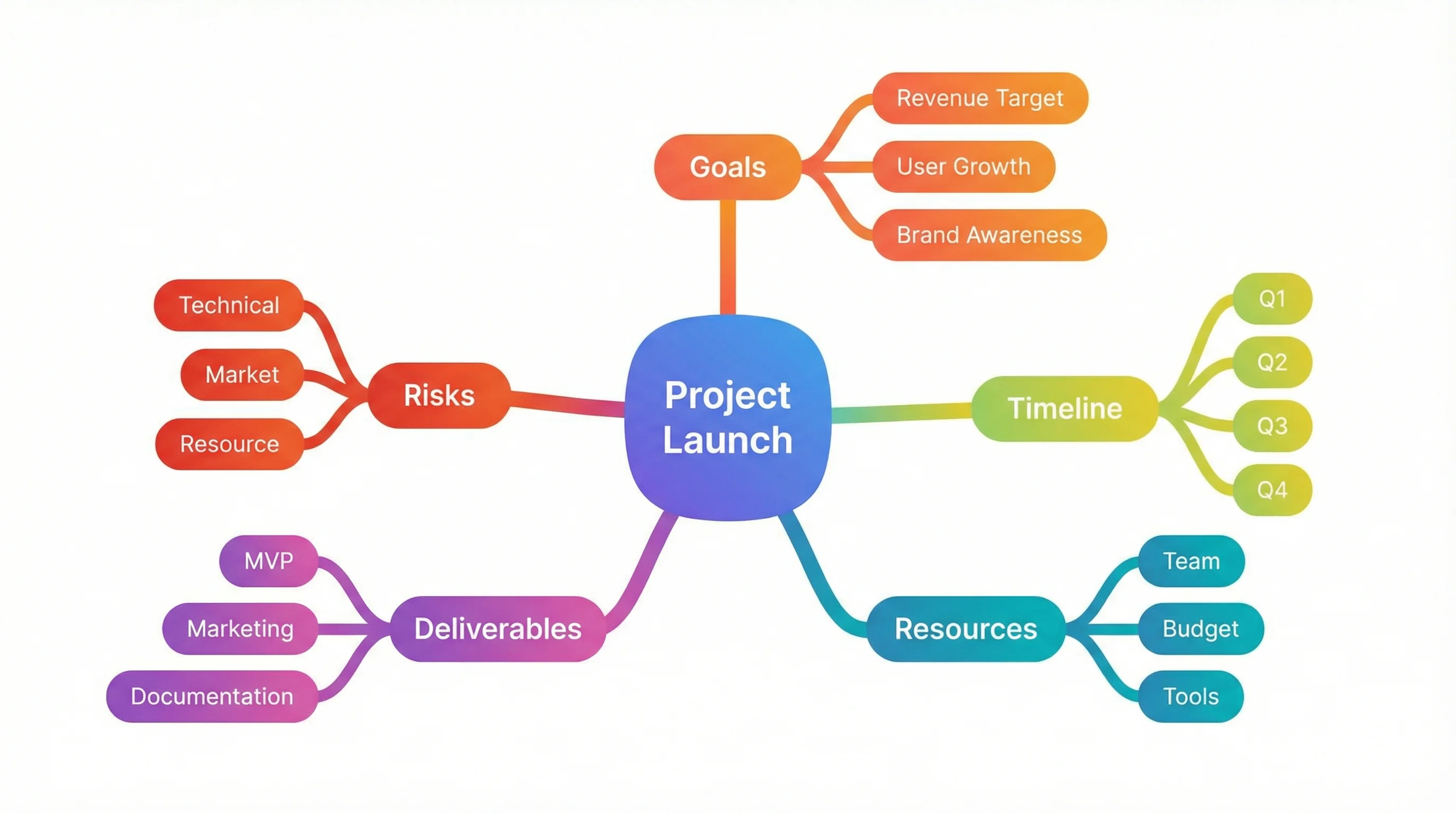 Визуализация
Генератор интеллект-карт
Создавайте интеллект-карты для мозгового штурма и организации идей.
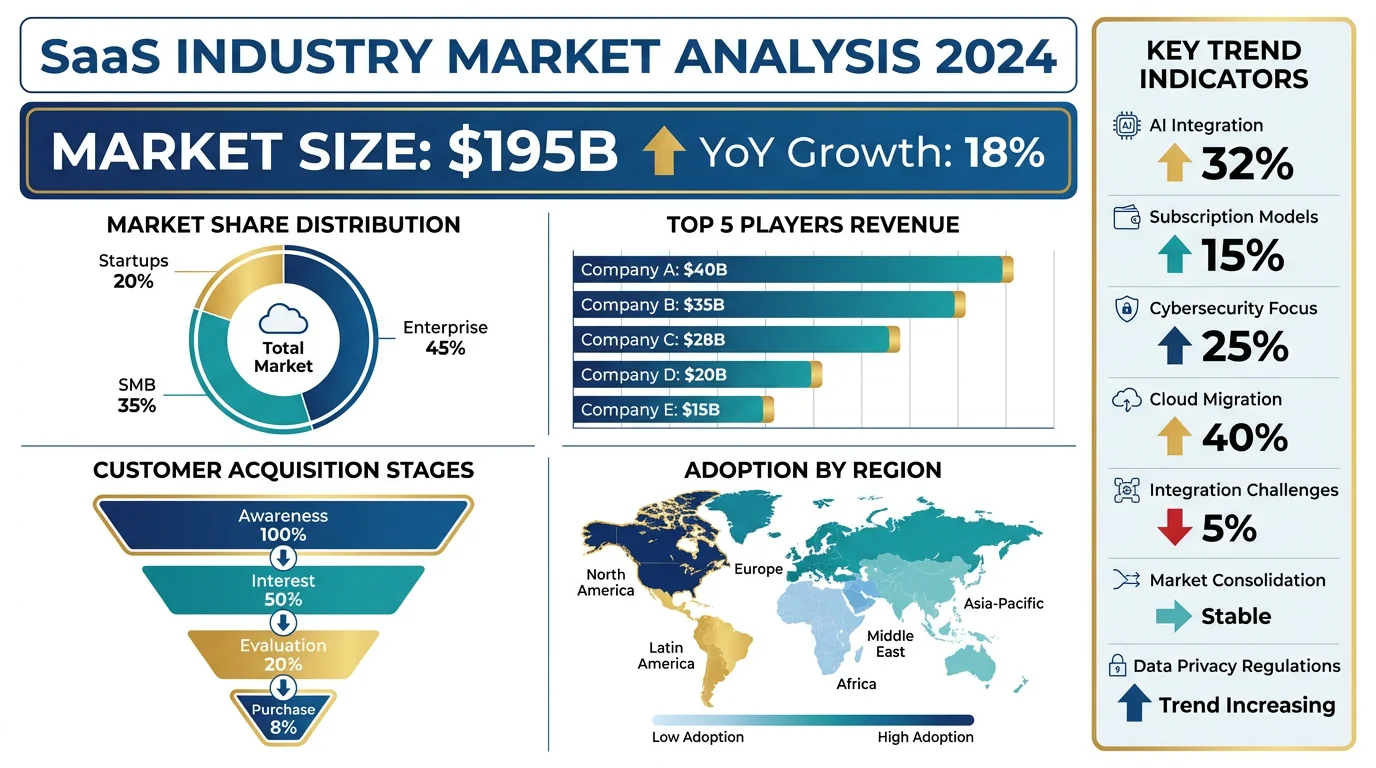 Визуализация
ИИ-генератор инфографики
Превращайте данные в красивую визуальную инфографику.