Concept Viz logo
ConceptViz
EjemplosPreciosAPIRecursosPrograma Educativo
Physics Diagram Tool

Vector Diagram Physics Maker with Components

Create precise physics vector diagrams from magnitudes and angles. Draw components, head-to-tail addition, resultants, and export SVG, PNG, or CSV.

Vector componentsHead-to-tail additionResultant calculationSVG, PNG, and CSV export

Vector settings

Enter magnitude and angle in standard position.

Format: label, magnitude, angle in degrees, unit. Up to six vectors.

Diagram mode

Diagram preview

Angles are measured counterclockwise from the positive x-axis.

Resultant magnitude
50 N
Resultant angle
37°
Rx
39.93 N
Ry
30.09 N
Vector ComponentsComponent resolution-1001020304050-10010203040+x+yAxAyAinput vectorscomponents
Vector
Magnitude
Angle
x component
y component
A
50 N
37°
39.93 N
30.09 N
This is a deterministic physics diagram tool. It renders SVG in your browser and does not use image-generation credits.

Vector Diagram Examples

Compare common classroom cases: components, resultants, head-to-tail addition, and displacement vectors.

Vector ComponentsComponent resolution+x+yAinput vectorscomponents

Vector Components

A = 50 N at 37 degrees, resolved into x and y components.

Two Vector ResultantHead-to-tail vector addition+x+yABR = 60.83 Ninput vectorsresultant

Two Vector Resultant

Two vectors added tip-to-tail with the resultant from start to end.

Three Forces from OriginVectors drawn from a common origin+x+yF1F2F3R = 28.52 Ninput vectorsresultant

Three Forces from Origin

Concurrent force vectors with a net resultant.

Navigation DisplacementHead-to-tail vector addition+x+yNorthEastSouthwestR = 4.31 kminput vectorsresultant

Navigation Displacement

A route drawn as vector legs with the net displacement.

Projectile VelocityComponent resolution+x+yvinput vectorscomponents

Projectile Velocity

Initial velocity split into horizontal and vertical components.

Balanced CheckHead-to-tail vector addition+x+yABCR ≈ 0input vectorsresultant

Balanced Check

Three equal vectors separated by 120 degrees nearly close the triangle.

What is a vector diagram physics maker?

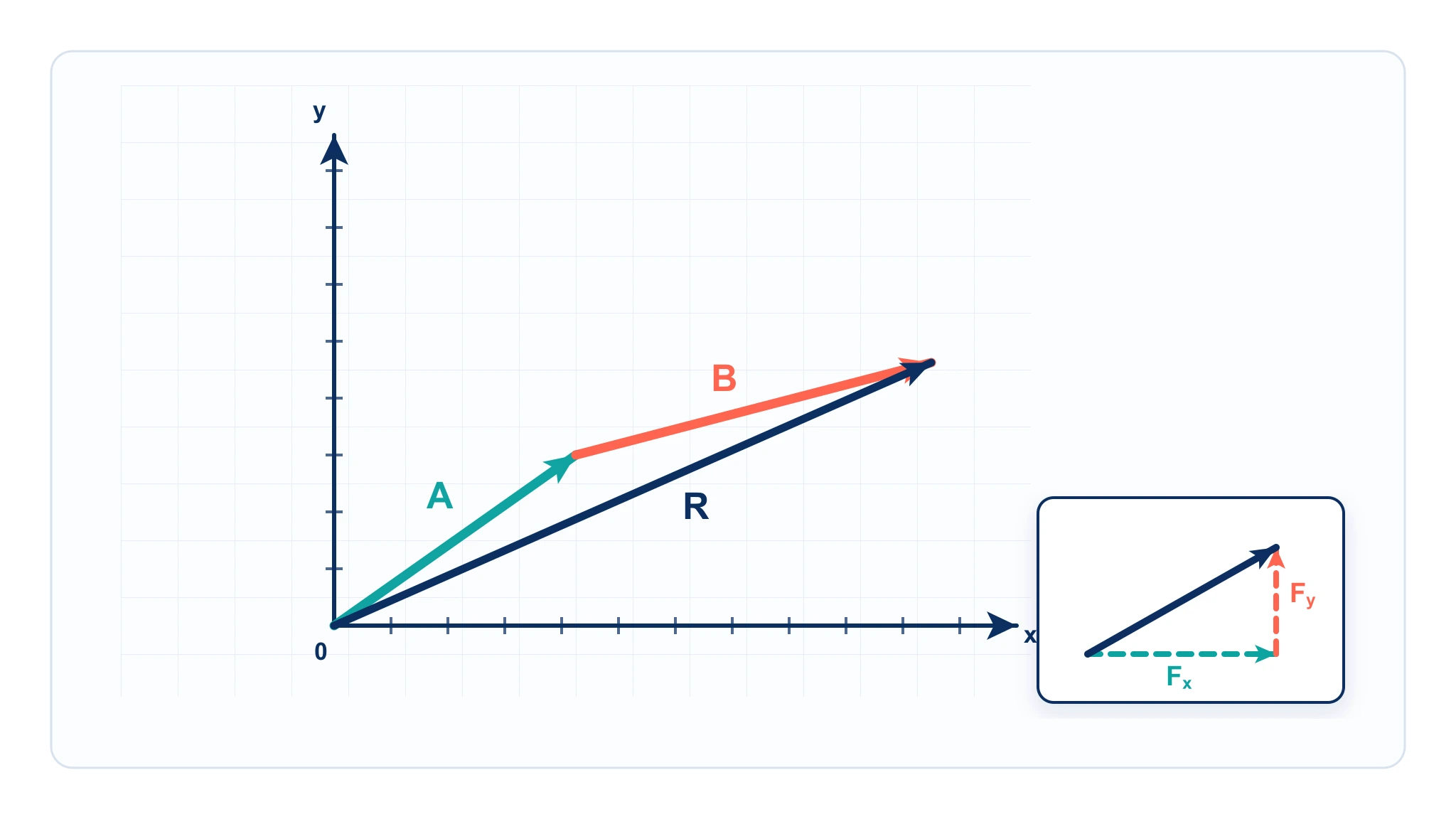
A vector diagram physics maker draws arrows that represent physical quantities with both magnitude and direction. Students and teachers use vector diagrams to resolve a vector into x and y components, add vectors graphically, estimate resultants, and check the direction of forces, velocities, displacements, and fields.

Why this tool uses precise SVG rendering

  • Vector diagrams are geometry models, so arrow length, angle, and components should match the input values.
  • The tool calculates x = magnitude cos(theta), y = magnitude sin(theta), and the resultant vector from the component sums.
  • It renders editable SVG directly in the browser instead of using an AI image model, so the same inputs always produce the same diagram.
  • SVG, PNG, and CSV export make the result useful for worksheets, lab reports, slide decks, and homework explanations.

What can you create?

  • Component diagrams for one or more angled vectors.
  • Head-to-tail vector addition diagrams with a resultant arrow.
  • Concurrent vector diagrams where all arrows start from the same origin.
  • Resultant force, displacement, velocity, and projectile component diagrams.

Vector diagram vs free body diagram

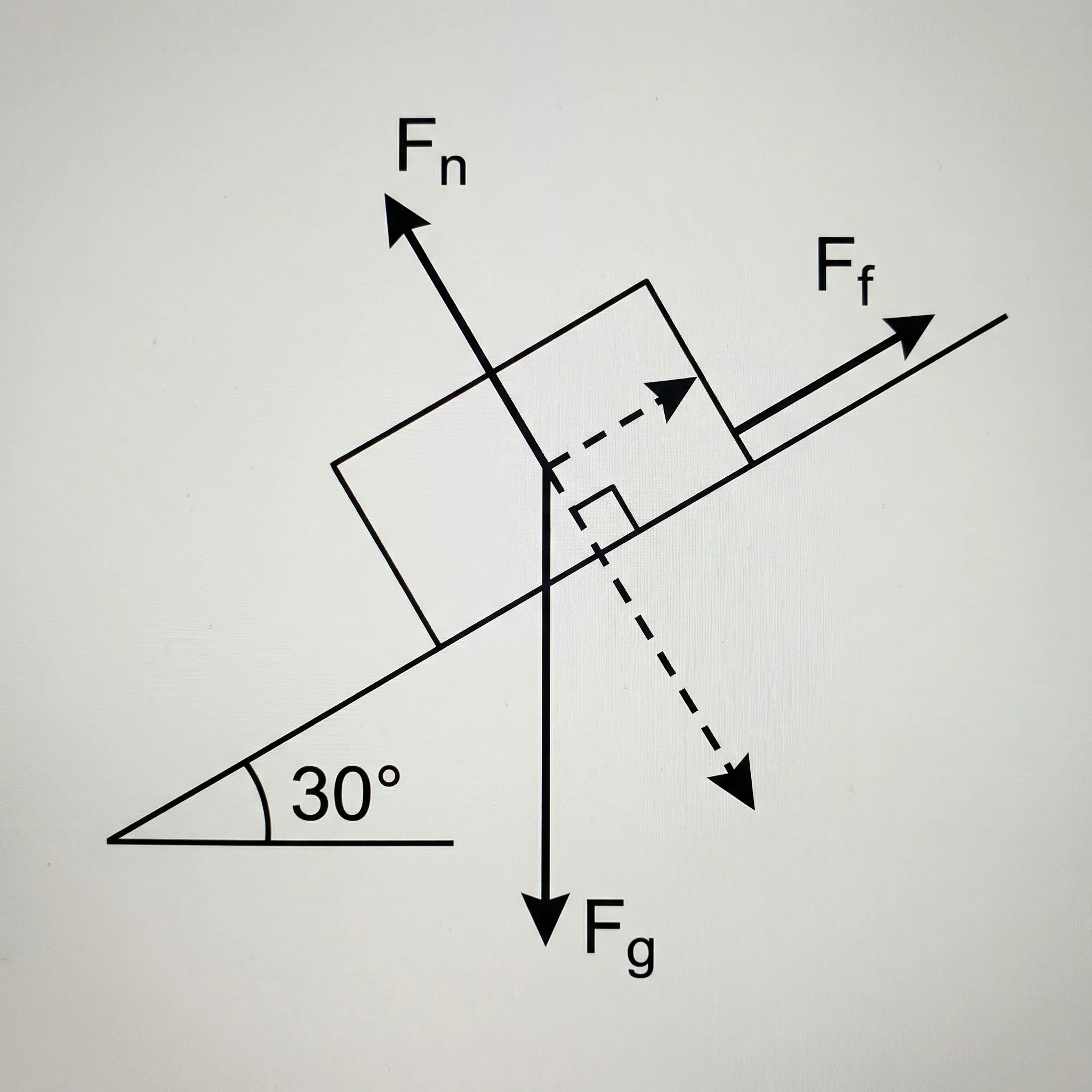
A vector diagram is a general tool for arrows, components, addition, and resultants. A free body diagram is more specific: it isolates one object and shows the external forces acting on that object. Use this page when the task is vector arithmetic or component resolution. Use the Free Body Diagram Generator when the task is force identification for a physical body.
How to draw a vector diagram

  • Enter each vector as label, magnitude, angle, and unit.
  • Choose Components to resolve vectors into x and y parts.
  • Choose Head-to-tail to place each vector at the tip of the previous vector.
  • Turn on the resultant arrow to show the net vector from the start point to the final point.
  • Export the diagram or the calculated component table when the result is ready.

Preguntas frecuentes

Related Physics Tools

Free Body Diagram GeneratorPhysics

Free Body Diagram Generator

Create force diagrams with labeled weight, normal force, friction, tension, and applied force vectors.
Pruébalo gratis
Motion Diagram Physics MakerPhysics

Motion Diagram Physics Maker

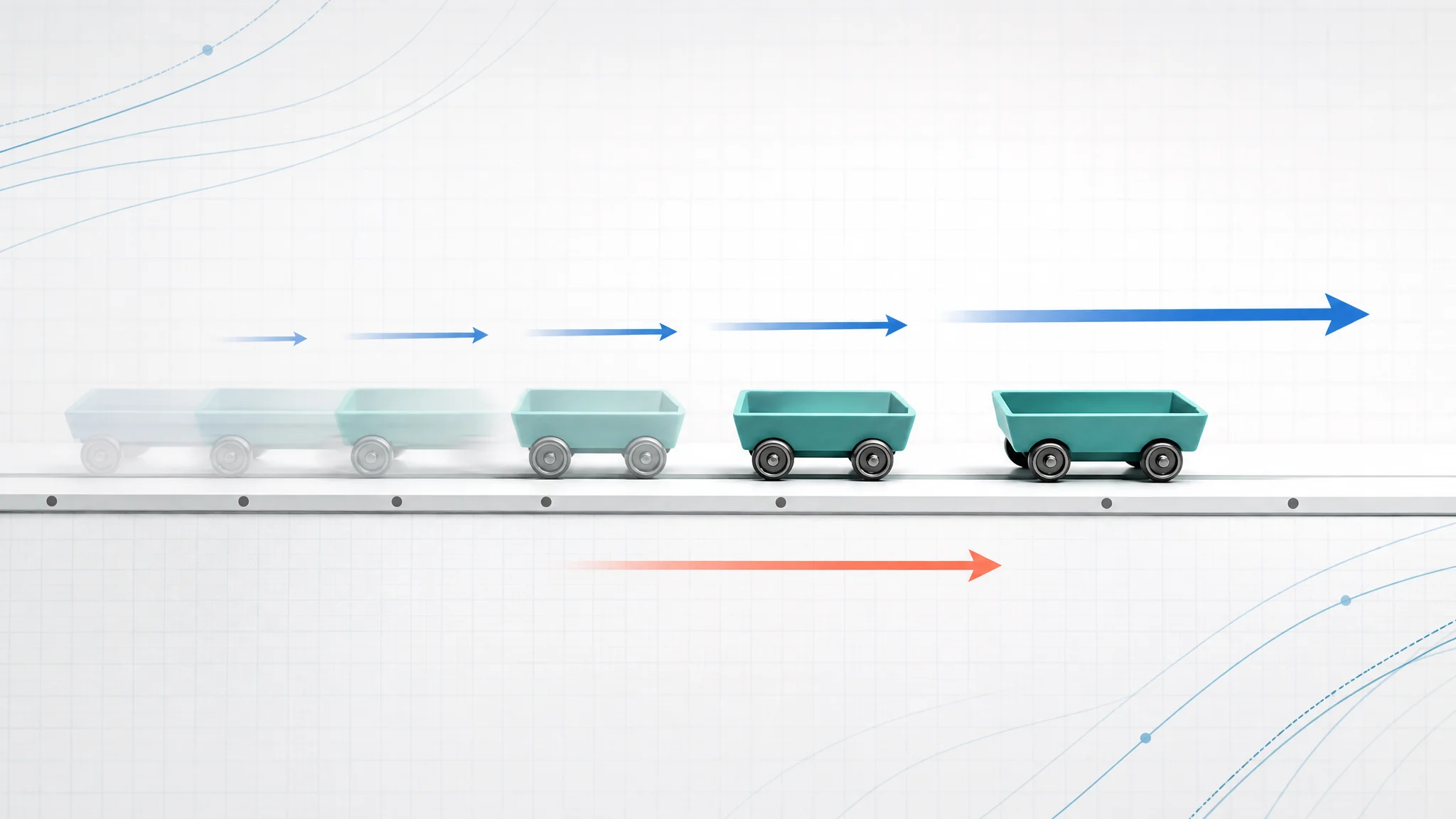
Create motion diagrams with position dots, velocity arrows, acceleration arrows, and CSV export.
Pruébalo gratis
Vector Diagram Physics GuidePhysics

Vector Diagram Physics Guide

Learn how to draw vectors, components, head-to-tail diagrams, and resultant arrows.

Pruébalo gratis
Ver todas las herramientas gratuitas
Concept Viz logo
ConceptViz

Turn your science ideas into clear diagrams effortlessly.

contact [at] conceptviz.app
Producto
  • Precios
  • API
  • Blog
  • FAQ
  • Ejemplos
Empresa
  • Acerca de
  • Contacto
Legal
  • Licencia
  • Términos
  • Privacidad
  • Cookies
  • Reembolsos
Comunidad
  • Historial de Cambios
  • Programa Educativo
Herramientas Gratuitas
  • Diagrama de Célula Animal
  • Diagrama de Célula Vegetal
  • Célula Animal vs Vegetal
  • Diagrama del Ciclo del Agua
  • Páginas para Colorear de Ciencia Navideña
  • Más Herramientas →
© 2026 ConceptViz. All rights reserved.